The interface is the speed limit, not the drive
People buy a fast NVMe drive, put it in the cheapest enclosure available and then wonder why it benchmarks like a memory stick. The bottleneck is the USB link. A 5 Gbps enclosure tops out somewhere near 400 to 450 MB/s of real throughput, a 10 Gbps one near 1,000, and only 20 Gbps and Thunderbolt enclosures get close to what a modern drive can actually do.
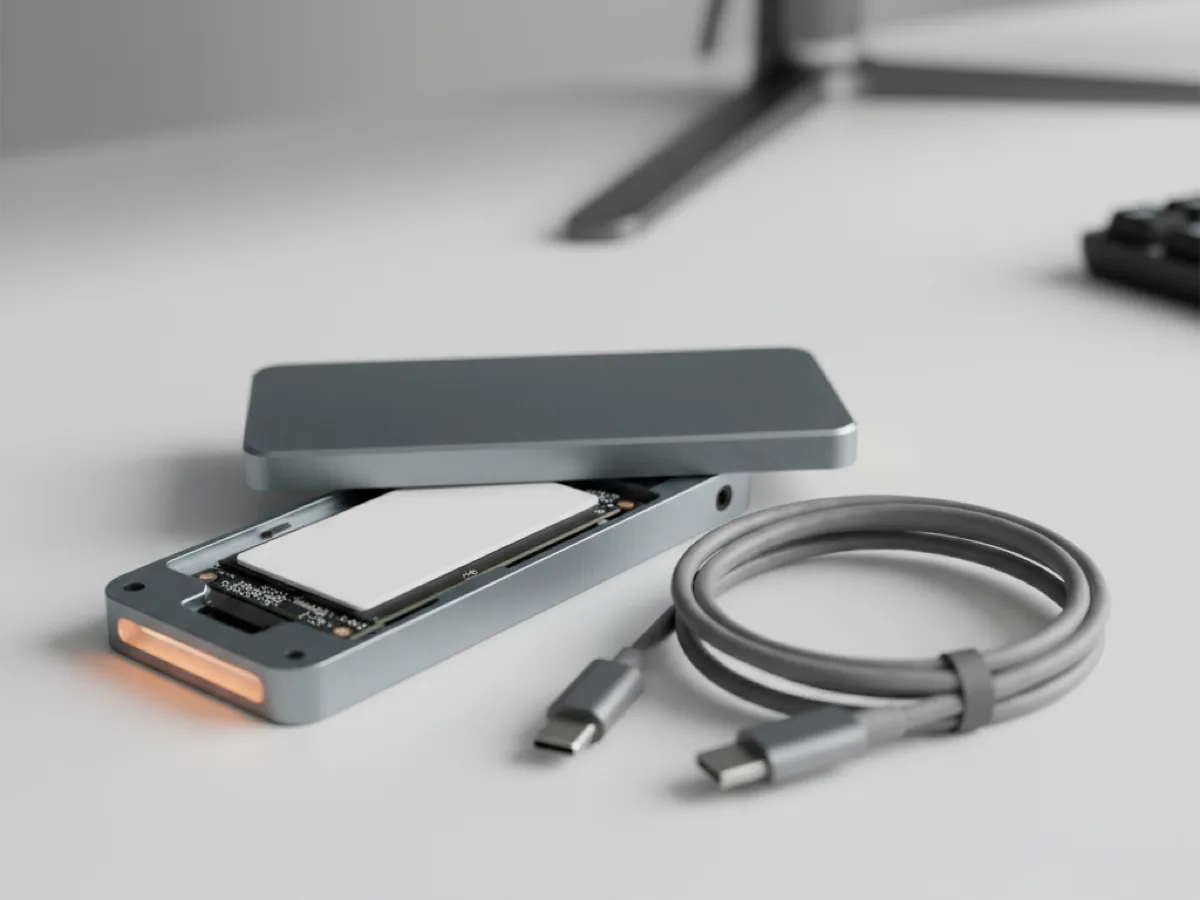
Match the enclosure to what you need rather than to the drive. For backups and file transfer, 10 Gbps is plenty and costs little. For editing video off the drive or running a system from it, the faster interfaces earn their money. And the cable matters: a USB-C cable that came with a phone charger may be USB 2.0 wiring, which will cripple any enclosure regardless of its rating.
| Interface | Rated | Realistic sustained | Good for |
|---|---|---|---|
| USB 3.2 Gen 1 | 5 Gbps | Around 400 to 450 MB/s | Backups, documents, general storage |
| USB 3.2 Gen 2 | 10 Gbps | Around 1,000 MB/s | The sensible default for NVMe |
| USB 3.2 Gen 2x2 | 20 Gbps | Around 2,000 MB/s | Large media transfers |
| Thunderbolt / USB4 | 40 Gbps | Highest available | Editing directly off the drive |
M.2 NVMe and M.2 SATA are not the same drive
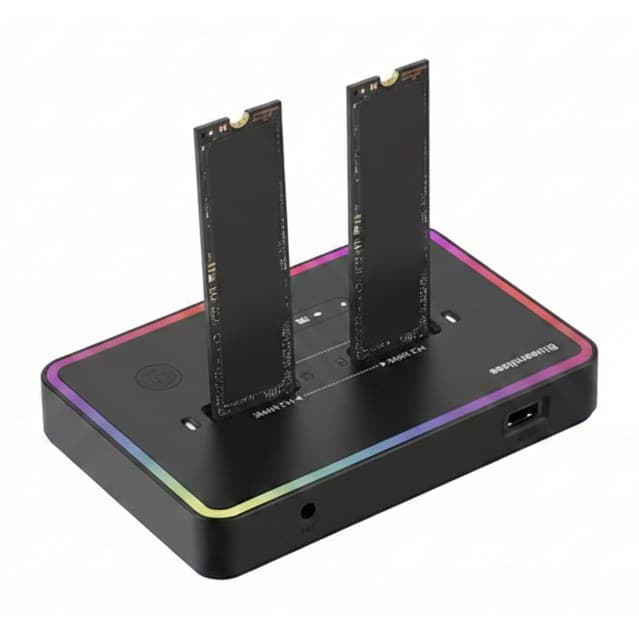
Both are the same physical stick and both fit an M.2 slot, but they speak different protocols. NVMe runs over PCIe and is the fast one; M.2 SATA runs the old SATA protocol at SATA speeds. The keying notches on the connector differ, which is the physical clue, and an enclosure built for one will often not work with the other at all.
Dual-protocol enclosures accept either and detect which is present, and unless you are certain what you are fitting, that is the safer purchase. It costs a little more and removes the most common reason these things get returned.
Heat is the reason cheap enclosures disappoint
A fast NVMe drive under sustained load produces real heat, and inside a sealed plastic box it has nowhere to go. What happens next is thermal throttling: the drive protects itself by slowing down, so a transfer starts at full speed and collapses part way through a large file. The benchmark looks fine and the actual job is slow.
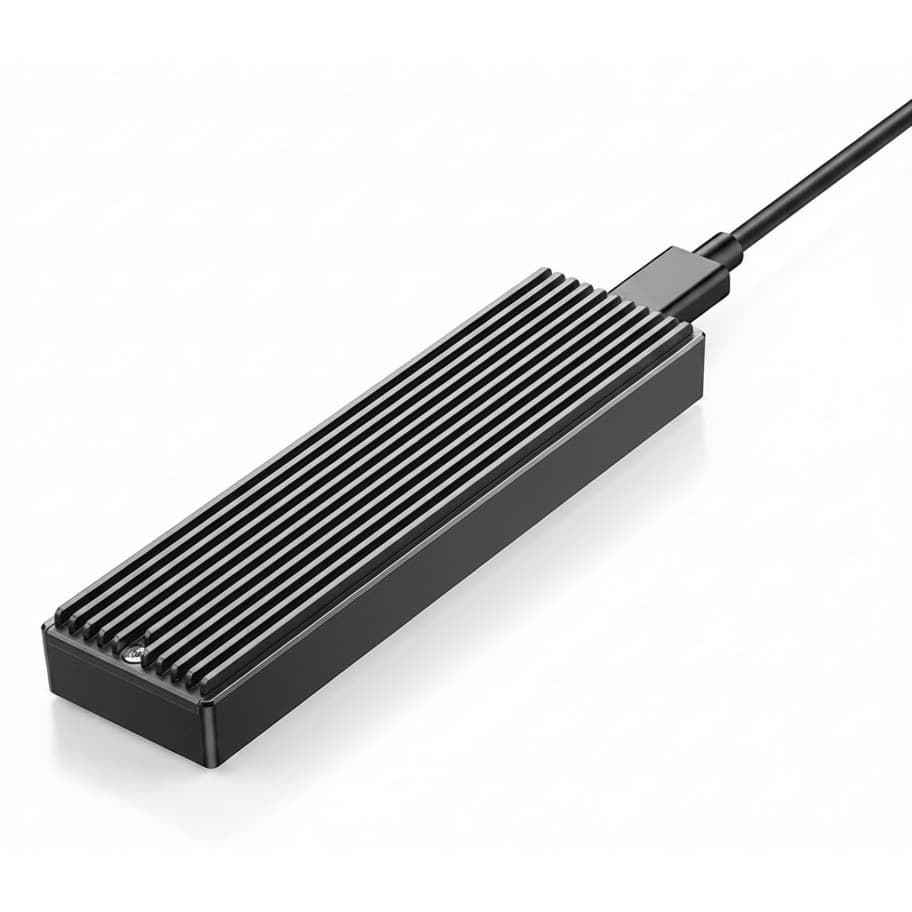
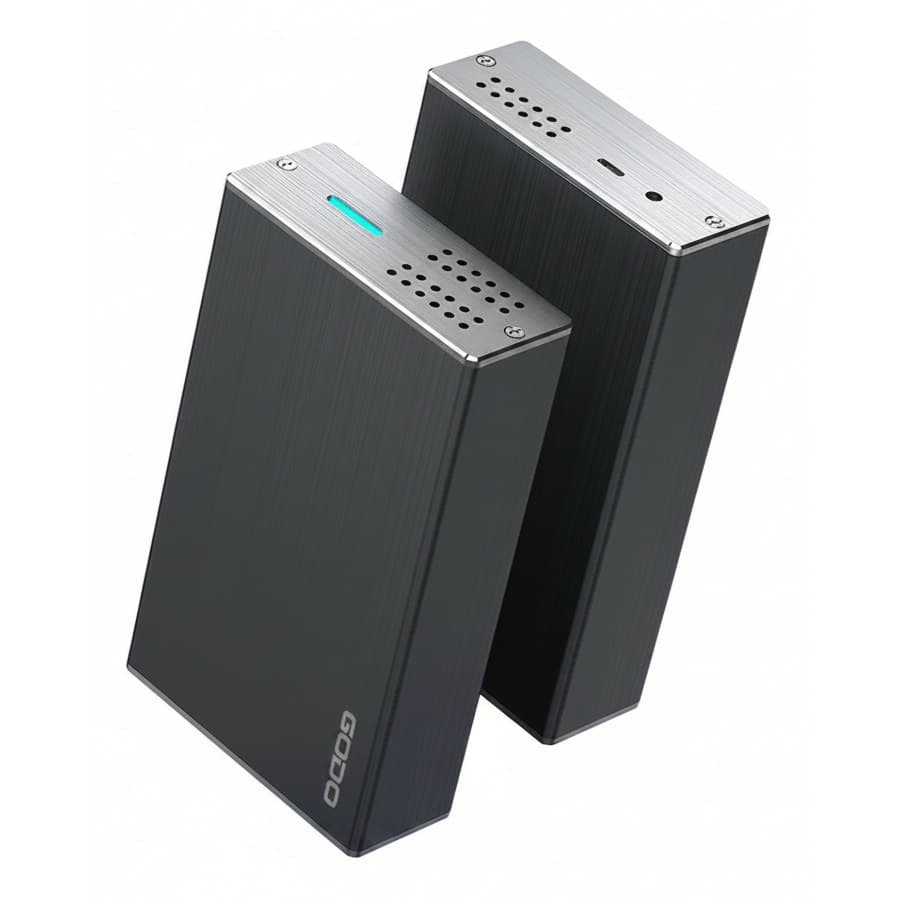
An aluminium body is not styling, it is the heatsink. Look for a thermal pad between the drive and the case, and for a body with fins or real mass. For a drive that is plugged in occasionally this matters little; for one that moves large files regularly it is the difference between rated speed and half of it.
Docking stations, caddies and offline cloning
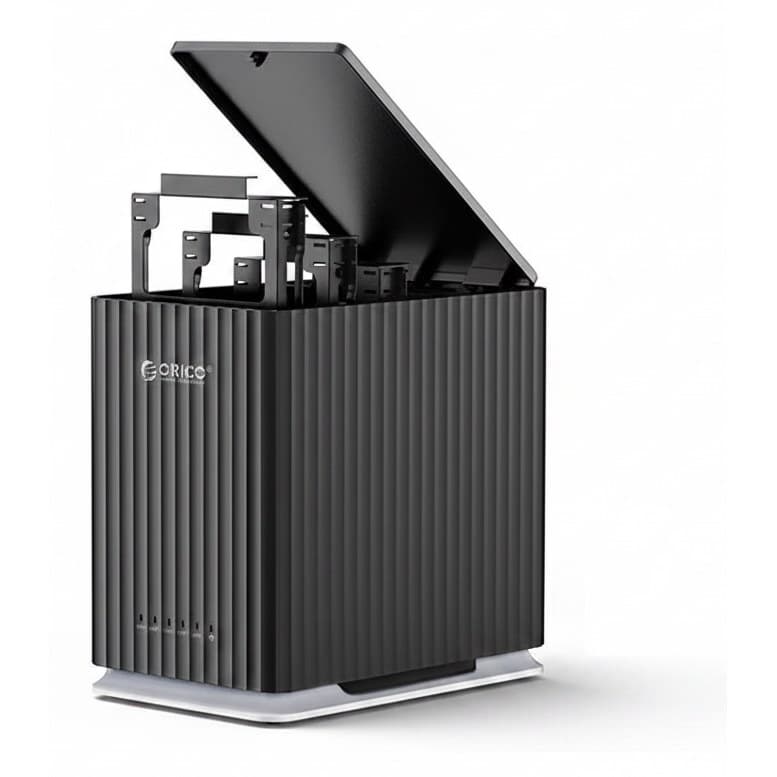
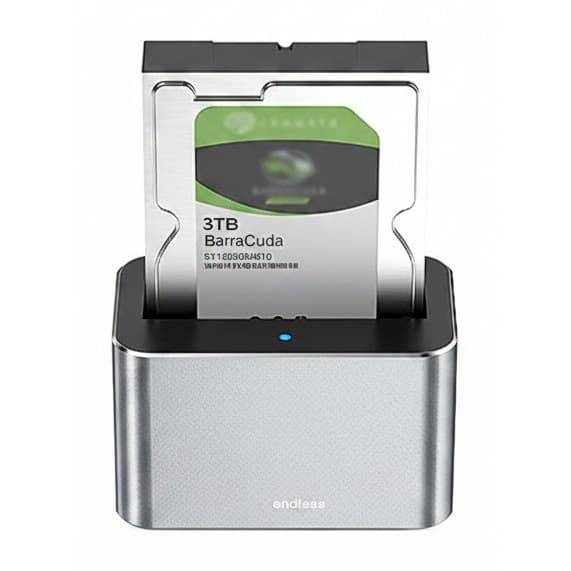
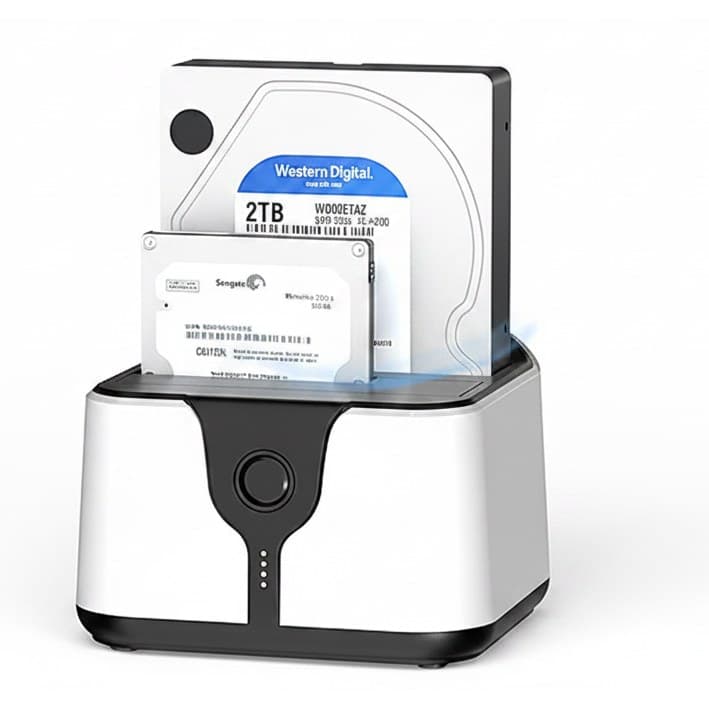
A docking station is the open-topped alternative: bare drives slot in from above without tools. It is the right tool for handling many drives, for recovering data from old disks, and for anyone who keeps a shelf of 3.5 inch drives as cold storage. What it is not is portable or protective, since the drive sits exposed.
Offline cloning is the feature worth understanding. Two-bay docks with a clone button copy one drive to another sector by sector with no computer involved. It is genuinely useful for duplicating a disk, and it has one trap: the target must be at least as large as the source, and everything on the target is destroyed without a confirmation prompt. Check which bay is which before pressing it.