
Rack units, depth and what actually fits
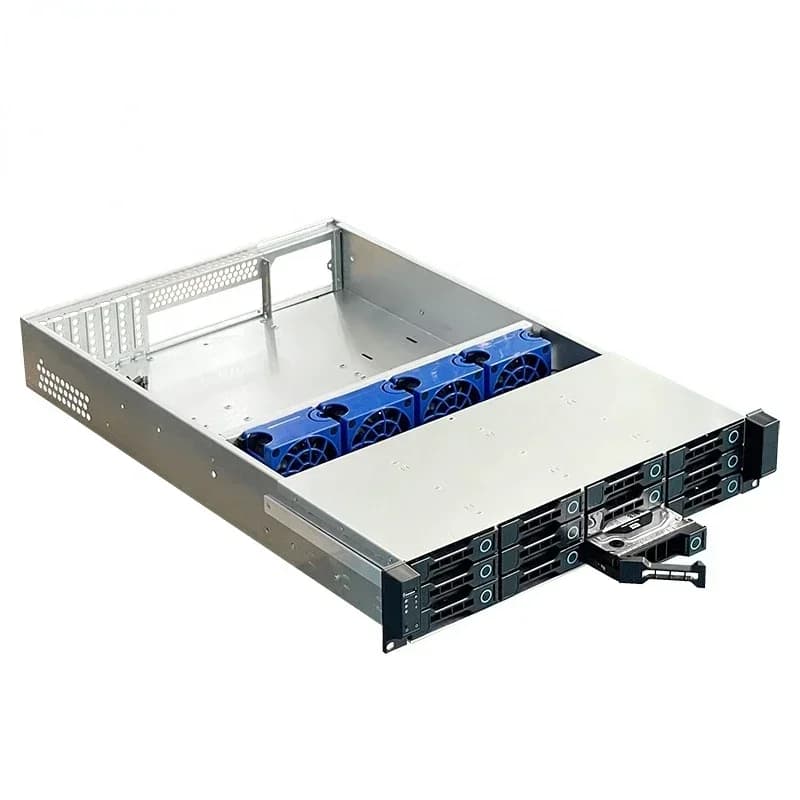
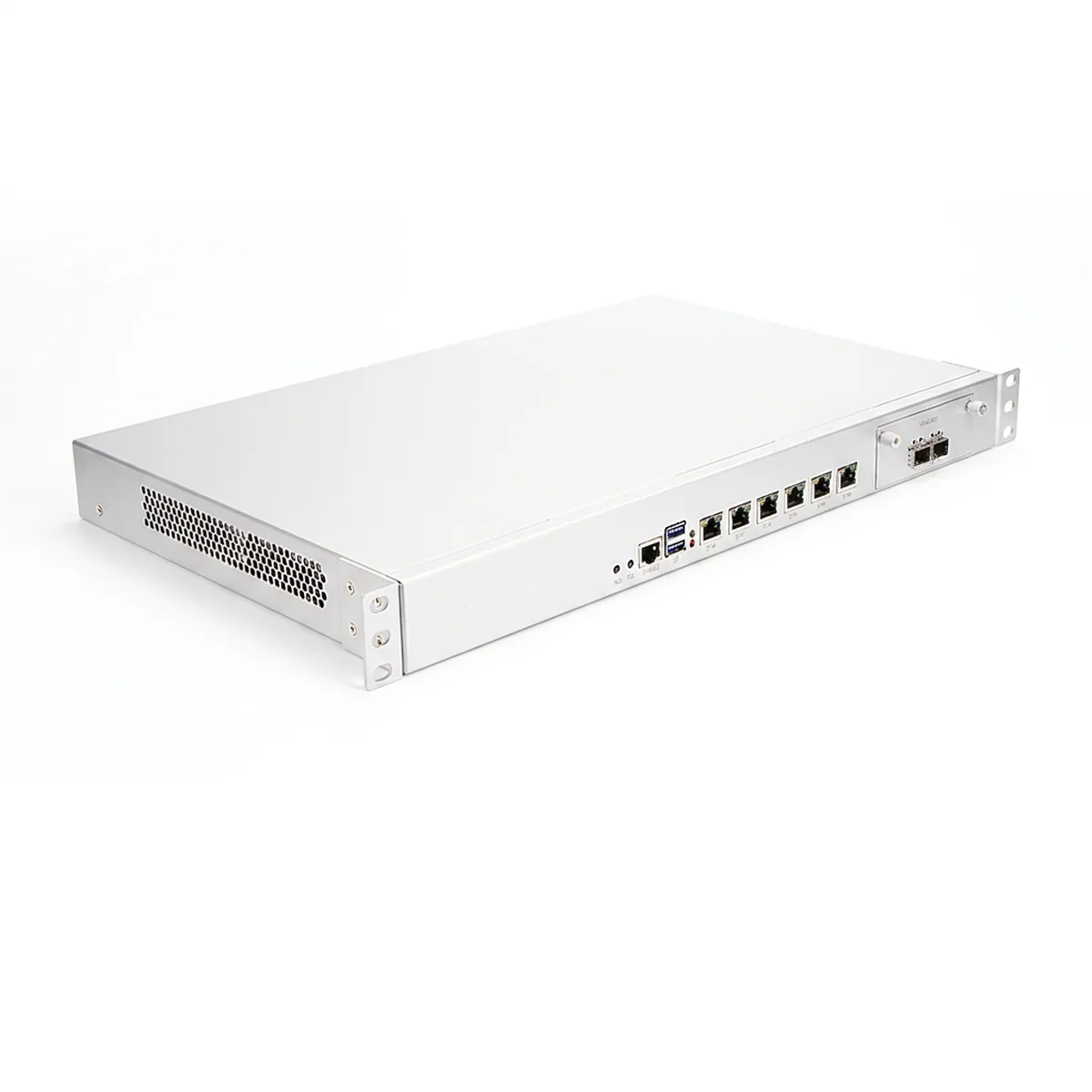
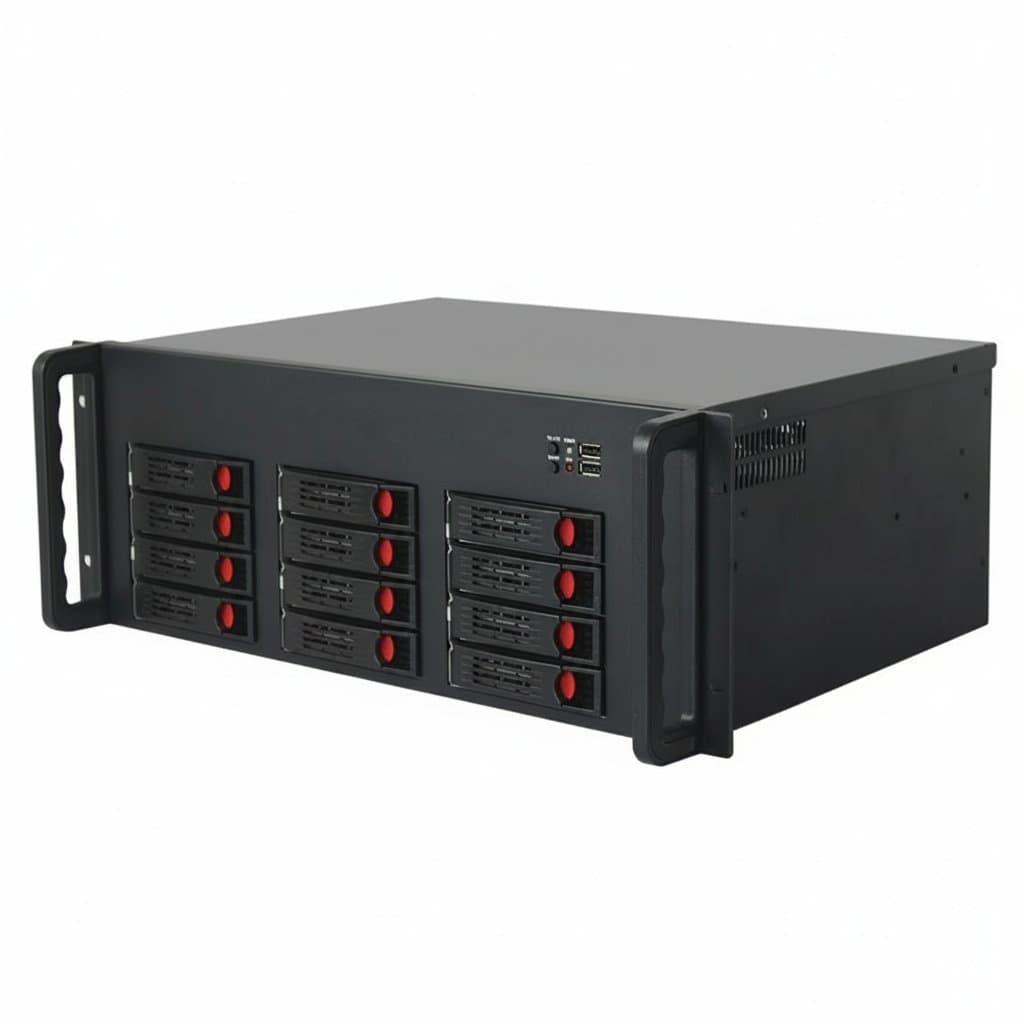
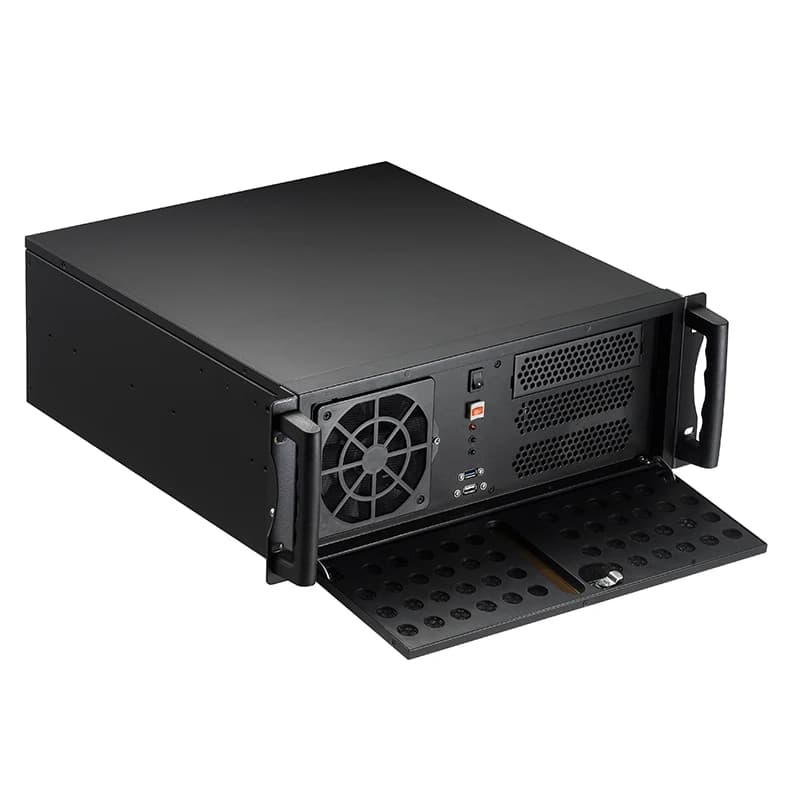
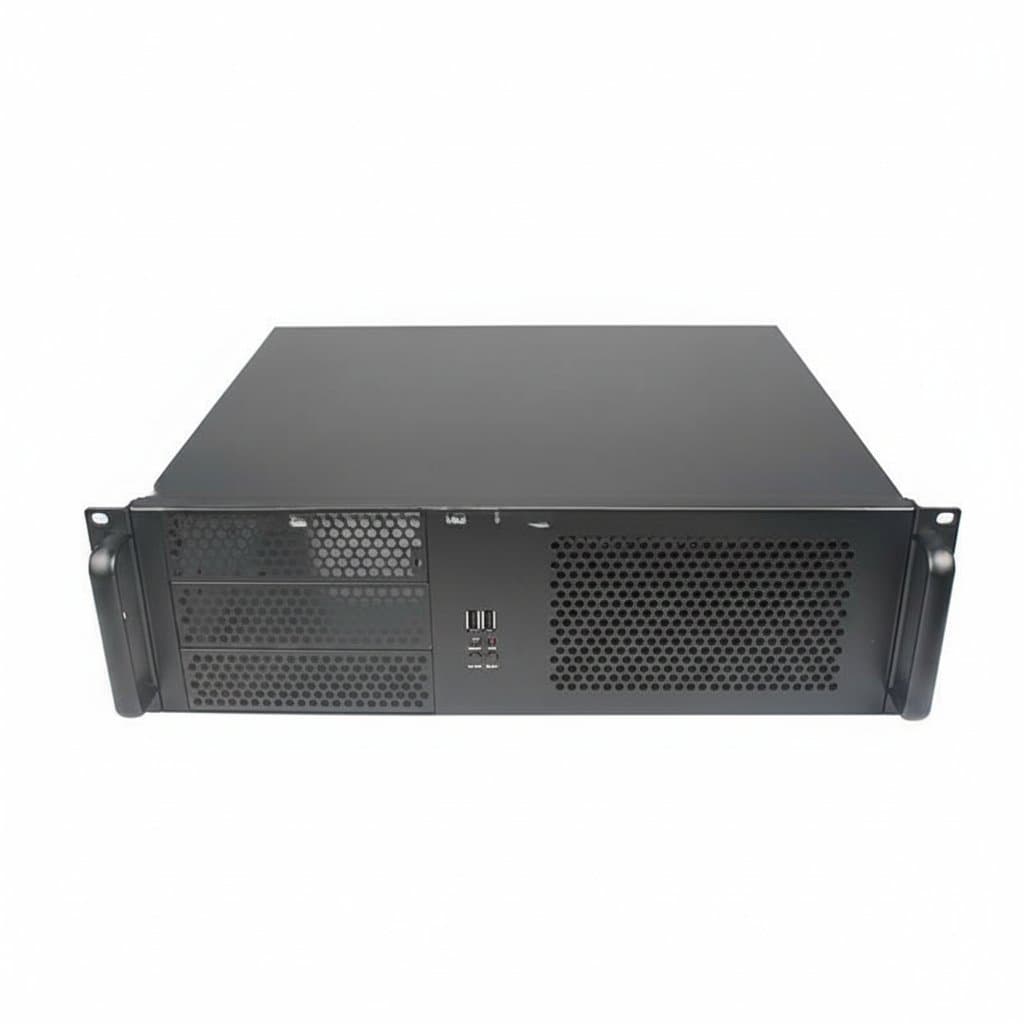
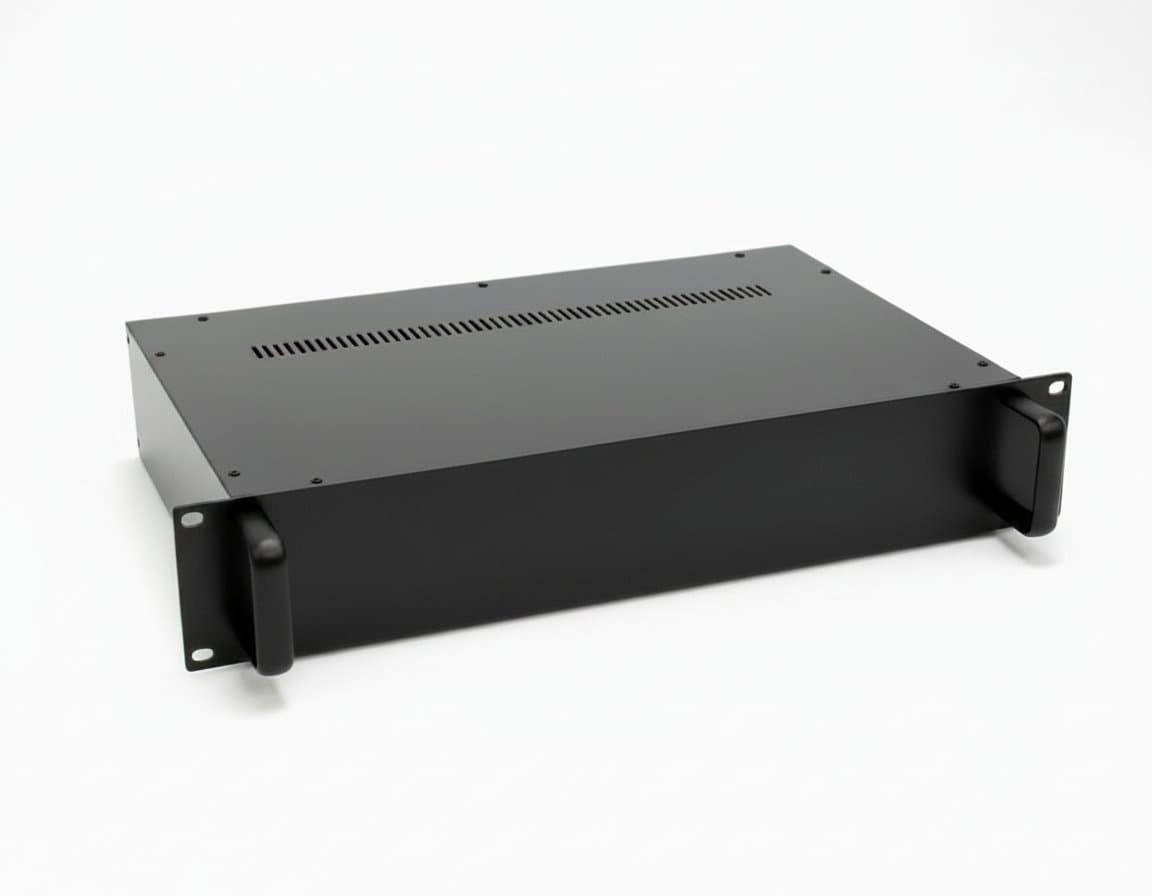
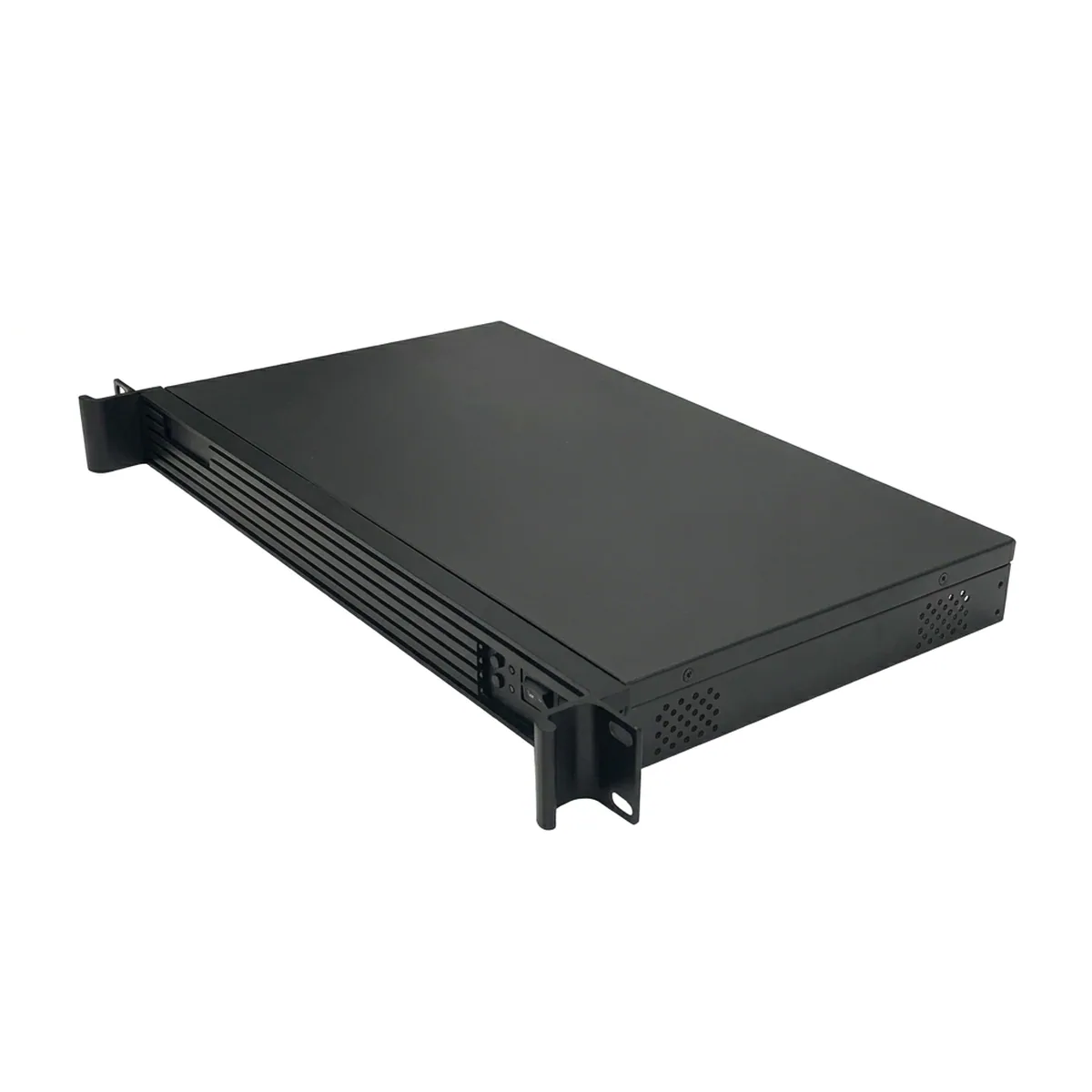
Height is quoted in rack units, and one U is 44.45 mm. A 1U chassis is dense and loud because 40 mm fans have to move a lot of air fast. 2U is the usual compromise. 4U gives room for tower coolers, full-height cards and a lot of drives, at the cost of four times the rack space.
Depth is the specification people get wrong. A 650 mm chassis will not go in a 600 mm cabinet, and even where it fits the rails, the rear cable arms and power leads need another 100 mm or so behind it. Measure the cabinet, not the marketing description, and remember the front door has to close.
| Height | Room for | Trade-off |
|---|---|---|
| 1U | Low-profile cards, slim coolers, few drives | Small fast fans, genuinely loud |
| 2U | Most standard builds, moderate drive counts | The usual sensible default |
| 3U to 4U | Tower coolers, full-height GPUs, many drives | Uses four times the rack space of 1U |
| Tower NAS case | Lots of drives, quiet operation | Does not rack at all |
Drive bays, hot-swap and backplanes
A hot-swap bay is a caddy that slides into a backplane, so a failed drive is replaced without opening the case or powering down. That is the entire point of buying one, and it only delivers if the rest of the system supports it: the controller and the array have to tolerate a drive disappearing and a new one arriving.
Check what the backplane actually is. A passive SATA backplane simply routes one cable per drive and needs as many ports as bays. An expander backplane multiplexes many drives onto fewer host ports, which is what makes 24-bay chassis practical, but it needs a compatible controller. Counting bays without checking the backplane is how people end up with drives they cannot connect.
Motherboard and power supply fit
Motherboard support is stated as form factor, and the useful check is not just whether the board bolts in but whether the rear IO cut-out and the card slots line up. A chassis that takes ATX will take mATX and mini-ITX; one built for mATX will not take ATX however much space appears to be free.
Power supply fit matters more in short chassis. Deep 4U cases usually take an ordinary ATX unit. Slim and short chassis often need a specific server format, and redundant supplies are a different mounting again. Check the stated PSU type before assuming a spare desktop unit will do, because the mounting, the depth and the cable lengths all differ.
Airflow is designed, not accidental
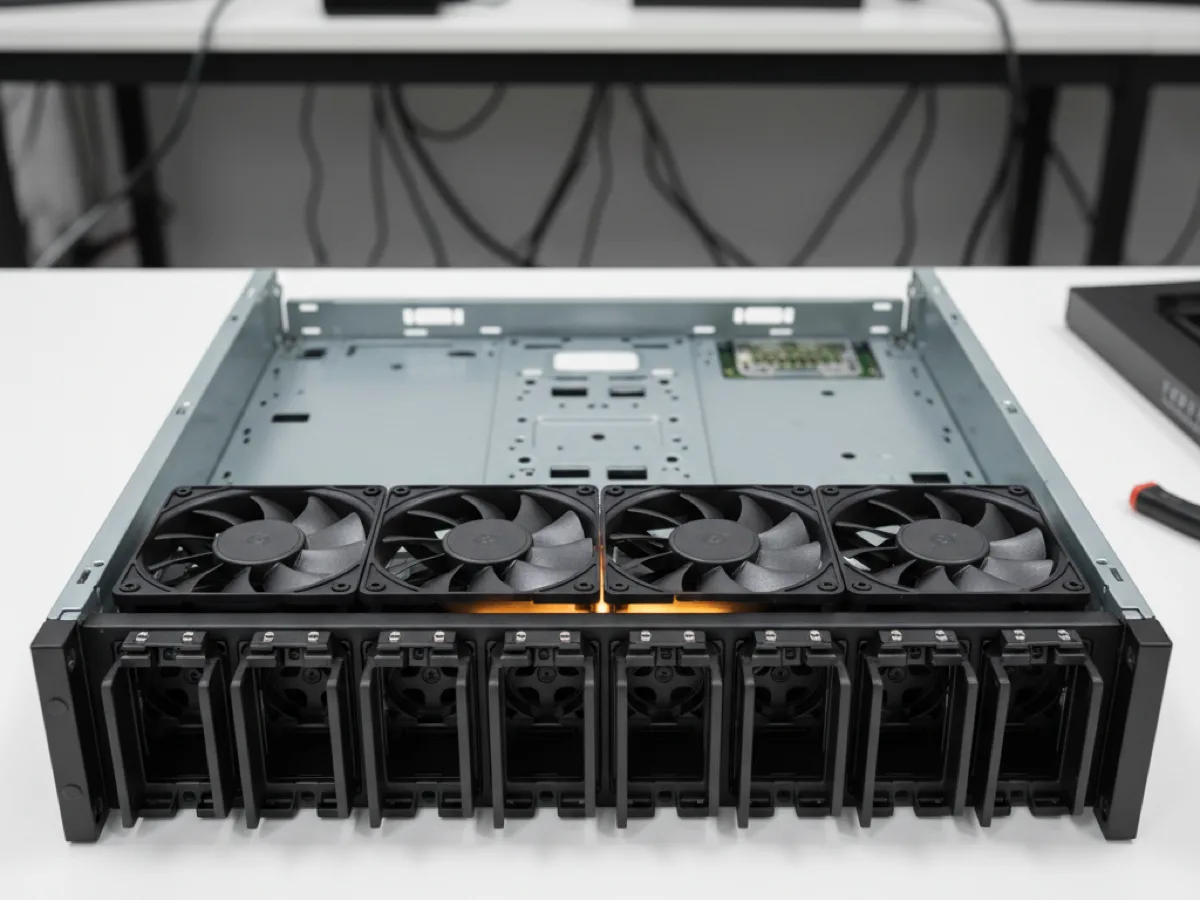
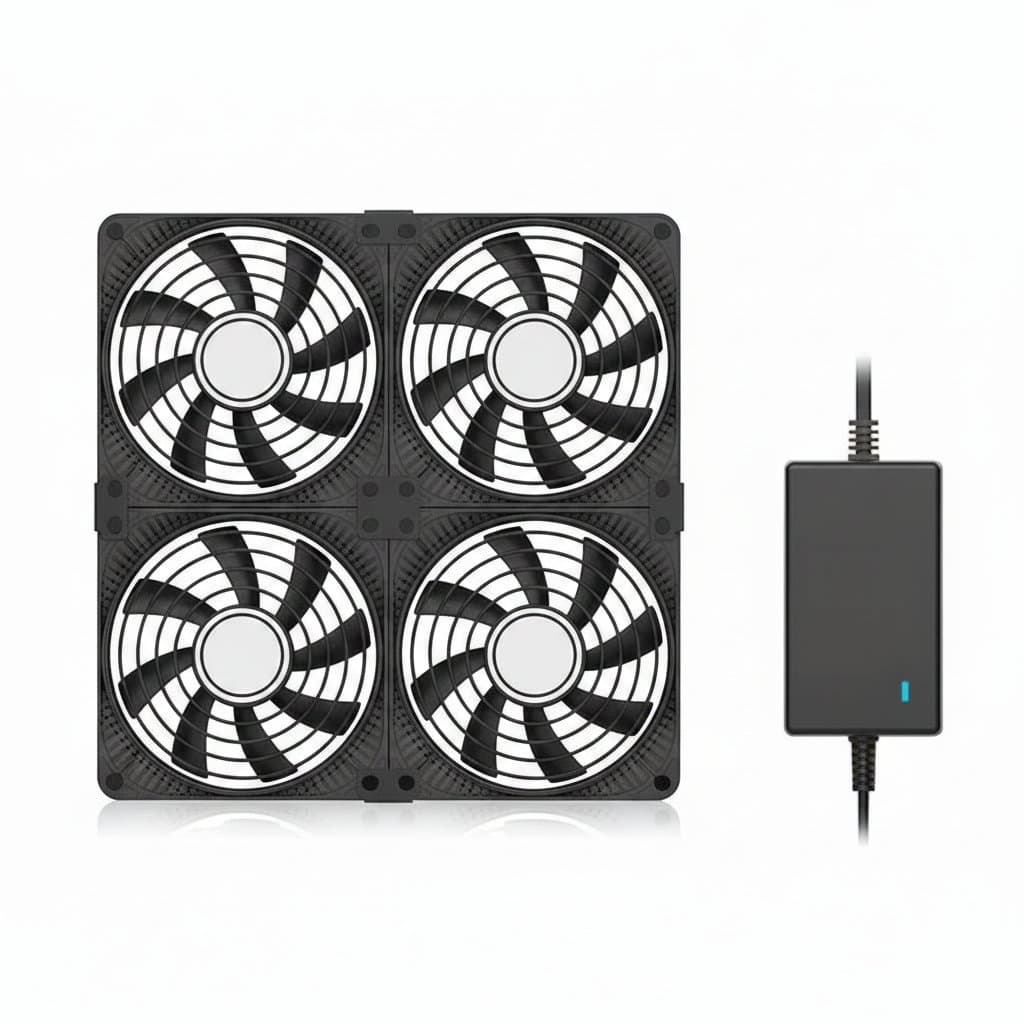
A rackmount chassis is built around front-to-back airflow: cold air in at the front through the drives, out at the back past the board. The fan wall in the middle is what makes that happen, and leaving it half populated or removing fans to reduce noise breaks the pattern rather than simply making things a little warmer.
Drives are the part that suffers first, because they sit in the incoming air and a stalled fan behind a full drive cage cooks the whole column. If noise is the problem, the answer is a taller chassis with larger slower fans rather than fewer fans in a small one. Blanking plates over unused bays keep the air going through the drives instead of around them.