
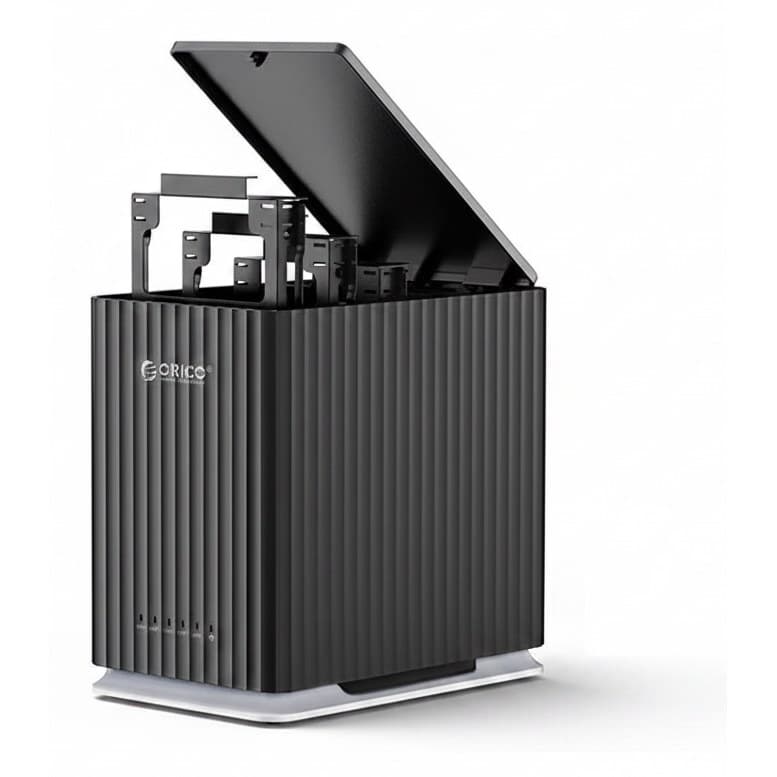
Drive Docking Stations
5-Bay Hard Drive Docking Station | USB-C 3.0 | For 2.5/3.5 SATA Drives
TBS-06683STAT-00008
£465.99
8 products available
Compel supplies drive docking stations designed for IT technicians, system integrators, and industrial test benches. These units give technicians direct, top-loading access to bare drives for bench diagnostics, system image deployment, data salvage, and routine backups. Rather than opening machine chassis or mounting internal brackets, a dedicated hard drive dock lets you mount, read, and swap media directly over high-speed host connections.
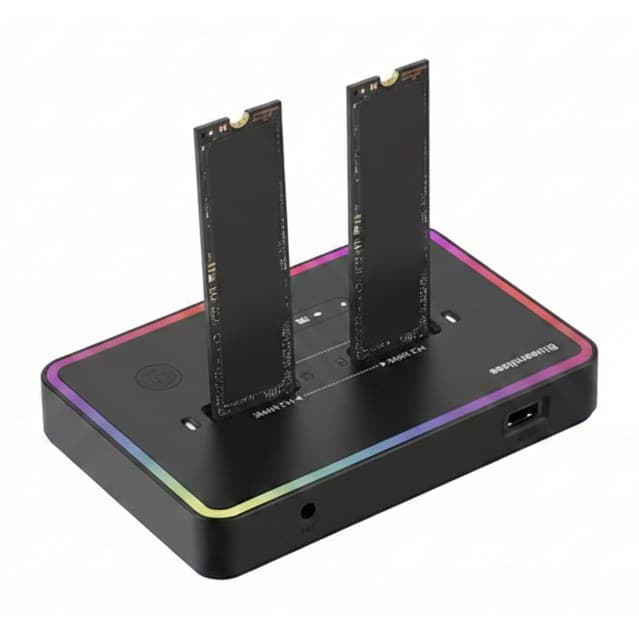
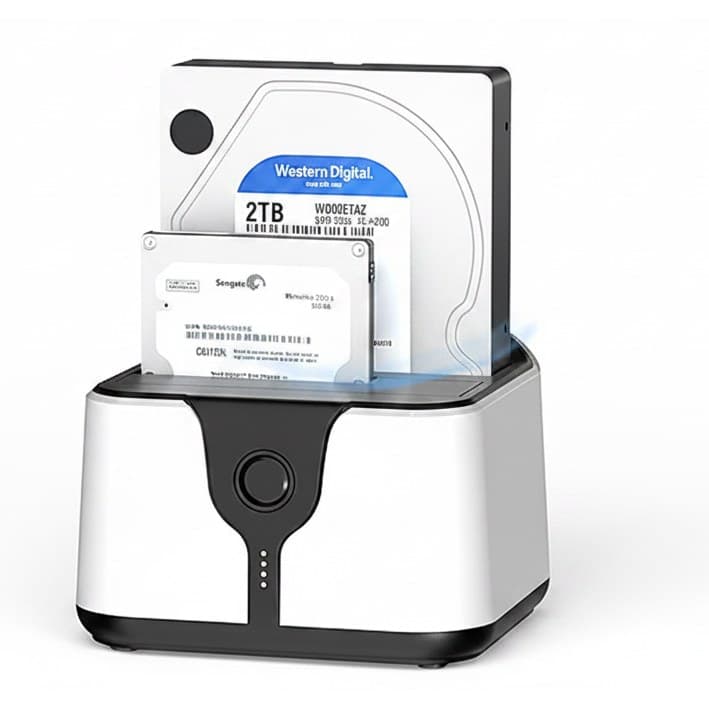
Our inventory spans compact dual bay docking station configurations up to 5-bay DAS extension storage arrays. Whether servicing legacy plant machinery or provisioning field laptops, select from an hdd docking station supporting IDE and SATA, an ssd docking station for PCIe NVMe blades, or a standalone hard drive cloner with hardware offline mirroring. Compel backs facility maintenance and commercial computing with reliable inventory and rapid international dispatch.
8 products in Drive Docking Stations
Drive Docking Stations

Drive Docking Stations
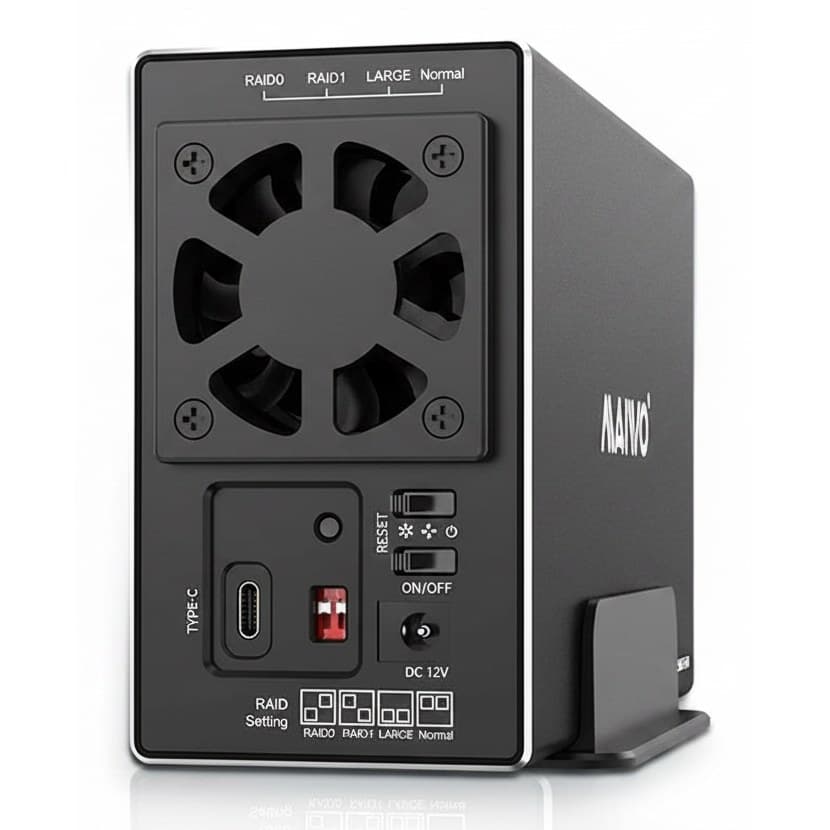
Drive Docking Stations
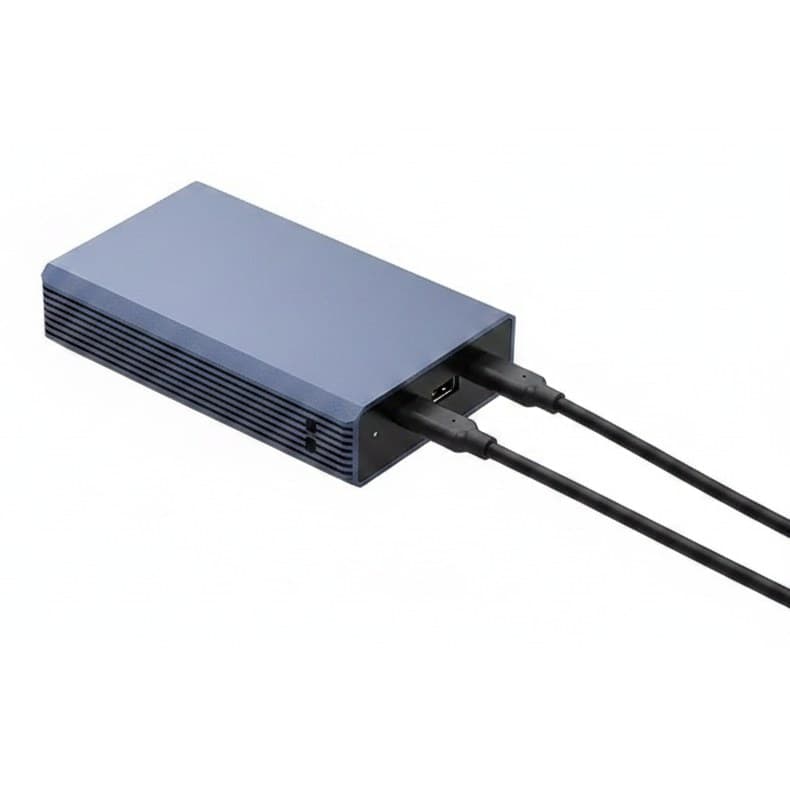
Drive Docking Stations
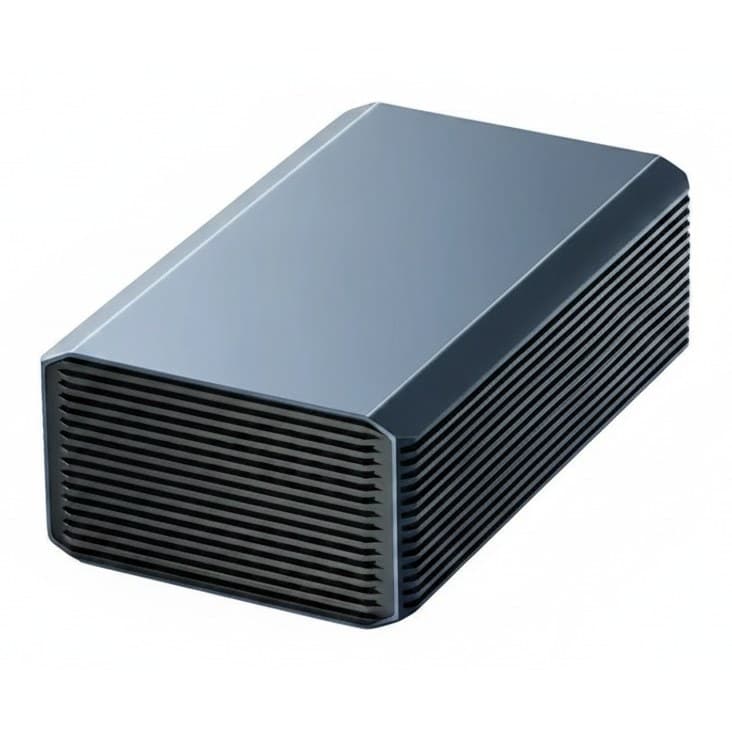
Drive Docking Stations
Drive Docking Stations
Drive Docking Stations
Drive Docking Stations
Host bus bandwidth dictates how fast your bench can transfer disk images or complete volume verifications. Standard USB 3.0 links provide plenty of bandwidth for mechanical disks, but multi-drive arrays and fast flash media require higher throughput to avoid transmission bottlenecks.
For high-speed environments, select a sata docking station equipped with USB Type-C running at 10Gbps or a SATA to USB 3.1 Type-C controller. When working with older automation hardware, confirm backwards interface compatibility with SATA 1.0, SATA 2.0, SATA 3.0, or legacy 40-pin IDE drives.
Physical bay sizing must match the media rotating through your service bay. Multi-format docking bays support both 2.5 inch SATA HDD/SSD and 3.5 inch SATA HDD media in a single top-loading slot. M.2 platforms require specialized edge connectors that accommodate both PCIe NVMe and SATA protocols.
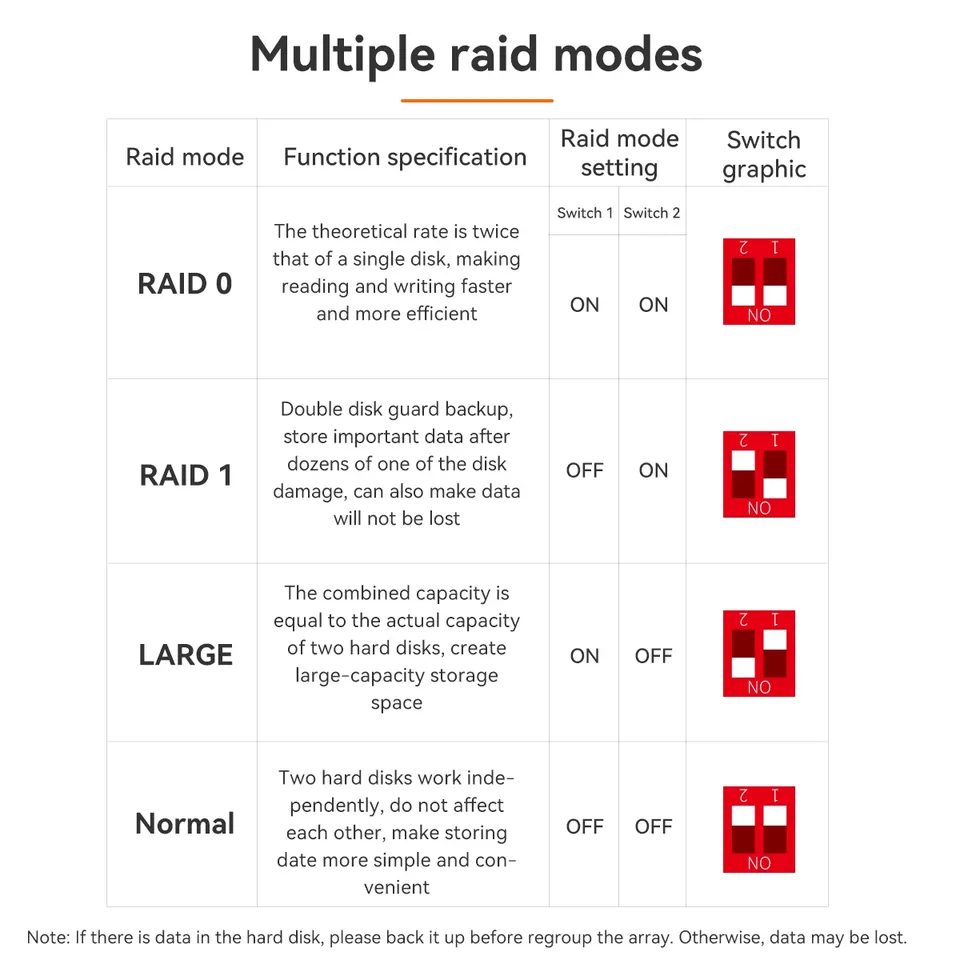
Capacity thresholds vary significantly by controller type. Compact tool-free 2-bay units frequently support 2 x 8 TB configurations, while dual-bay enclosures handle up to 44 TB or 60 TB maximum volumes. Workstations needing local fault tolerance should use a dual bay hard drive docking station equipped with onboard RAID 0/1 controller modes.
Technicians deploying operating system master images or running forensic duplications benefit from an autonomous hard drive cloner. Standard docks require an active host computer to manage file structures, which exposes drives to OS-level mounting errors or unwanted virus execution.
Units built with an Offline Clone function operate independently of a host PC. Placing the master drive into the source bay and target media into the destination bay allows one-touch, sector-by-sector duplication. This approach simplifies repetitive drive provisioning in field service and assembly lines.
Buying guide
We use cookies. Some keep the store working, others show us what to fix. No third-party trackers, and we never sell your data. Learn more about cookies and your privacy