Compel Groupgroup

USB and Battery Soldering Irons

Author: James Whitfield, Equipment Desk6 min read
Updated

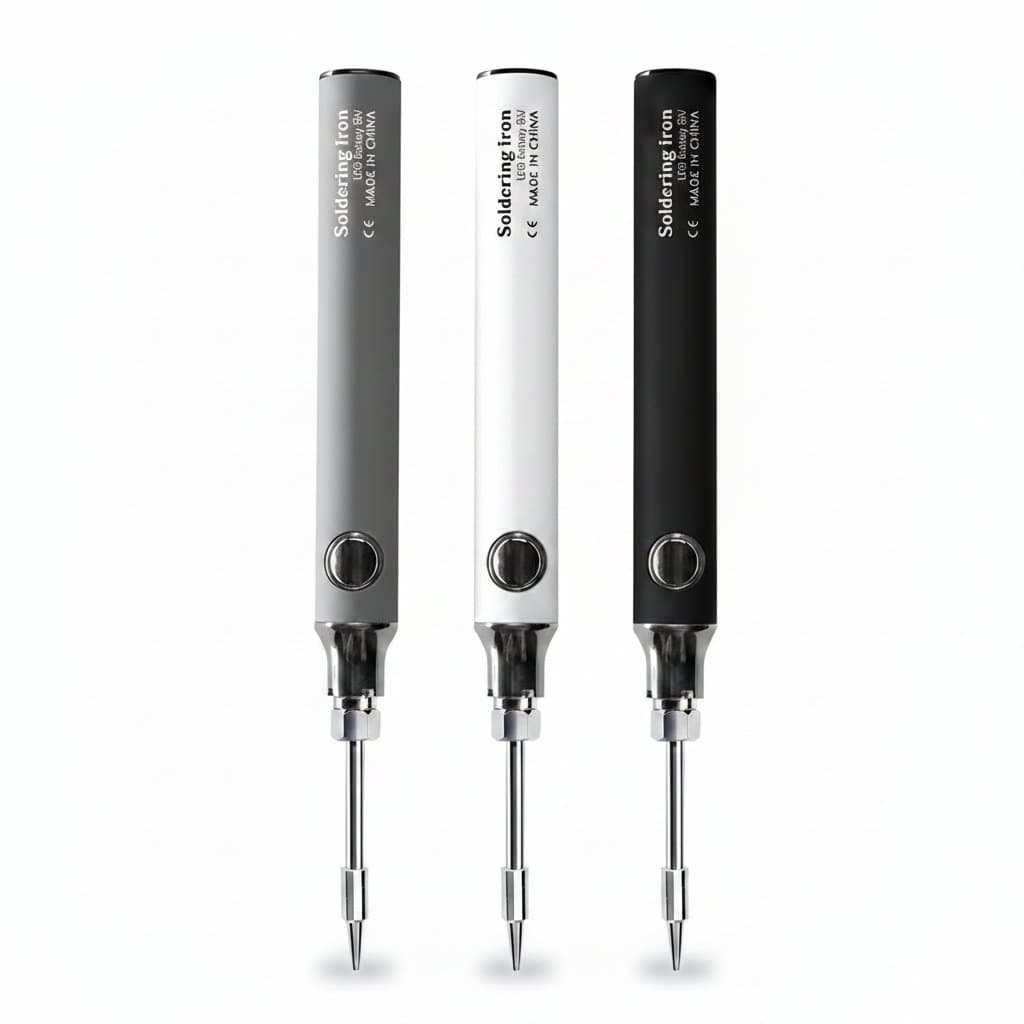
A USB or battery soldering iron trades bench power for the ability to work anywhere. The number that decides what it can actually do is the power it can draw, and that is set by what it is plugged into: an ordinary 5 V USB port caps you at around eight watts, while a USB-C Power Delivery supply can feed sixty watts or more into the same iron.

12 products from £59.99 to £243.99

Specs and prices

Specifications as declared by the seller of each listing, not our own measurements. Prices update with the catalogue.

ProductPricePower SourceProduct TypeTemperature ControlHeating Element TypeTemperature Range
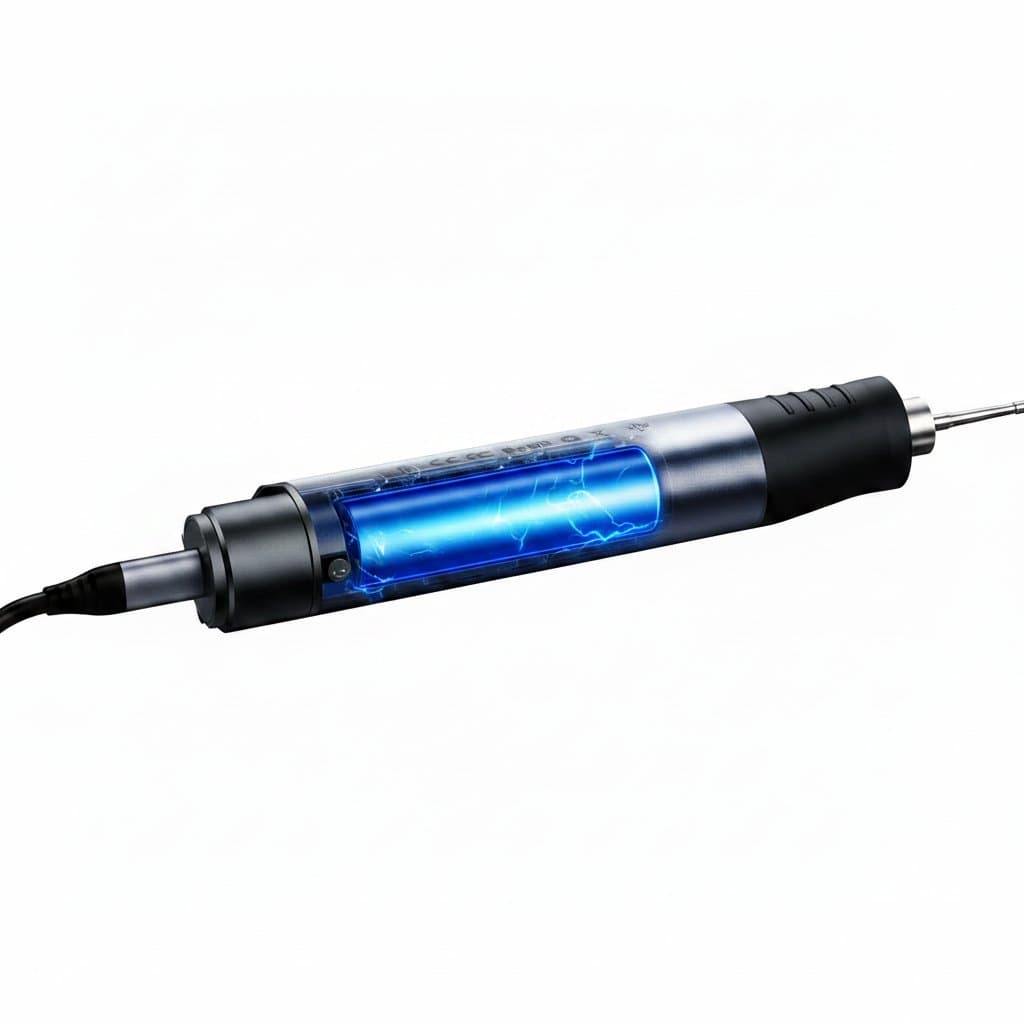
Rechargeable wireless soldering iron, portable and heats up to 450°C.Wireless Soldering Iron£243.99Rechargeable BatterySoldering Iron-Ceramic100-450 °C
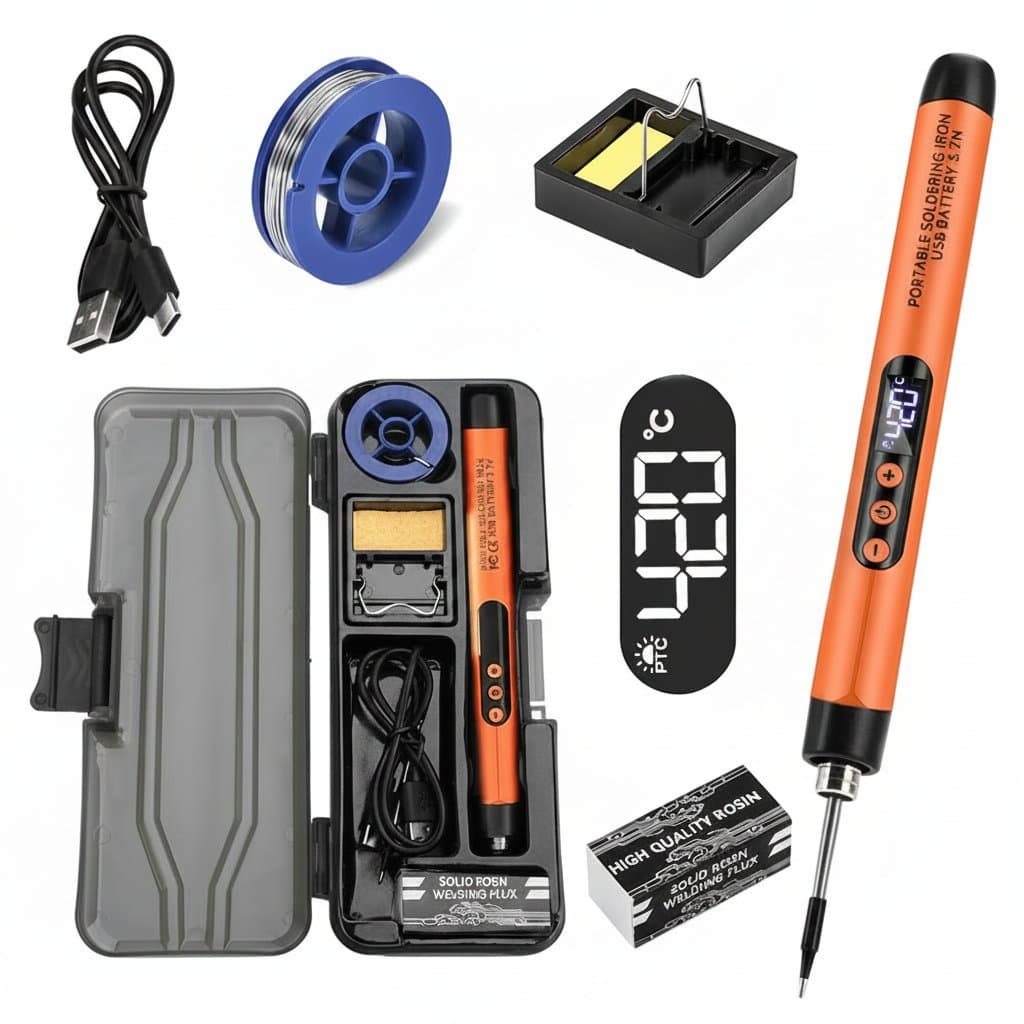
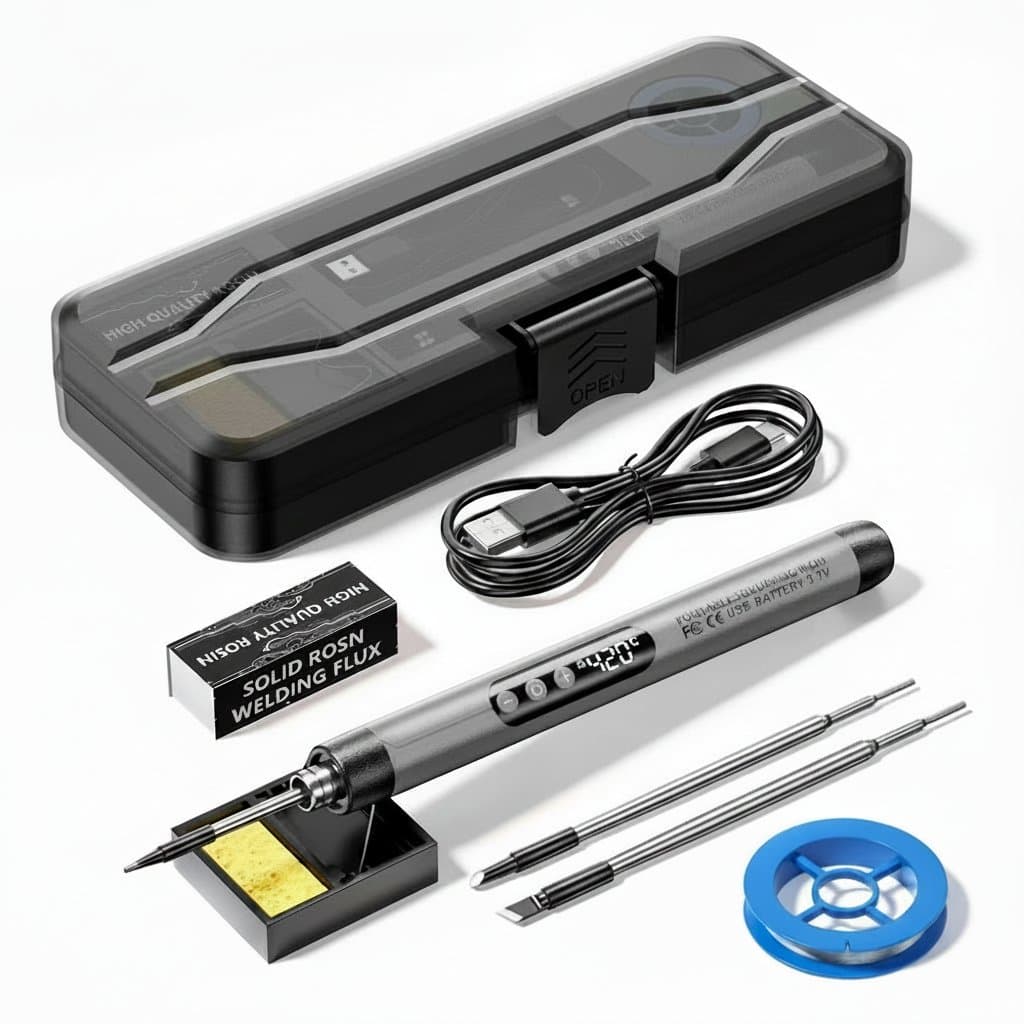
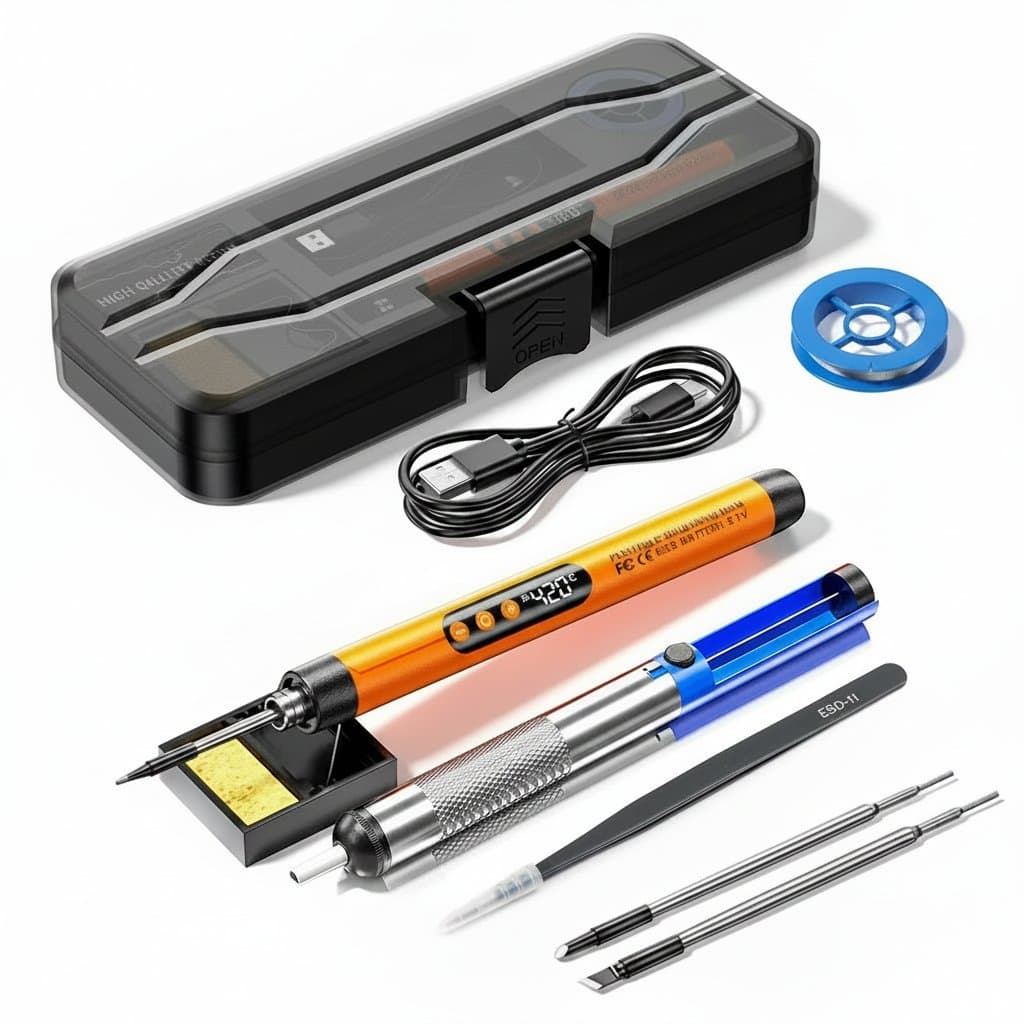
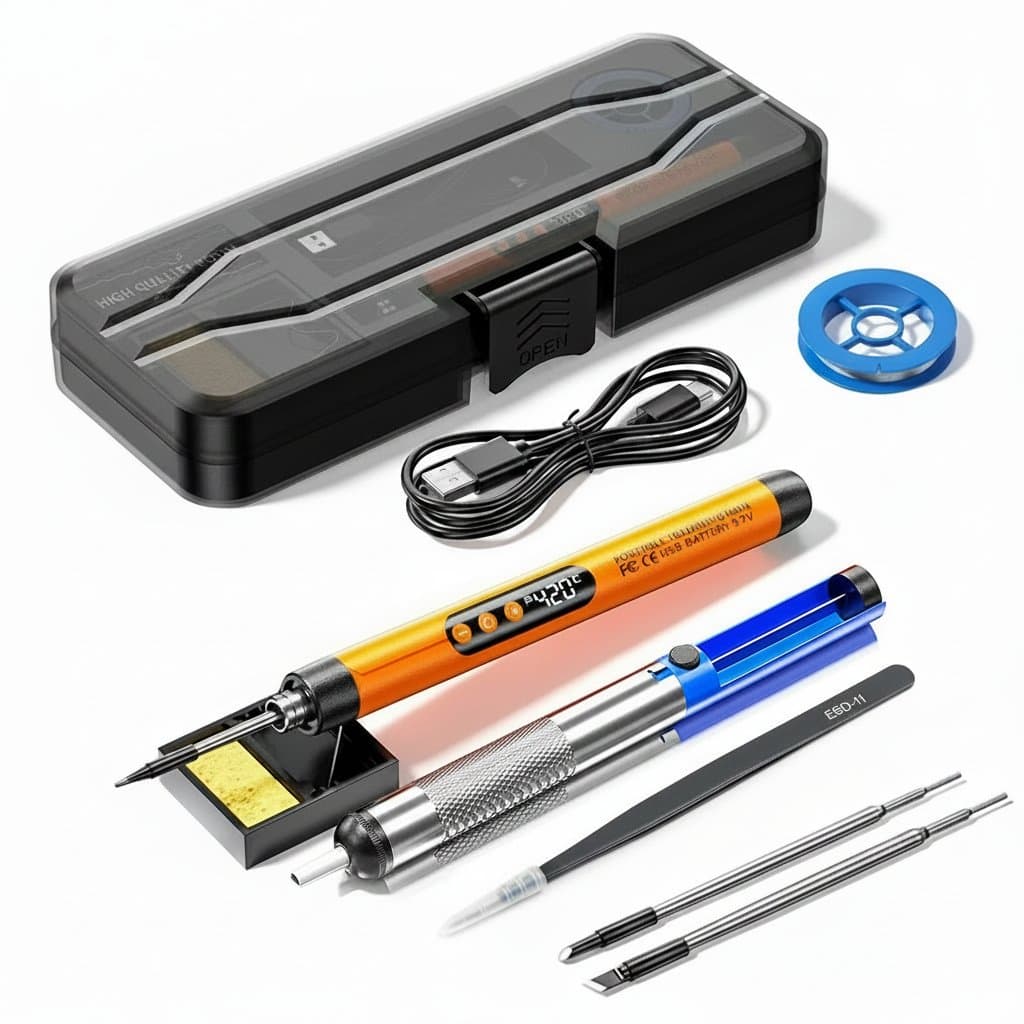
Mini digital USB-C soldering iron kit with adjustable temperature control, LCD display, and included stand for precise electronics repair.Digital Soldering Iron Kit£95.995V DC via USB-Digital, adjustable-200°C to 450°C
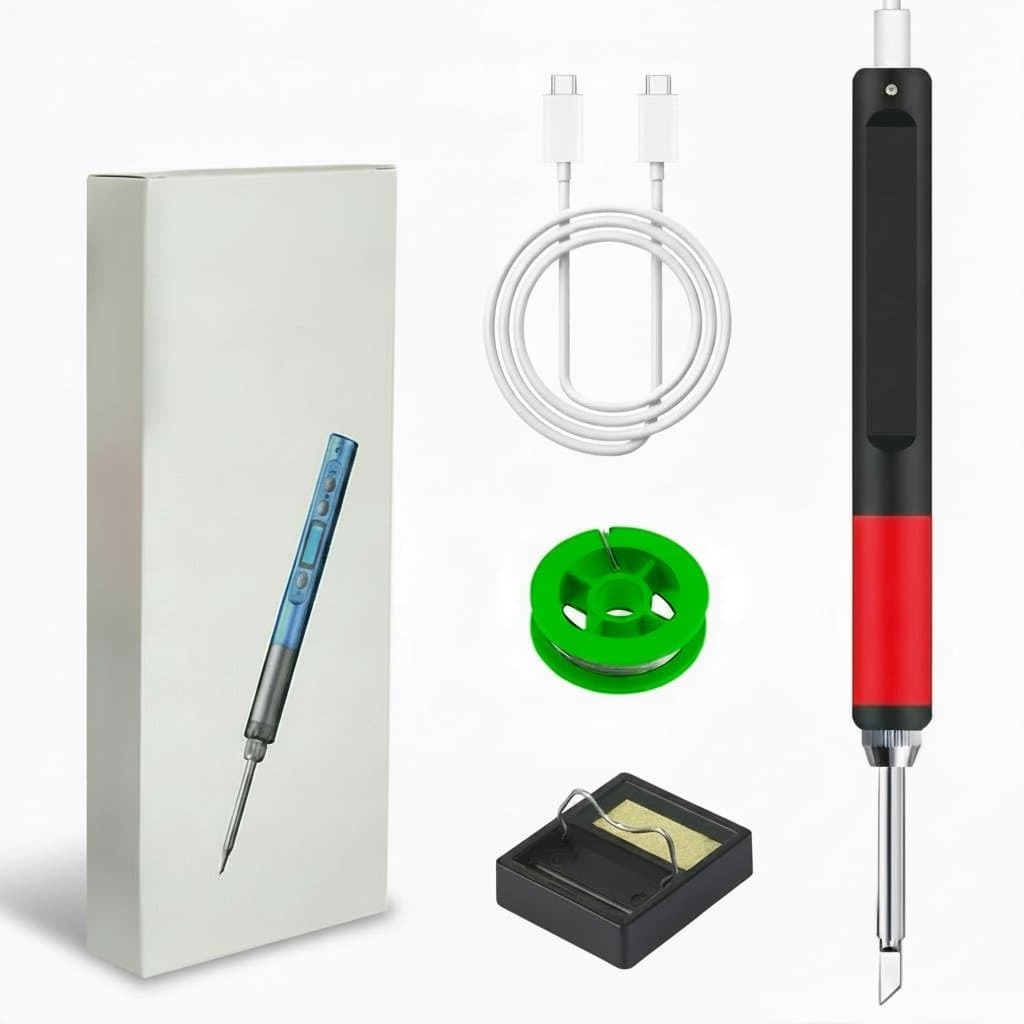
Portable USB soldering iron with a 600mAh battery.USB Soldering Iron£95.99USB Type-CUSB Soldering IronAdjustableInternal Ceramic-
USB-C soldering iron with a mini digital display for electronics.USB-C Soldering Iron£81.99USB-CSoldering IronAdjustable--
Wireless USB-C soldering iron kit with digital display and adjustable temperature.USB-C Soldering Iron Kit£72.99USB-CSoldering Iron KitAdjustable--
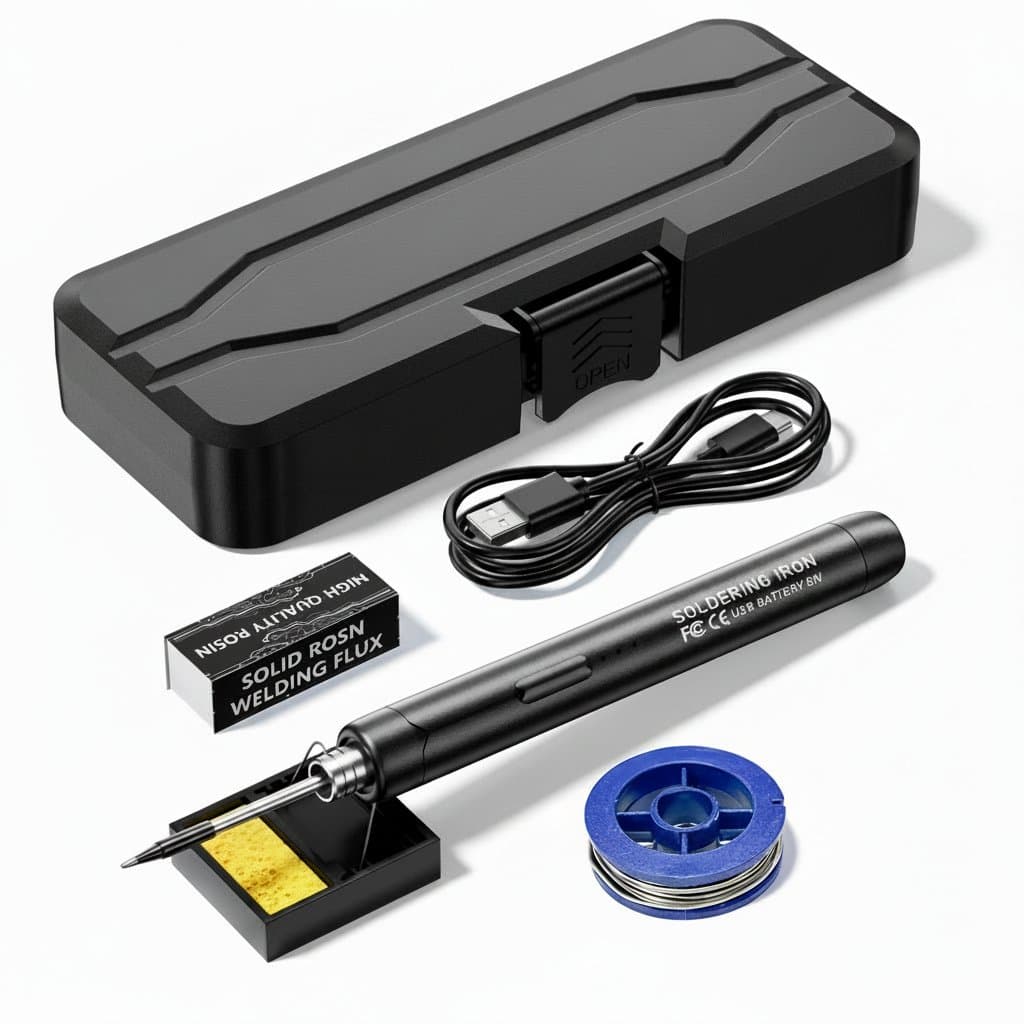
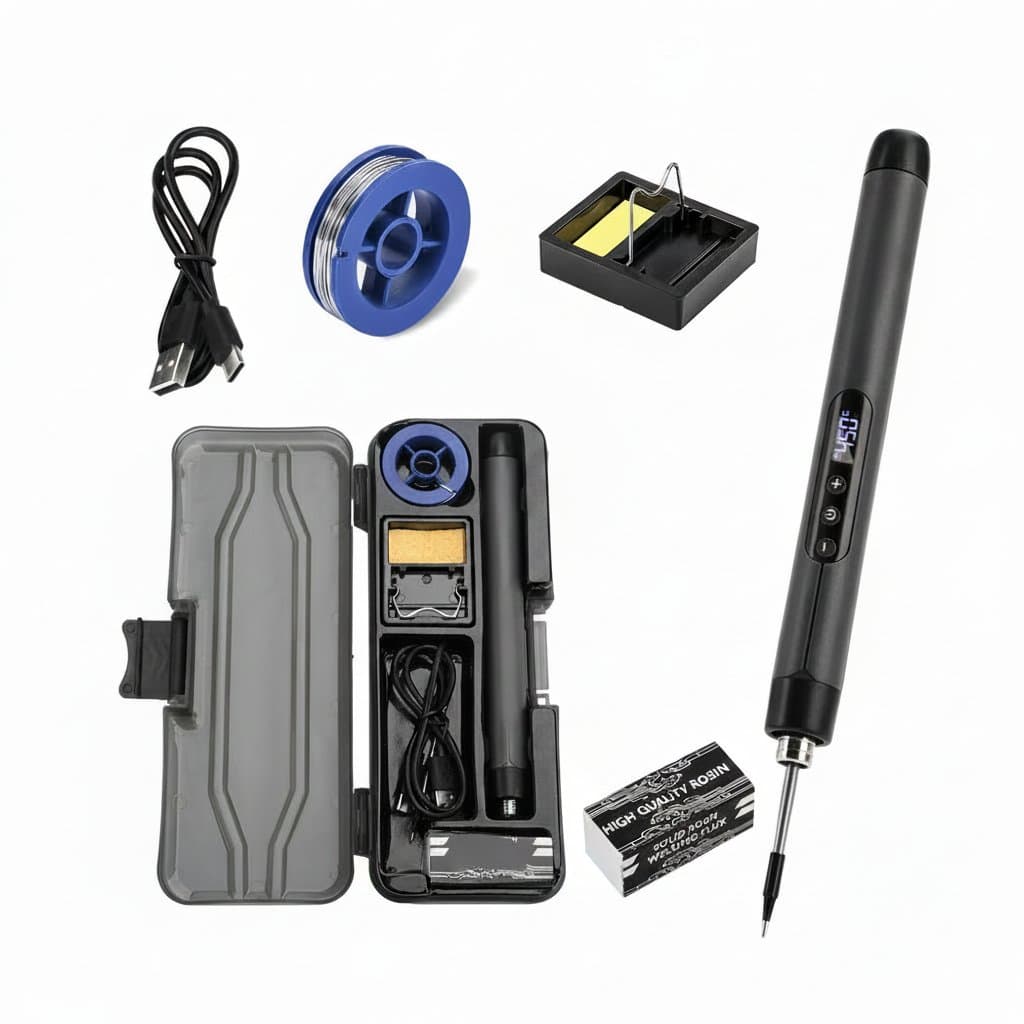
T12 USB soldering iron kit with digital temperature control.T12 USB Soldering Iron Kit£72.99USBUSB Soldering Iron KitDigital-180-500℃
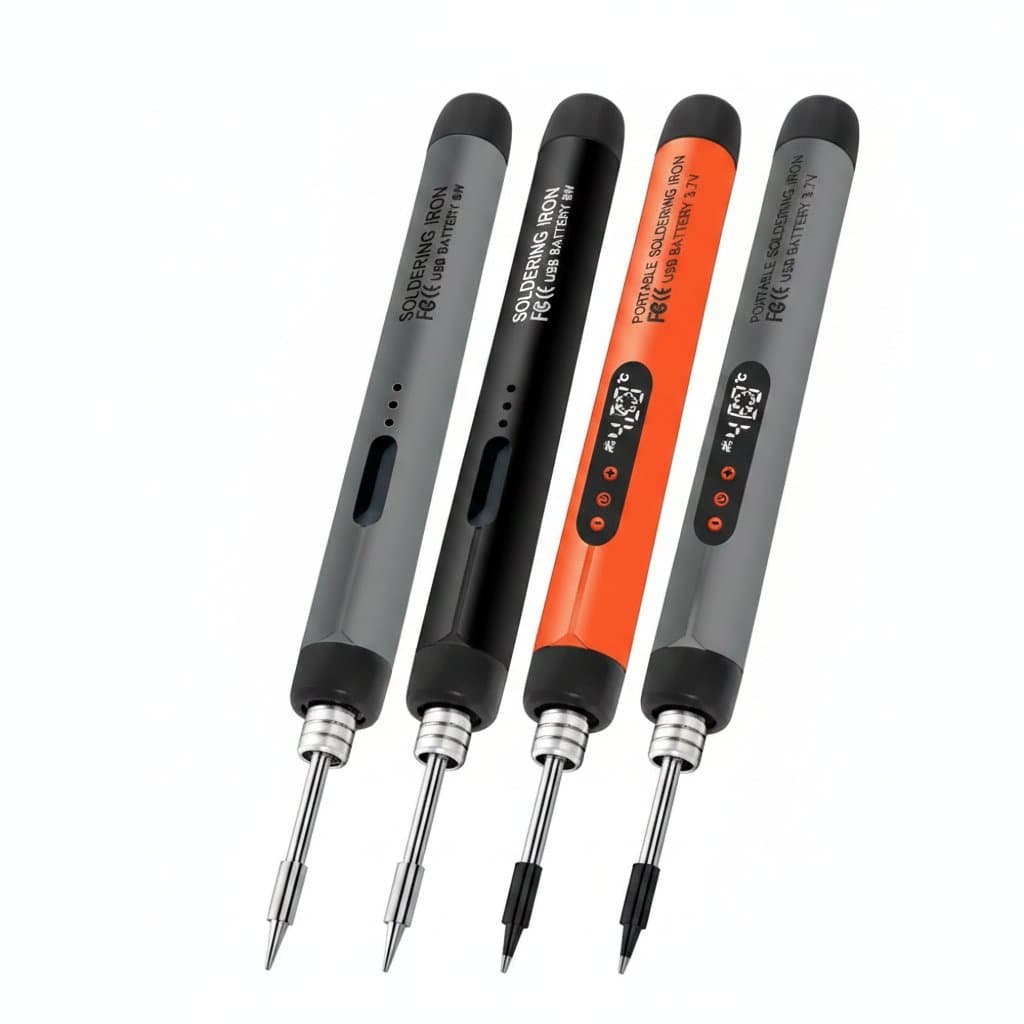
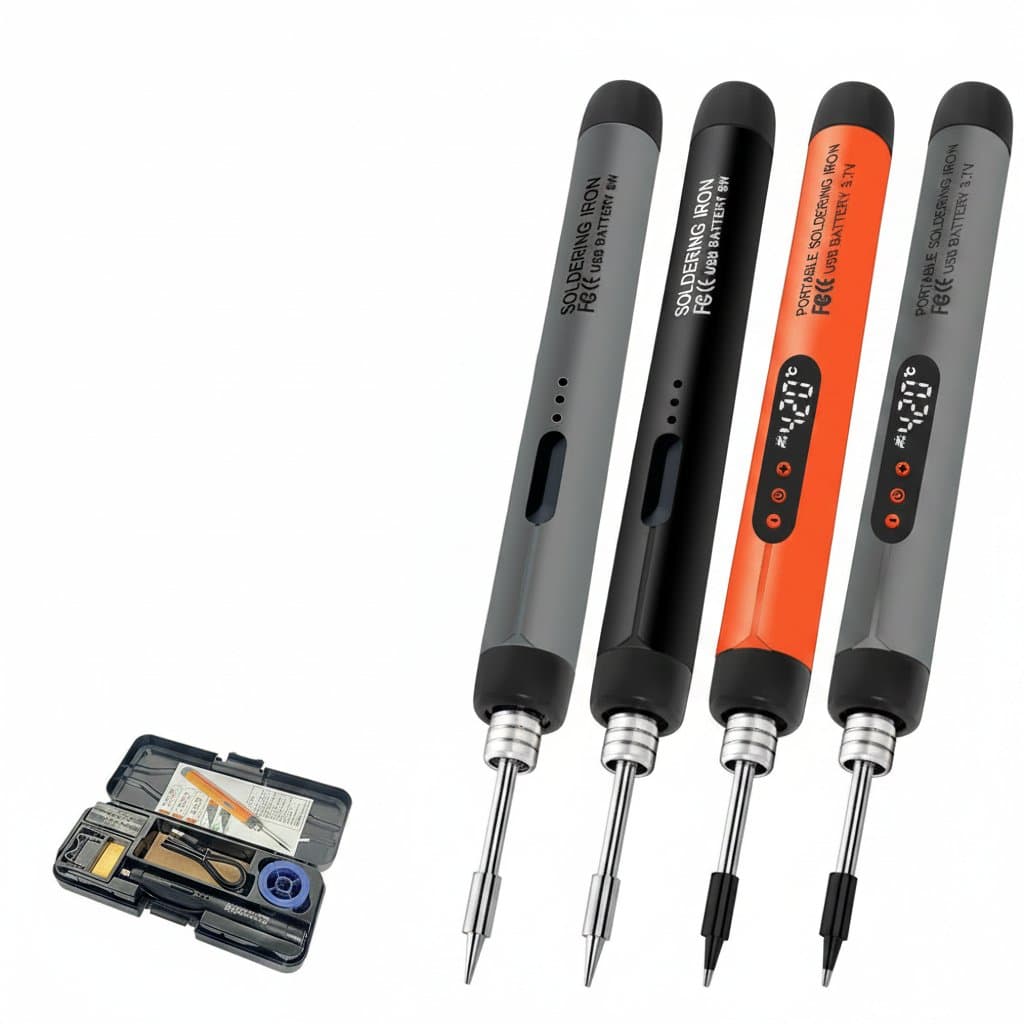
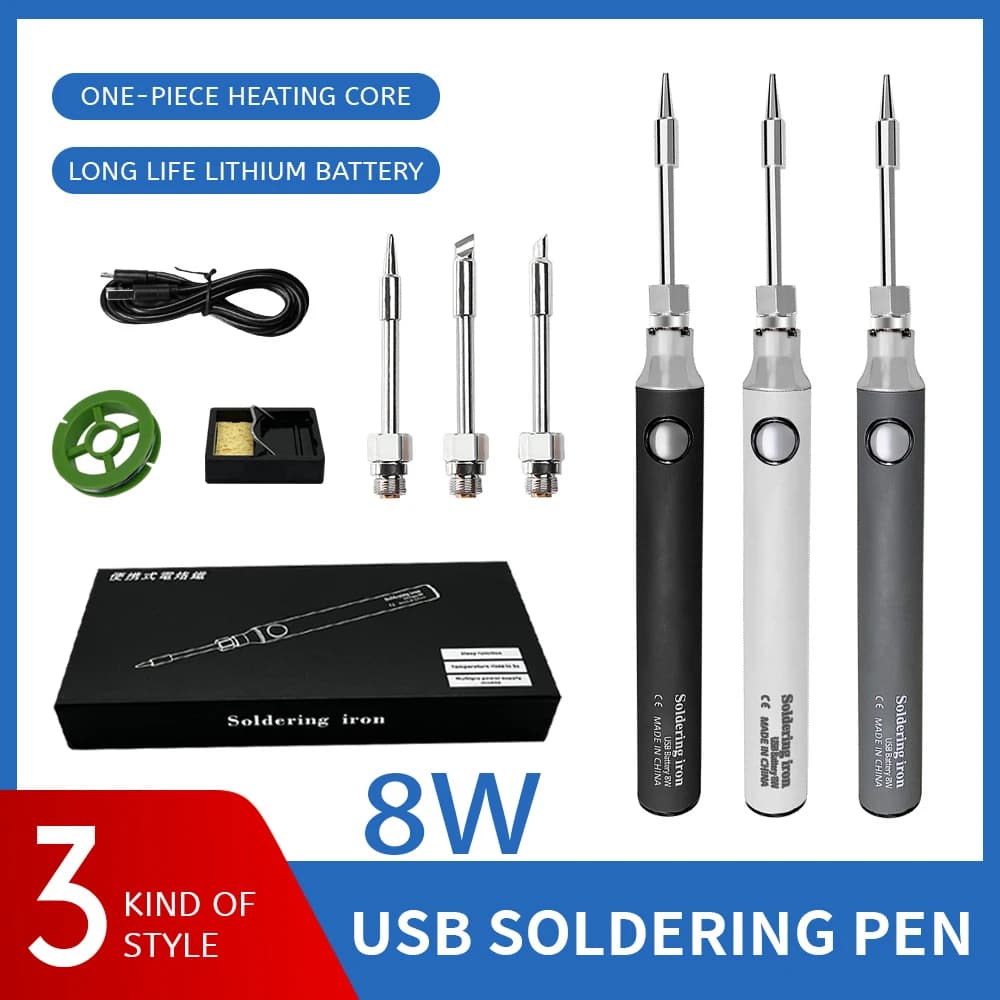
8W USB-C rechargeable wireless soldering iron with temperature control, a portable soldering pen for DIY electronics and welding projects.Cordless Soldering Iron£72.99Rechargeable Lithium Battery-YesWireless-
USB soldering iron kit with adjustable temperature, ideal for electronic repair.USB Soldering Iron Kit£72.99USBUSB Soldering Iron KitAdjustable-300-450℃

What the port can actually deliver

A legacy USB-A port runs at 5 V, and at the 1.5 A most chargers will supply that is about seven and a half watts. That is the whole budget, whatever the iron is capable of. It heats a fine tip quickly enough for a header pin or a thin wire, and it will stall the moment you touch a ground plane or a chunky connector shell.

USB-C Power Delivery changes the arithmetic completely, because it negotiates higher voltages. The same physical iron on a PD supply that can offer 20 V will draw far more, and the irons sold as sixty, seventy or one hundred watt units are quoting what they can take under PD, not what they will get from a phone charger. The supply is therefore part of the specification: a 100 W iron on a 5 V charger is an 8 W iron.

Battery irons face the same physics with a different limit. A small internal cell can deliver a useful burst but has a modest total energy budget, so runtime is measured in joints rather than hours. They suit field repairs and a few connections away from power, not an afternoon of assembly.

What you get from each supply
SupplyRealistic powerSuits
USB-A at 5 V, 1 AAbout 5 WFine wire, header pins, light rework
USB-A at 5 V, 1.5 AAbout 7 to 8 WSmall joints, connectors on thin wire
USB-C PD, 20 V capableTens of watts, per the iron ratingGeneral electronics, thicker wire
Internal batteryShort bursts, limited total energyField repairs, a handful of joints

Why wattage alone does not predict performance

Soldering is a heat transfer problem, not a temperature problem. The tip has to put enough energy into the joint fast enough to melt the solder before the surrounding copper carries it away. A large ground plane, a battery tab or a brass connector is a heat sink, and it is the ability to keep supplying energy that decides whether the joint forms.

That is why a small iron sitting at 400 degrees can fail on a joint a bigger iron makes at 320. Turning the temperature up to compensate is the wrong lever: it damages boards, degrades flux before it can work, and shortens tip life, without solving the underlying shortage of power.

It is also why tip shape matters more than people expect. A fine conical tip has very little contact area, so it transfers heat slowly whatever the iron behind it. A chisel or bevel tip laid against the joint moves far more heat and is the right default for anything but the finest work.

Cartridge tips and why they heat so fast

The irons in this class that perform well almost all use a cartridge tip: the heating element and the temperature sensor are built into the tip itself rather than sitting in a separate barrel. The heat has almost no distance to travel and the sensor is measuring the working end rather than something further back, so the iron reaches temperature in seconds and recovers quickly when you load it.

The practical consequence is that the tip is a consumable that contains the expensive part. Tips are keyed to a family, and stocking a chisel and a fine tip for whichever family your iron uses is worth doing at the outset, because a worn tip presents as an iron that has lost power.

Look after them the same way as any tip. Keep them tinned, wipe on brass wool rather than dragging across a wet sponge, and never file or sand the plated working face, which removes the iron plating and lets the copper core dissolve into the solder.

Setting temperature and reading the display

Leaded solder melts around 183 degrees and is comfortably worked in the low three hundreds. Lead free alloys melt higher, commonly in the neighbourhood of 217 to 227 degrees depending on the alloy, and need a correspondingly higher tip setting. The listings in this range typically span roughly 180 to 450 degrees, which covers both.

Start at the lower end that works and go up only if joints are not forming. Excess heat lifts pads, cooks flux before it can clean the surfaces, and shortens tip life sharply. If a joint will not take at a sensible temperature the answer is usually more tip contact area, better flux, or more power, not more degrees.

Treat the displayed number as the controller setpoint rather than a measurement of the joint. Small irons vary in how closely the tip follows the display under load, and the useful check is how the solder behaves: it should flow and wet within a second or two of contact, not sit as a ball.

James Whitfield, Equipment Desk editor at Compel GroupJames WhitfieldEquipment Desk

James edits the machine and equipment buying guides. The specifications on these pages are the declared figures from the live listings we hold, with a note wherever a number comes from a published standard instead. Pages are re-checked as the catalogue changes.

Share
Add Compel Group as a preferred source on Google

USB and battery soldering irons

Rechargeable wireless soldering iron, portable and heats up to 450°C.

Welding & Soldering

Wireless Soldering Iron | Rechargeable & Portable | 10W, 100-450℃

CMP-01129WELD-00452
£243.99
Mini digital USB-C soldering iron kit with adjustable temperature control, LCD display, and included stand for precise electronics repair.

Welding & Soldering

Digital Soldering Iron Kit | USB-C Powered | Adjustable Temperature Control

TBS-01582WELD-00078
£95.99
Portable USB soldering iron with a 600mAh battery.

Welding & Soldering

USB Soldering Iron | Portable Type-C 600mAh Battery | Adjustable Temperature

CMP-01154WELD-00477
£95.99
USB-C soldering iron with a mini digital display for electronics.

Welding & Soldering

USB-C Soldering Iron | Mini Digital Display | Adjustable 5V 8W for Electronics

CMP-01121WELD-00444
£81.99
Wireless USB-C soldering iron kit with digital display and adjustable temperature.

Welding & Soldering

USB-C Soldering Iron Kit | Wireless, Digital Display | Adjustable Temperature Welding Tool

CMP-01161WELD-00484
£72.99
T12 USB soldering iron kit with digital temperature control.

Welding & Soldering

T12 USB Soldering Iron Kit | Digital Temp Control 180-500℃ | Mini Smart Welding Tool

CMP-01139WELD-00462
£72.99
8W USB-C rechargeable wireless soldering iron with temperature control, a portable soldering pen for DIY electronics and welding projects.

Welding & Soldering

Cordless Soldering Iron | 8W USB-C Rechargeable | Portable Temperature Control for DIY & Electronics

TBS-01517WELD-00016
£72.99
USB soldering iron kit with adjustable temperature, ideal for electronic repair.

Welding & Soldering

USB Soldering Iron Kit | Adjustable Temperature 300-450℃ | Electronic Repair Tool

CMP-01136WELD-00459
£72.99
USB-C soldering iron with wireless charging, a portable 5V 8W tool for electronics repair and welding projects.

Welding & Soldering

Cordless Soldering Iron | USB-C Rechargeable | 5V 8W Precision Welding Tool for Electronics Repair

TBS-01588WELD-00084
£65.99
Cordless USB soldering iron kit with adjustable temperature.

Welding & Soldering

USB Soldering Iron Kit | Cordless Adjustable Temperature | 300-450℃ Smart Tool

CMP-01133WELD-00456
£64.99
Portable USB-C soldering iron with fast-charging lithium battery for wireless soldering and electronic repair work.

Welding & Soldering

Cordless Soldering Iron | 5V USB-C Fast Charging | 8W Precision Welding & Repair Tool

TBS-01540WELD-00038
£59.99
Cordless USB soldering iron kit with adjustable temperature.

Welding & Soldering

USB Soldering Iron Kit | Cordless & Adjustable Temp | 8W, 300-450°C, 800mAh

CMP-01140WELD-00463
£59.99

See the full range

Buying guide

USB and Battery Soldering Irons questions

Will a 60W USB soldering iron give me 60W from a phone charger?
No. From an ordinary 5 V port you get about 5 to 8 W whatever the iron is rated at. The higher figures assume a USB-C Power Delivery supply that can negotiate a higher voltage, so the charger is part of the specification.
Can a USB soldering iron do heavy joints?
On a Power Delivery supply, many can handle general electronics and moderate wire. On a 5 V port they will stall on ground planes, battery tabs and large connectors, because there is simply not enough power to replace the heat the metal carries away.
Why does my iron reach temperature but not melt the joint?
Because temperature and heat transfer are different things. The joint is drawing heat away faster than the iron can supply it. Use a larger contact area such as a chisel tip, add flux, or use a more powerful iron rather than raising the temperature.
What temperature should I use for lead free solder?
Higher than for leaded, since lead free alloys melt around 217 to 227 degrees rather than 183. Work up from the lowest setting that forms a joint cleanly, because excess heat damages boards and shortens tip life.
Are cartridge tips worth the extra cost?
Yes on this kind of iron. With the element and sensor inside the tip, heat-up takes seconds and recovery under load is much better. Buy a chisel and a fine tip for your iron family at the outset, since a worn tip looks like a failing iron.
How long does a battery soldering iron last per charge?
Think in joints rather than hours. A small internal cell delivers useful bursts but limited total energy, which suits field repairs and a handful of connections rather than sustained assembly work.

We use cookies. Some keep the store working, others show us what to fix. No third-party trackers, and we never sell your data. Learn more about cookies and your privacy