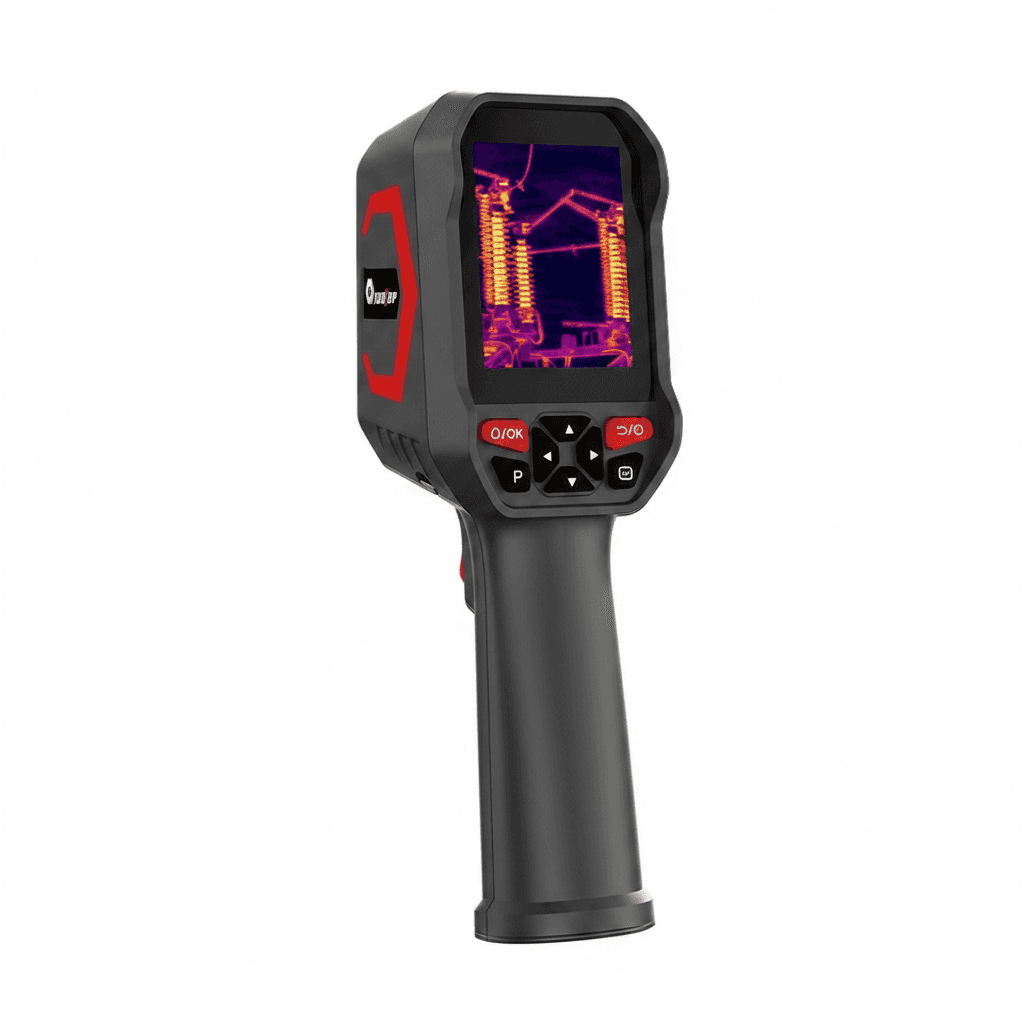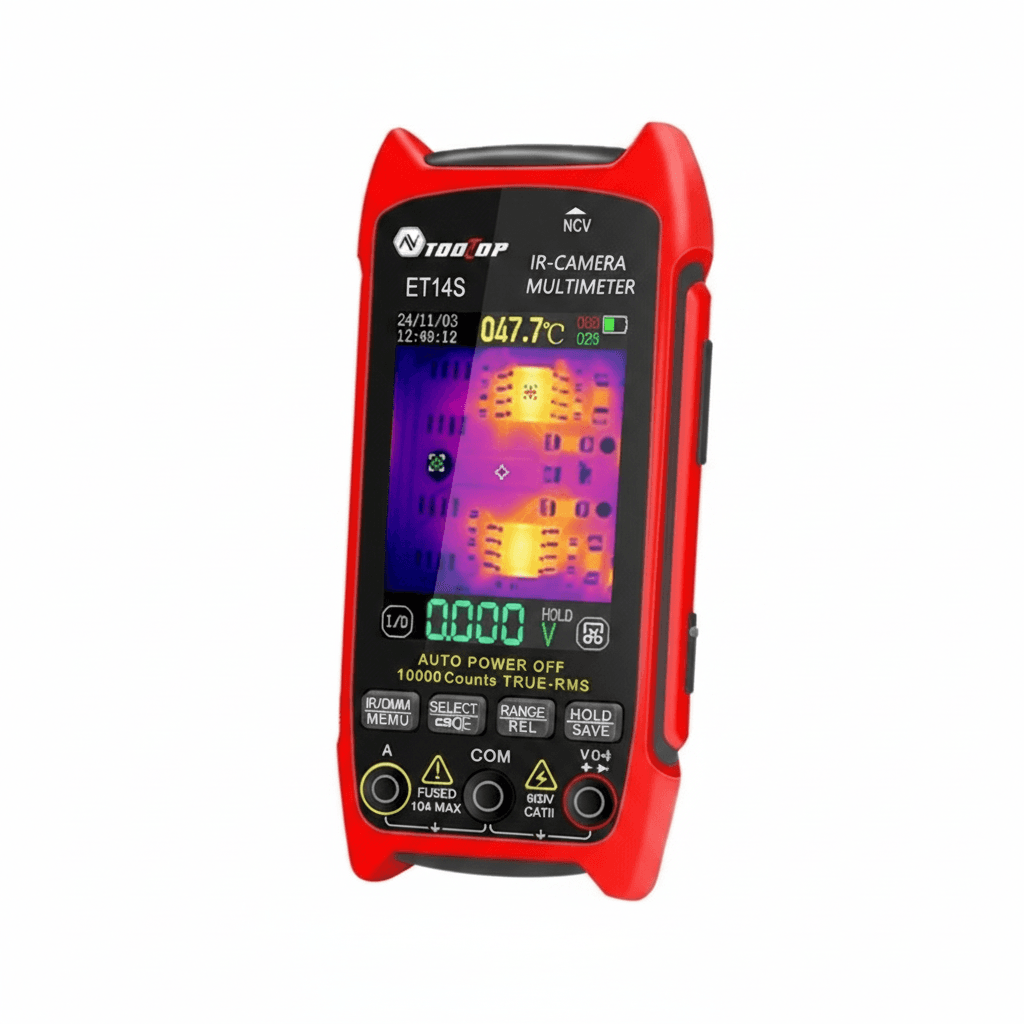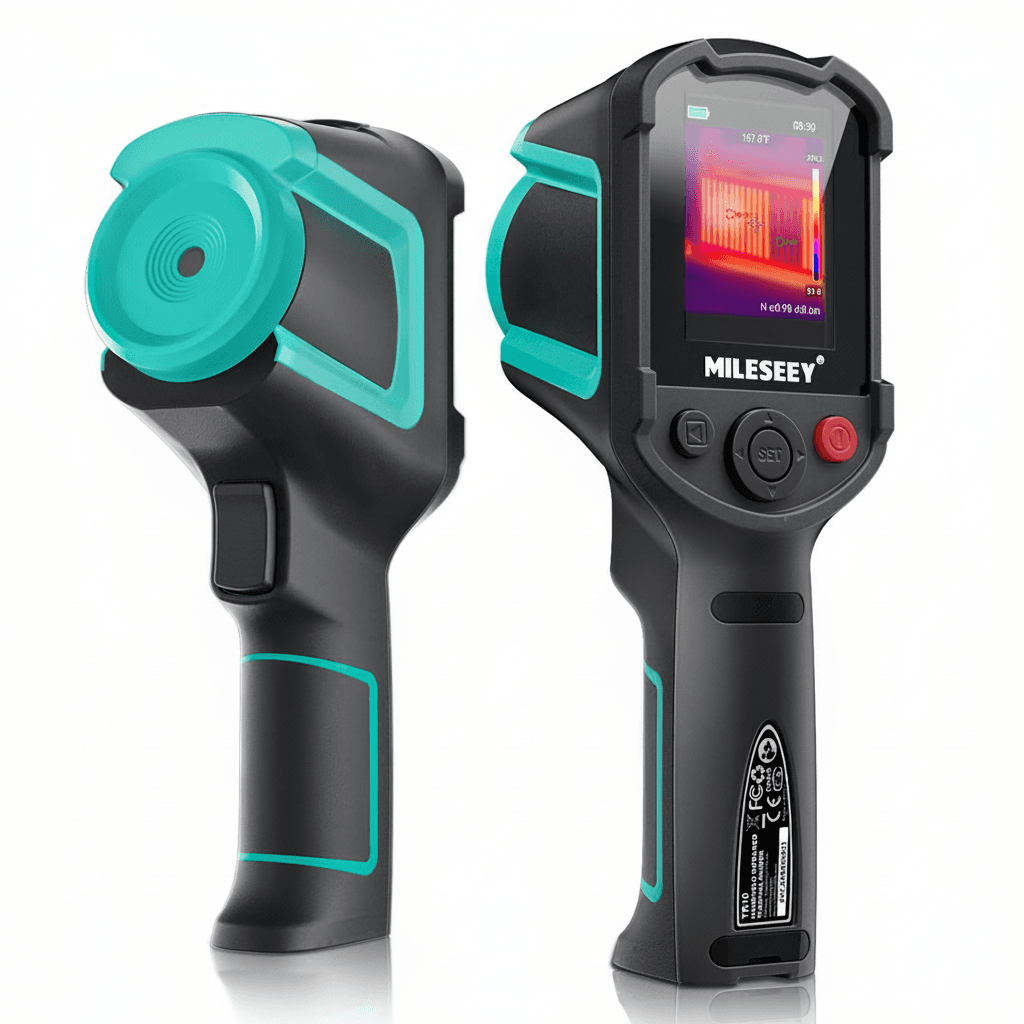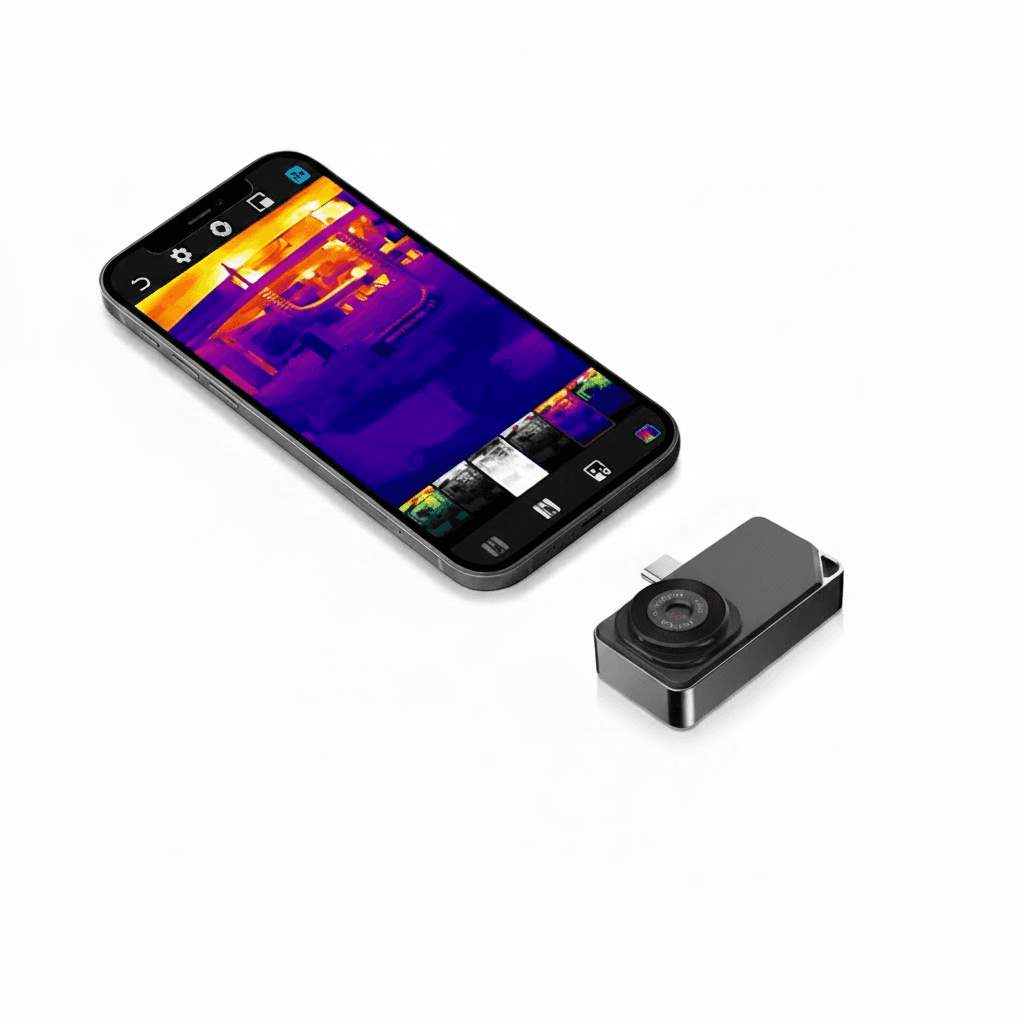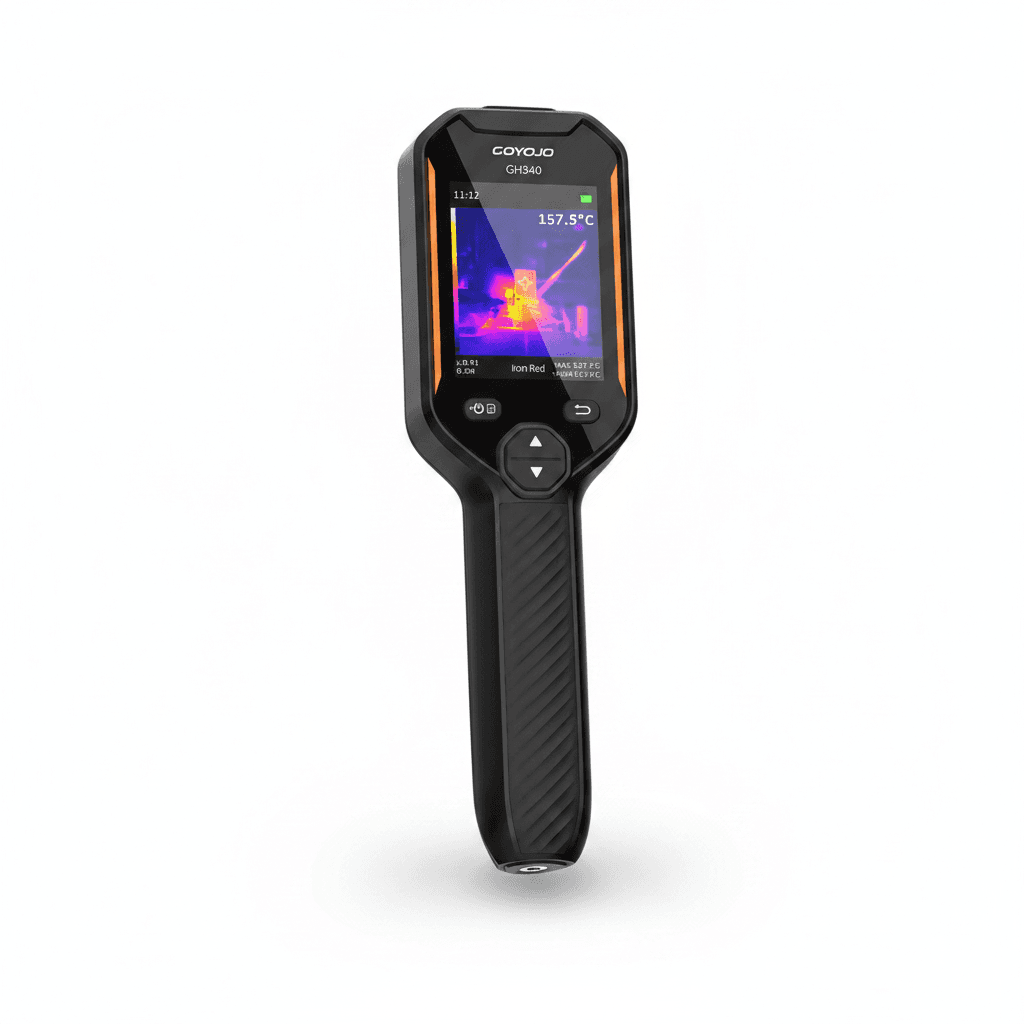
Detector resolution is the number that matters
The detector is an array of individual sensing elements, and its size is quoted as something like 256 by 192 or 512 by 384. That is how much real thermal information the camera collects. Everything else, including a large bright screen and any upscaling, is presentation.
This is where listings mislead. A camera advertised with a high image resolution may be interpolating a small detector up to a bigger picture, which makes a smoother image and adds no detail. Look for the detector or infrared resolution specifically, and treat the display resolution as irrelevant to what the camera can resolve.
How much you need depends on distance and target size. Finding a hot joint in a consumer unit at arm reach works on a modest detector. Scanning a roof or a switchboard from across a plant room needs more, because each pixel covers a larger area of the target and a small hotspot averages away into its surroundings.
| Specification | What it tells you |
|---|---|
| Infrared or detector resolution | The real thermal detail collected |
| Display resolution | Screen quality only, not thermal detail |
| Thermal sensitivity, NETD in mK | Smallest temperature difference it can see |
| Distance to spot ratio | How large an area each measurement covers at range |
| Temperature range | Whether it covers your process at all |
Emissivity, and why shiny metal reads wrong
A thermal camera does not measure temperature directly. It measures radiation and converts it using an assumed emissivity, which is how efficiently a surface radiates compared with a perfect emitter. Painted, oxidised and organic surfaces are close to the usual default and read accurately.
Bare shiny metal is the problem. Polished copper, aluminium and stainless have low emissivity, so they radiate little of their own heat and reflect a great deal of everything around them. A busbar that is genuinely hot can read close to room temperature, and the reflection of a warm body or a lamp can appear as a hotspot that is not there.
The practical fix is to give the surface something to radiate from. A patch of matt tape or a dab of matt paint on a spot you can return to gives a reliable reading, and comparing like with like, one phase against another on identical surfaces, tells you what you need without absolute accuracy at all.
Distance to spot, and standing in the right place
Every measurement a thermal camera makes covers an area, not a point, and the distance to spot ratio tells you how that area grows with range. At a ratio of 30 to 1, standing three metres away means each measurement averages a 100 millimetre patch.
That is why a small hot terminal seen from across a room reads cooler than it is: the reading is the average of the hot terminal and the cool metal around it. The hotspot is still visible in the image, but the temperature figure attached to it is wrong, and quoting it is how a report becomes misleading.
Move closer or use a lens made for the distance. For electrical work at arm reach the standard optic is right. For roofs, tank farms or anything scanned from ground level, the distance to spot ratio is the specification to check before assuming the numbers mean anything.
What these cameras are actually used for
Electrical inspection is the largest use. A loose or corroded connection has resistance, resistance under load makes heat, and heat shows long before anything fails. Comparing the three phases of the same circuit under similar load finds the odd one out without needing absolute accuracy.
Building work is the second. Missing insulation, thermal bridges and draughts appear as patterns rather than spots, and they show best with a decent temperature difference between inside and out, which means a cold day rather than a mild one. Damp shows as a cool area because evaporation cools the surface, which is why a thermal camera finds moisture indirectly and a moisture meter confirms it.
Mechanical work is the third: an overheating bearing, a slipping belt, a blocked radiator or a steam trap that has failed open. In each case the value is comparison, either against an identical component or against the same component last month, which is why keeping images rather than just readings is worth the habit.