


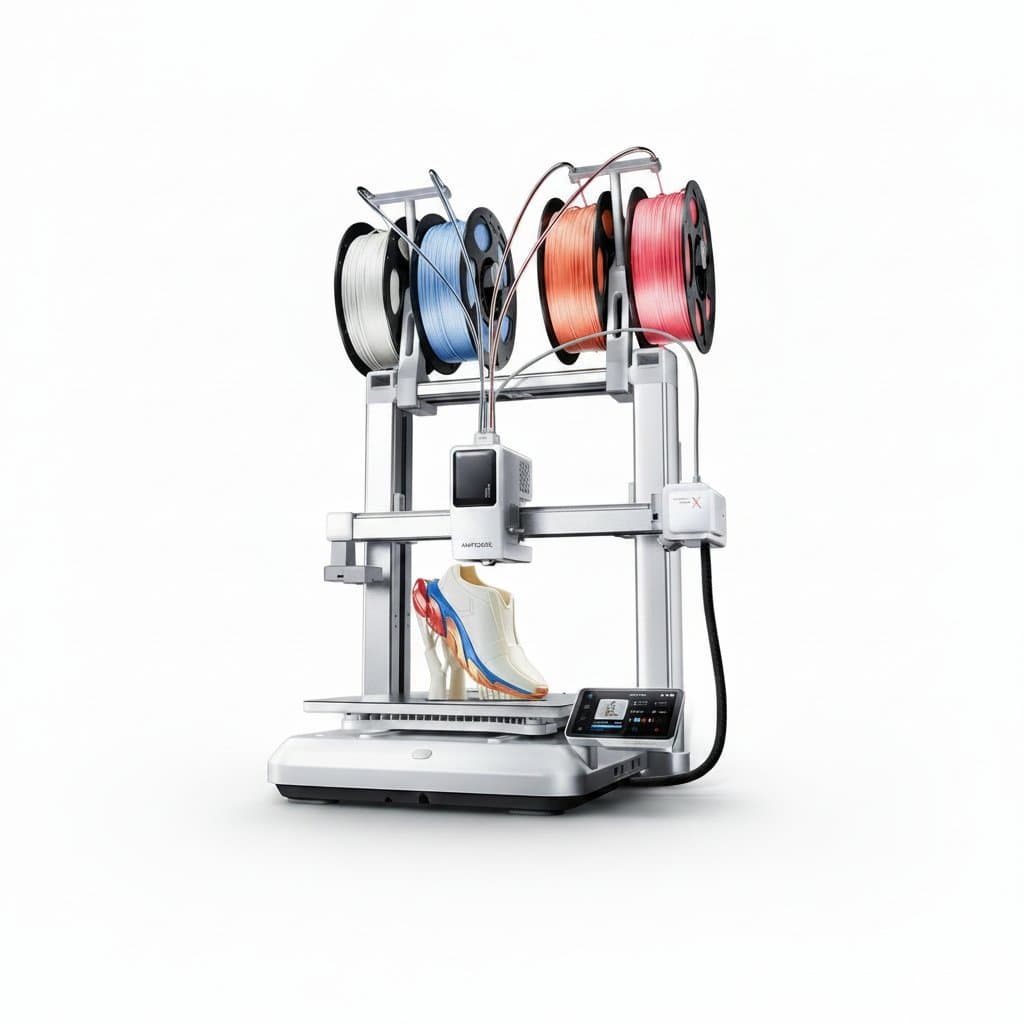
Bed slinger against CoreXY
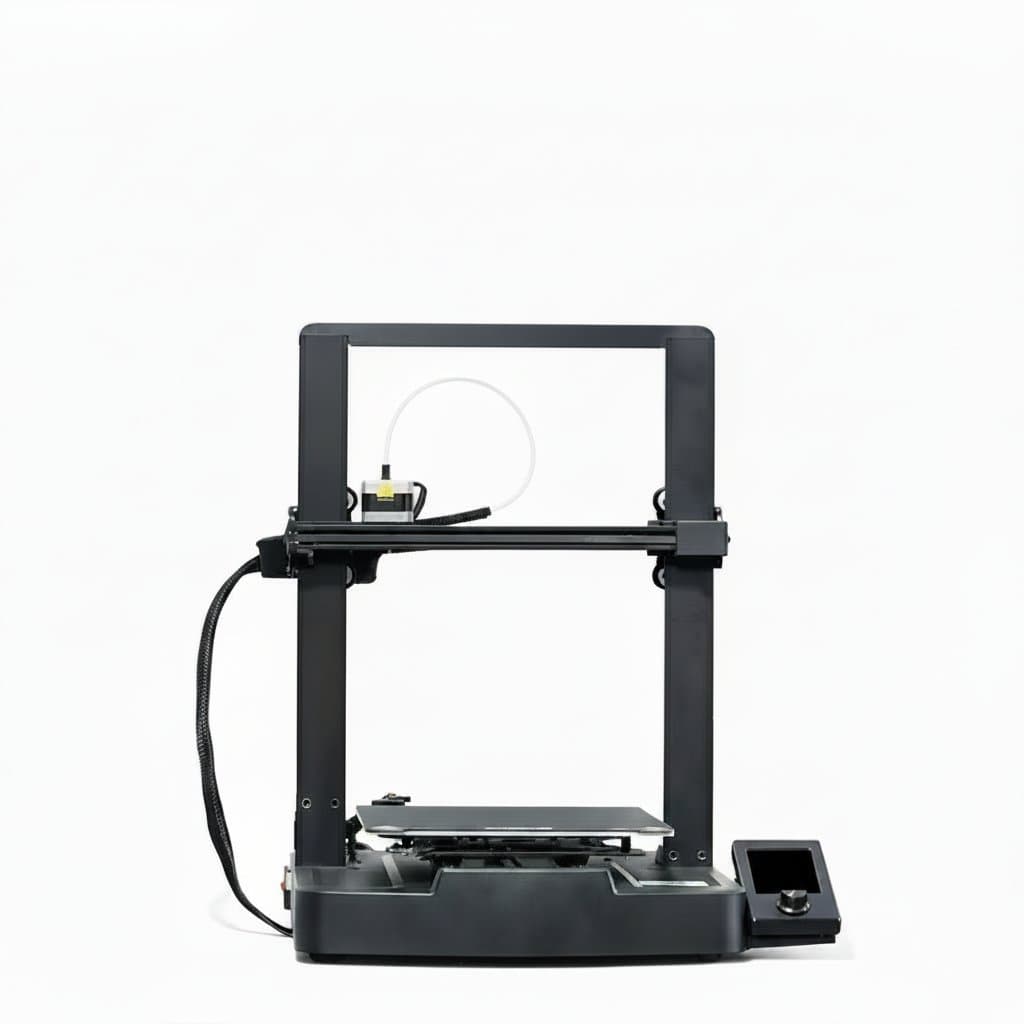
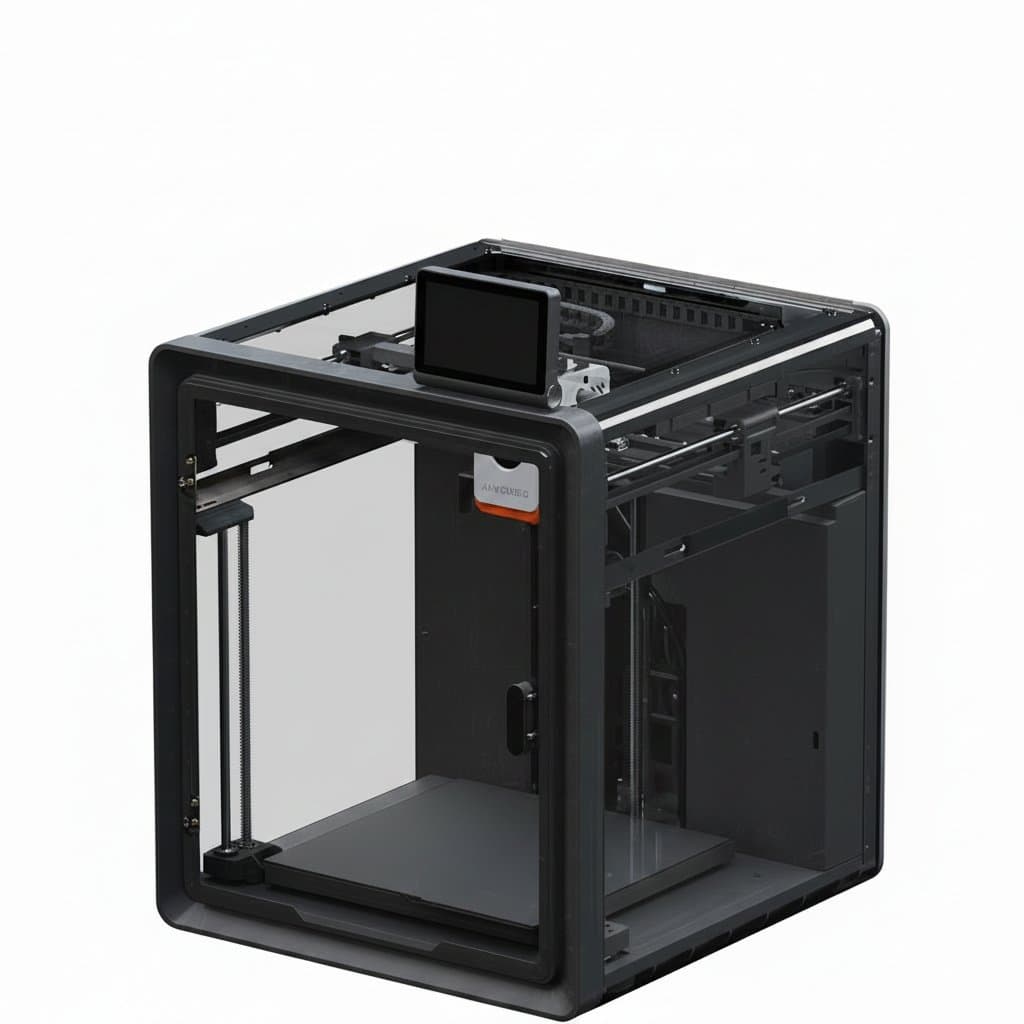
The common cheap arrangement moves the print bed forward and back on one axis while the head moves side to side. It is simple and it works, and the problem grows with the part: the machine is accelerating the printed object itself, so a tall thin model is being shaken back and forth by its own printer.
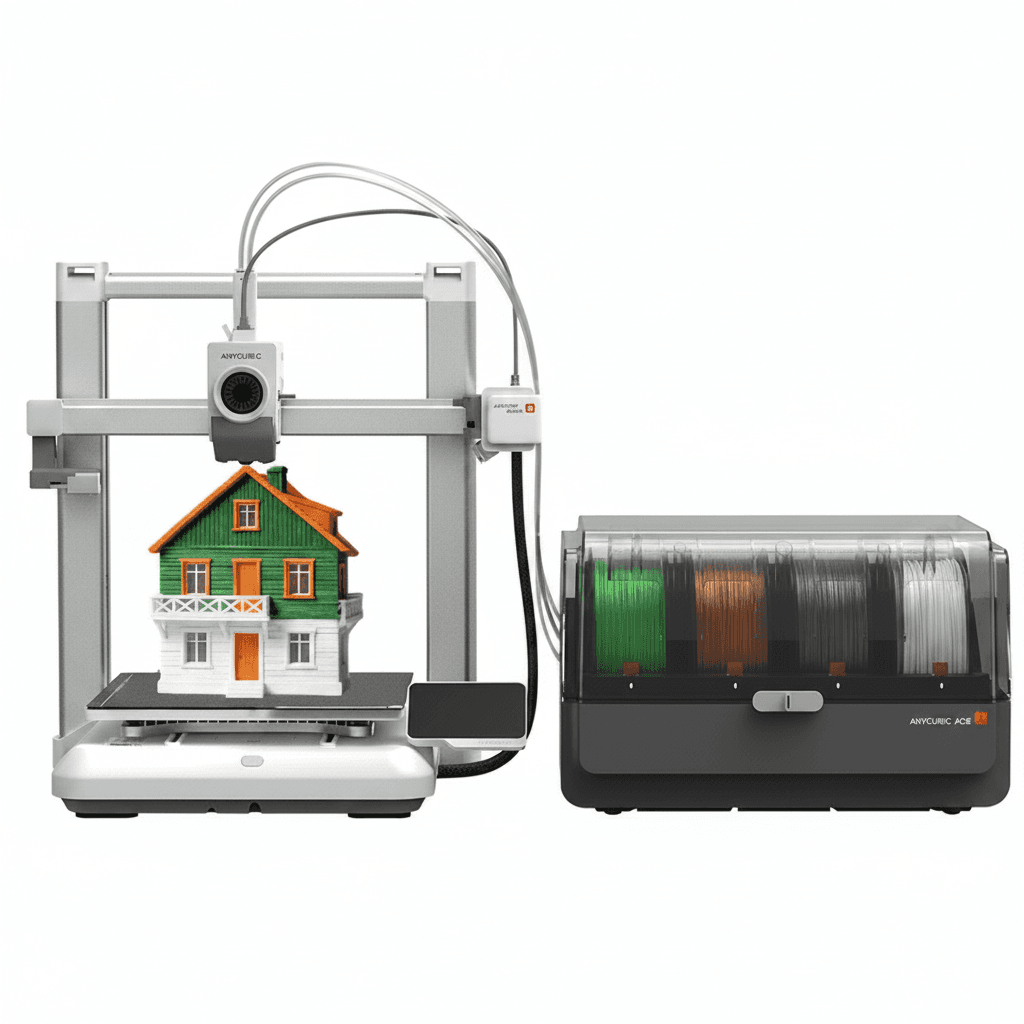
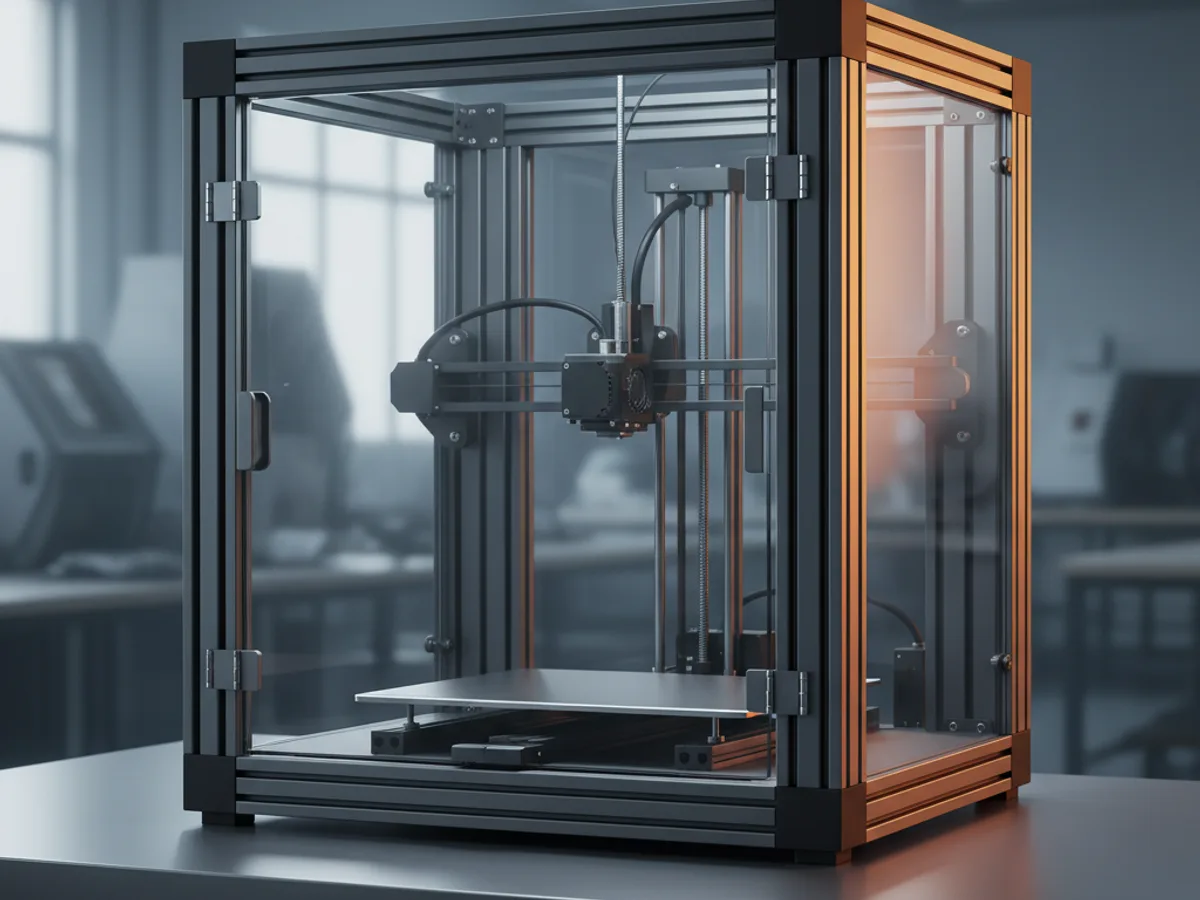
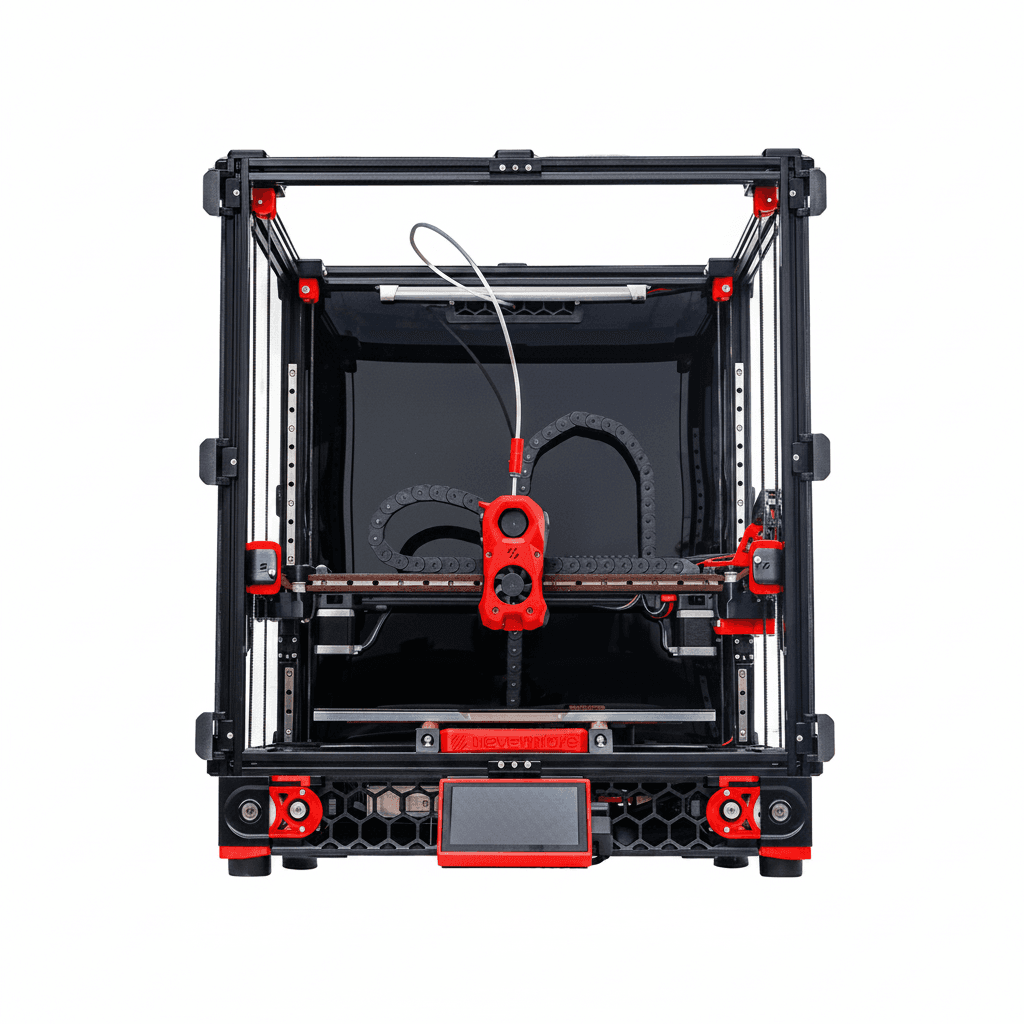
A CoreXY machine keeps the bed still except for its slow descent and moves the head in both horizontal axes using two belts driven together. The moving mass is a light toolhead rather than a bed and a part, so it accelerates harder without shaking the print.
That is why large format machines are almost all CoreXY. Scale a bed slinger up and the bed becomes heavy, the acceleration has to drop to keep it under control, and a big print takes very much longer than the volume alone suggests.
| Choice | Suits | Cost |
|---|---|---|
| Bed slinger | Small parts, low budget | Shakes tall prints, slower as it scales |
| CoreXY | Large and fast printing | More complex, more expensive |
| Filament, FDM | Big parts, cheap material, functional | Visible layer lines |
| Resin, MSLA | Fine detail and smooth surfaces | Small builds, messy, needs wash and cure |
Filament or resin
Filament printing melts plastic through a nozzle and builds the part in lines. Material is cheap, parts can be genuinely strong and functional, build volumes are large, and the surface shows layer lines that need finishing if appearance matters.
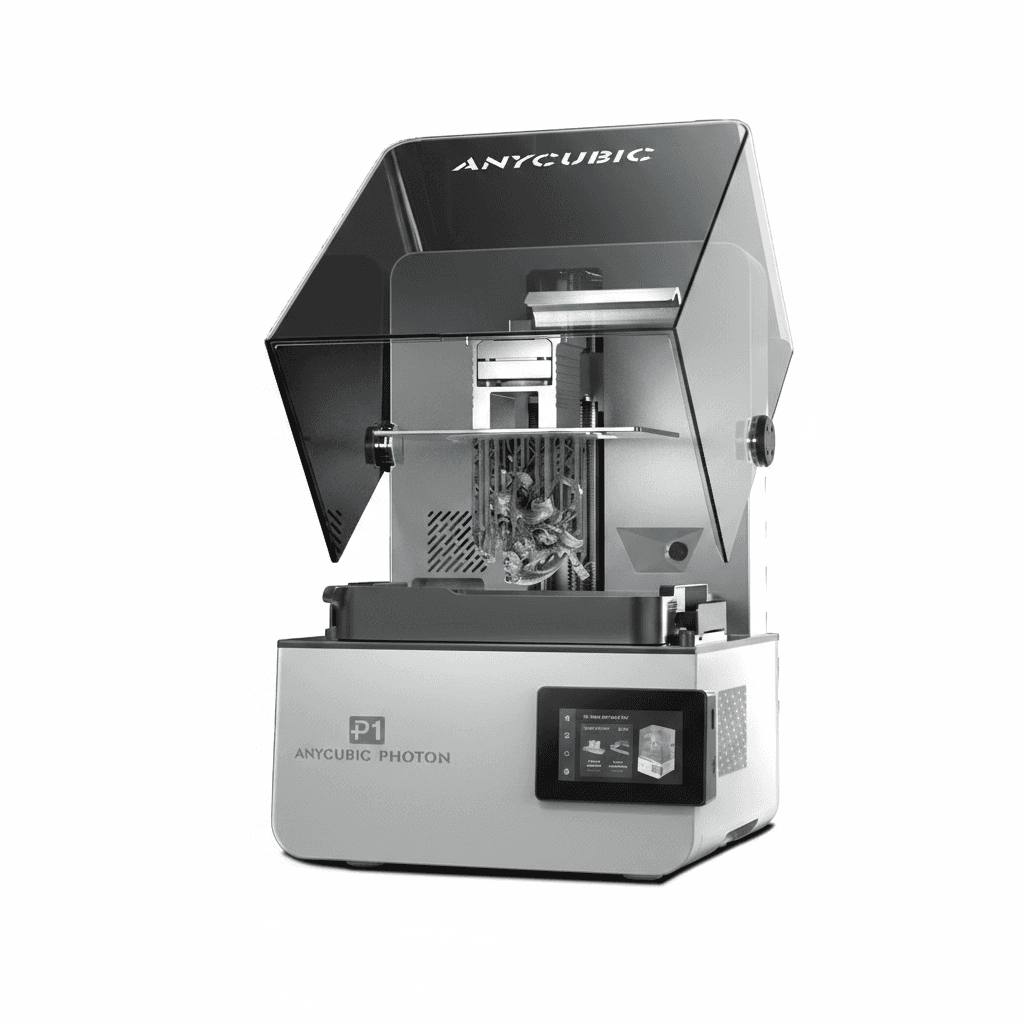
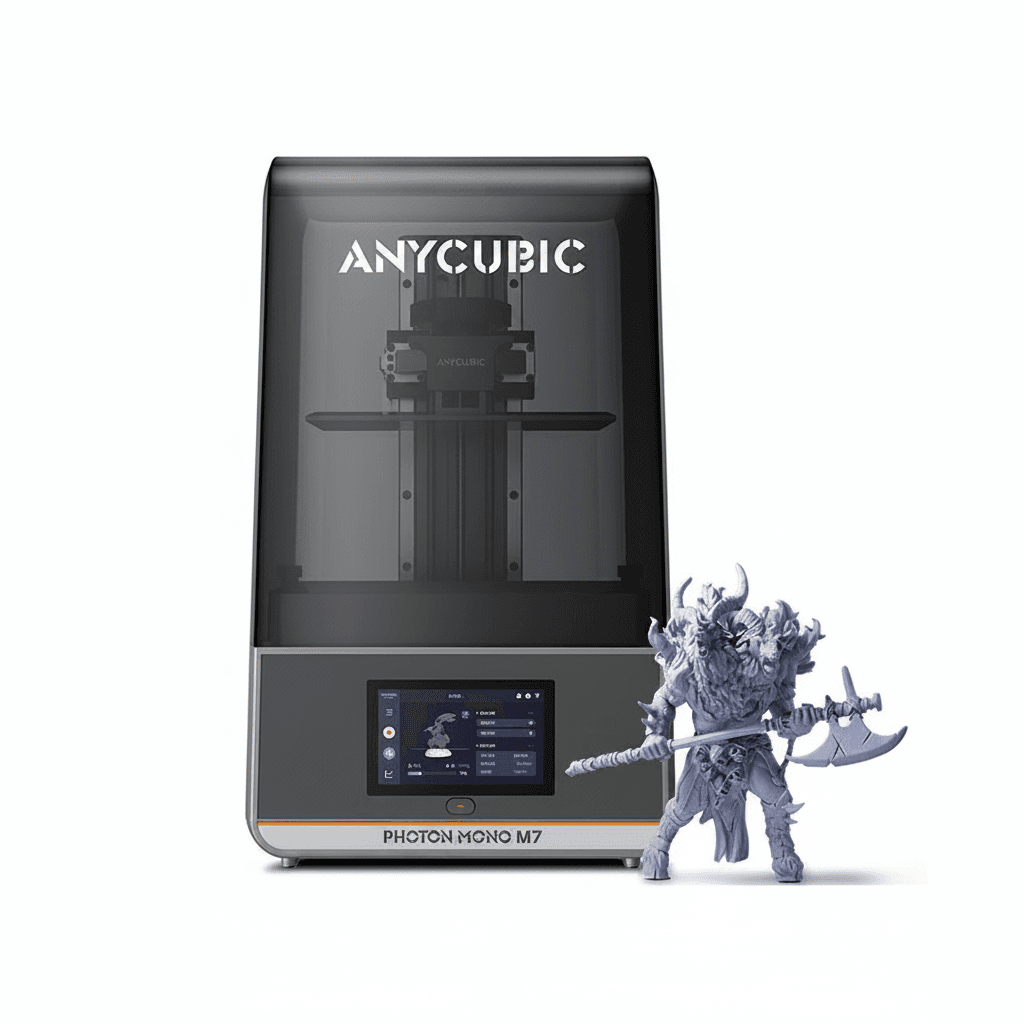
Resin printing cures liquid photopolymer a layer at a time and produces detail and surface quality that filament cannot approach. The build volume is much smaller, the parts are more brittle, and the process is messy in a way that is easy to underestimate.
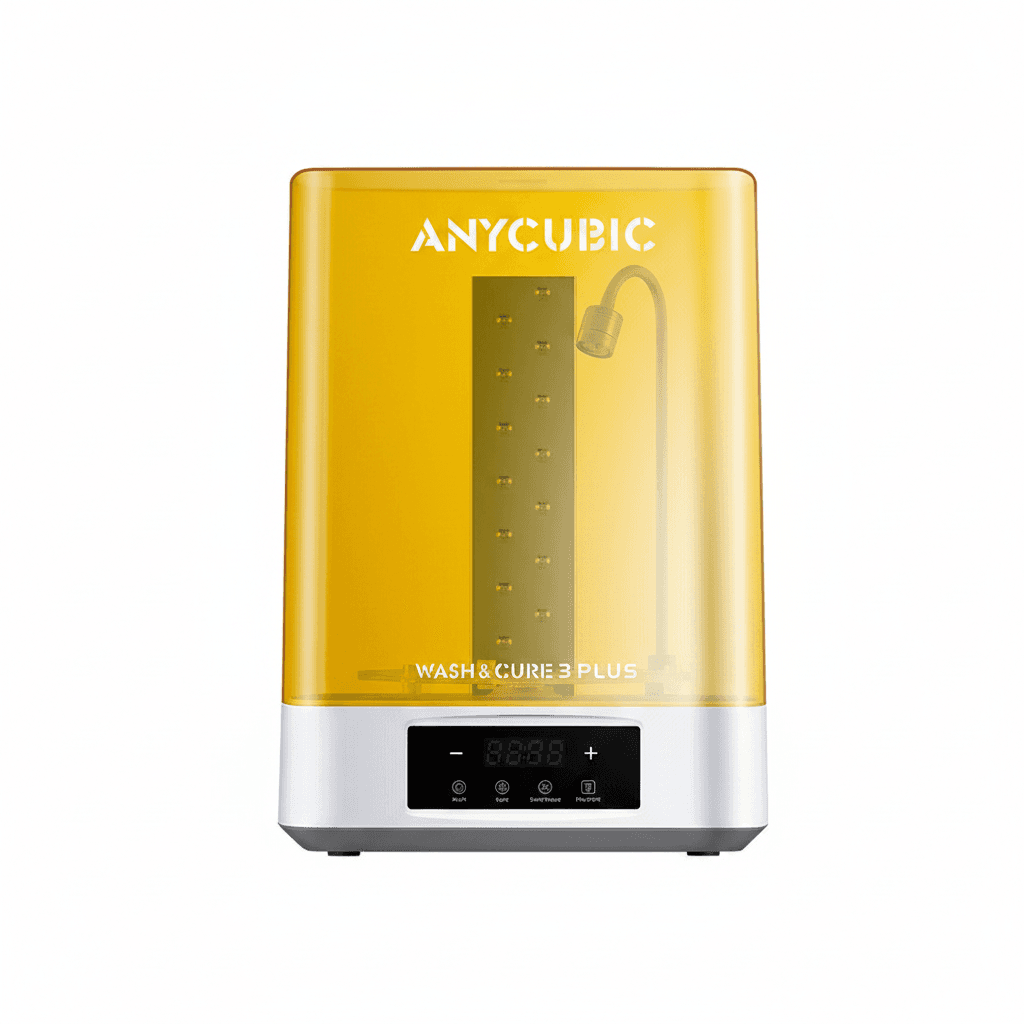
Resin also needs handling seriously. Uncured photopolymer is a skin sensitiser, so gloves are mandatory and repeated skin contact can produce a lasting allergy. It needs ventilation, washing in alcohol and curing under ultraviolet light, and the waste and used alcohol both need proper disposal.
Speed claims, acceleration and rigidity
Headline speeds in millimetres per second describe how fast the head can travel in a straight line. Real prints are mostly corners, so the machine spends its time accelerating and decelerating, and it is acceleration rather than top speed that decides how long a job takes.
Acceleration is limited by rigidity. A frame that flexes turns fast moves into ringing, the ghost of every corner repeated across the surface, so a printer that is fast on paper and flimsy in practice produces poor parts at its advertised speed and good parts at half of it.
Input shaping and pressure advance compensate for some of this in firmware and are worth having. They do not substitute for a stiff frame, and on a large machine the frame is the expensive part, which is a fair guide to why large printers cost what they do.
Enclosures, filament moisture and leaving it running
Materials that shrink as they cool, such as ABS and similar engineering plastics, warp and split on large parts unless the air around the print stays warm, which means an enclosure. The common easy material prefers the opposite, cool air and good part cooling, so an enclosure suited to one is worked against for the other.
Several filaments absorb moisture from the air, and wet filament prints badly in a way that looks like a hardware fault: popping and hissing at the nozzle, stringing, rough surfaces and weak parts. Drying the spool fixes it, and storing filament sealed with desiccant avoids it.
A printer runs unattended for many hours with a heater in it. Thermal runaway protection in the firmware is the feature that matters, and a working smoke alarm in the room is sensible. Large machines are also heavy and need a solid surface, since a printer on a flexing table adds that flex to every part it makes.