

Direct thermal or thermal transfer
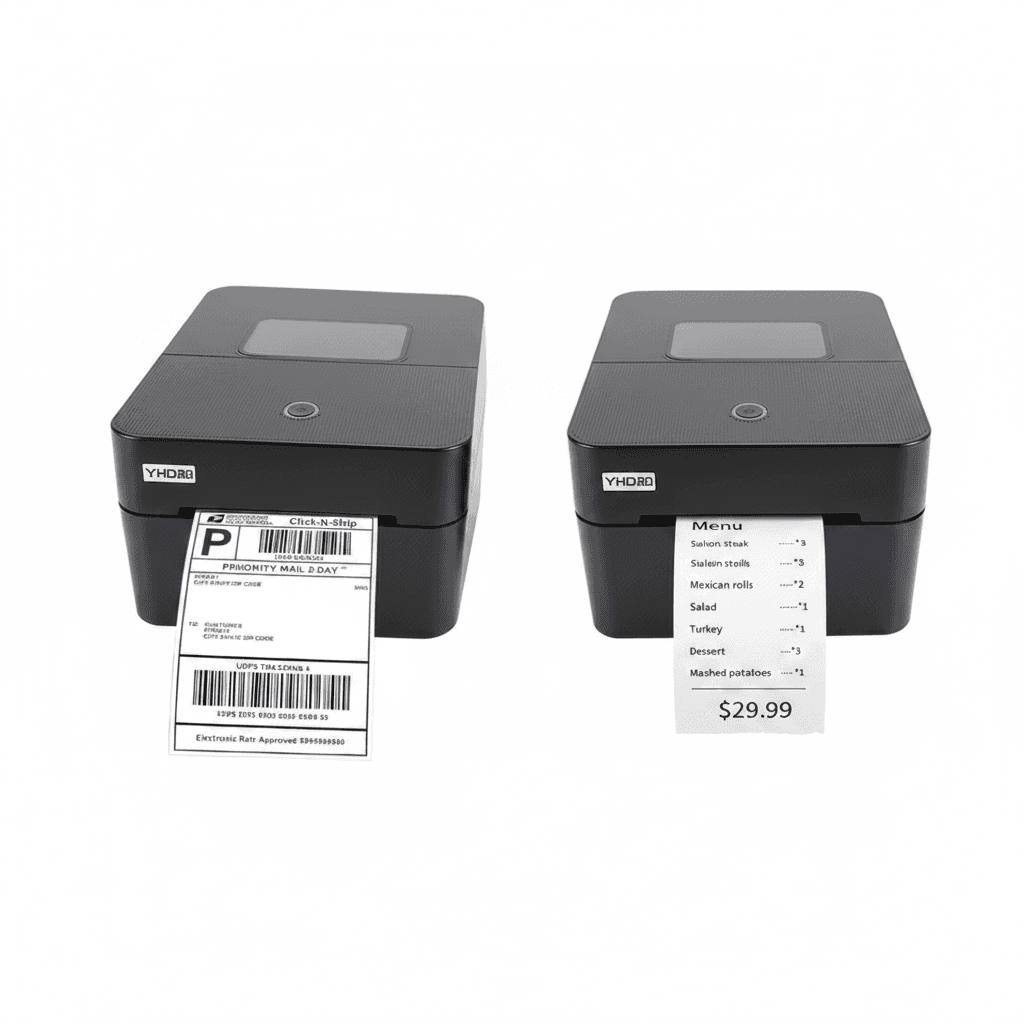
Direct thermal printing has no consumable but the label itself. The paper is coated so it blackens where the head heats it, which makes the printer simple, cheap to run and impossible to smudge. The cost is permanence: the same coating reacts to heat, sunlight and friction later, so a direct thermal label left on a box in a warm store or a van windscreen fades, sometimes within months.
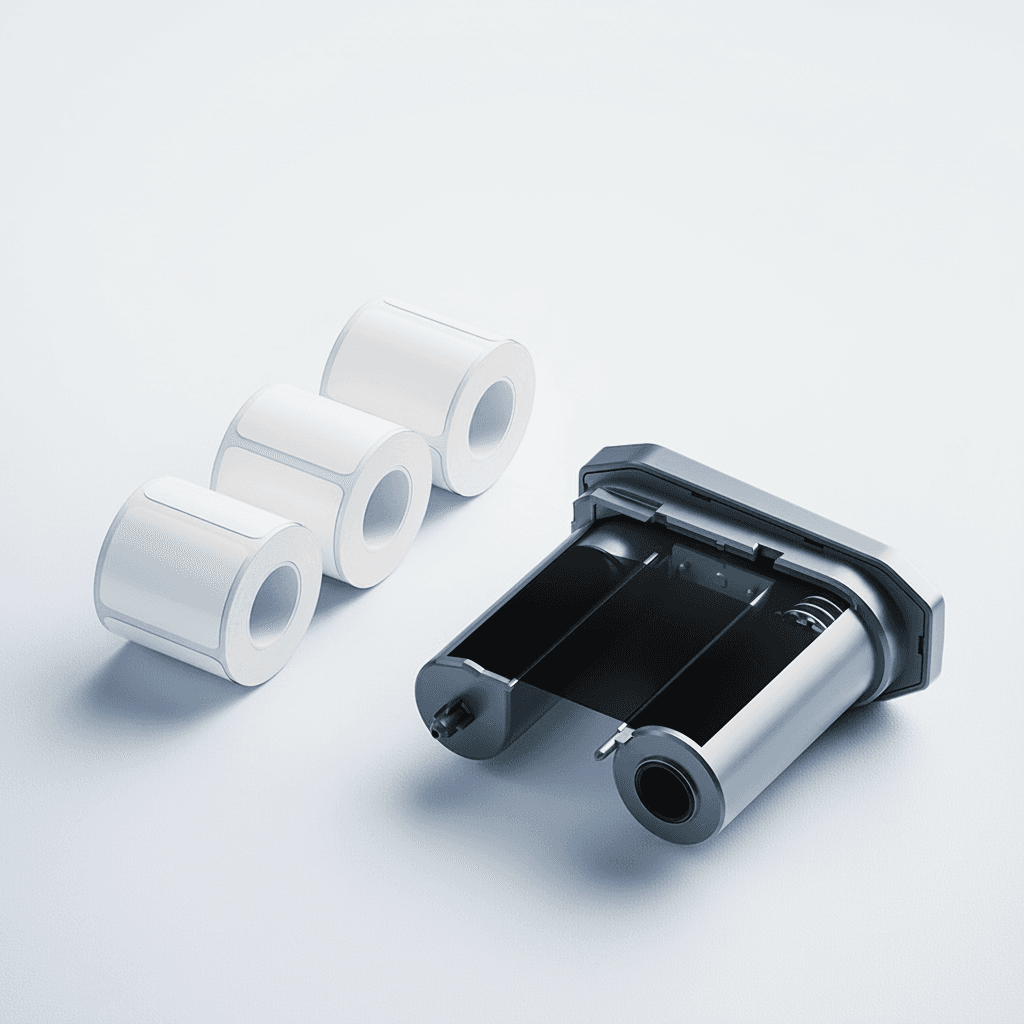
Thermal transfer uses a ribbon. The head melts pigment from the ribbon onto the label, and once it has cooled it is not going anywhere. That is what asset tags, cable markers, rating plates and anything outdoors need, and it is why the printer costs more to run.
Match the method to how long the label must survive. A courier label read once at delivery is a direct thermal job. A panel identification label that an electrician must read in five years is not, and choosing wrong there is the mistake that turns up long after the printer was bought.
| Direct thermal | Thermal transfer | |
|---|---|---|
| Consumables | Label only | Label and ribbon |
| Label life | Months, fades with heat and light | Years, resists abrasion |
| Best for | Shipping, picking, short-life labels | Asset tags, cable marking, outdoors |
| Running cost | Lower | Higher |
Print width and resolution
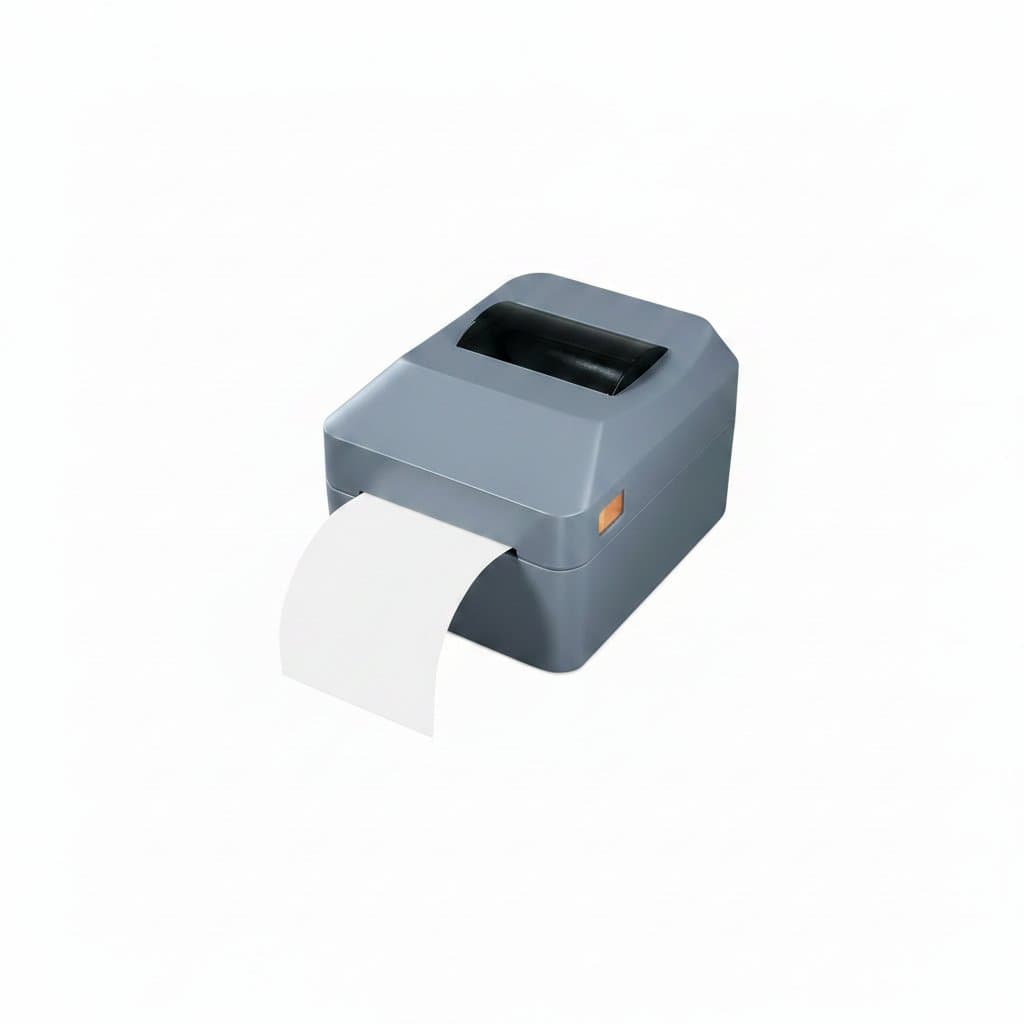
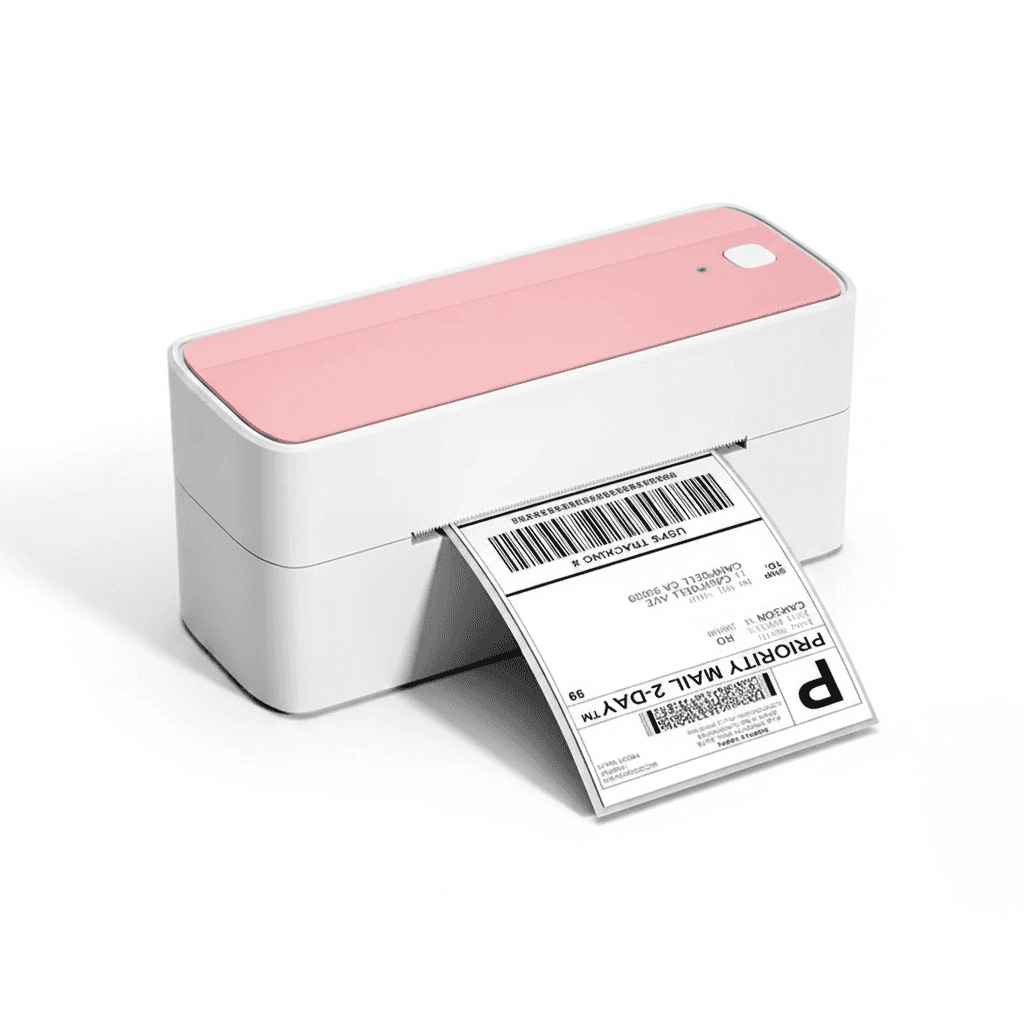
Print width is the constraint that cannot be worked around. The four inch class, around 104 millimetres, is the shipping standard because it takes the label sizes couriers expect, and a narrower desktop printer simply cannot produce one however you scale the artwork.
Resolution follows what you are printing. 203 dots per inch is comfortable for ordinary text and standard linear barcodes at normal sizes. 300 dots per inch earns its cost where labels carry small text, dense two dimensional codes, or barcodes that have to be squeezed onto a small asset tag, because the fine detail is where a low resolution head starts producing codes that scanners refuse.
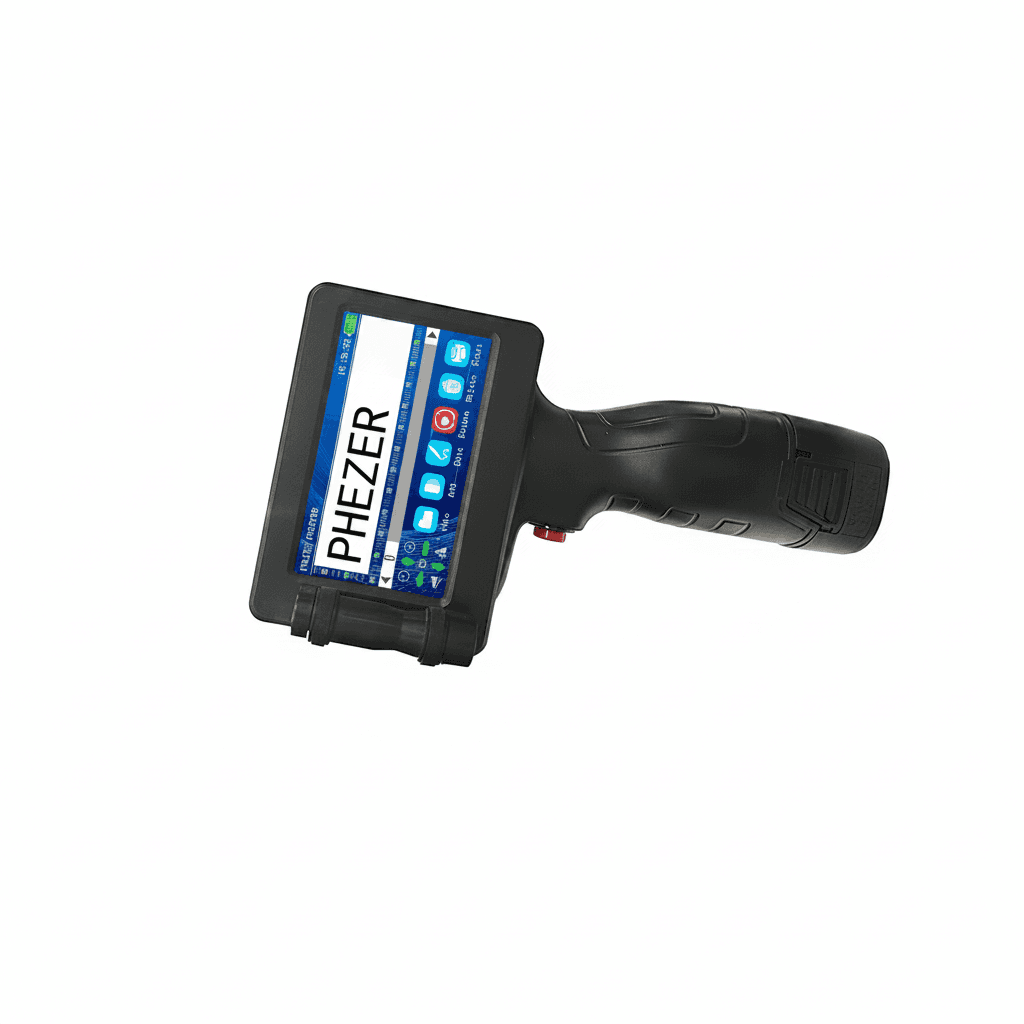
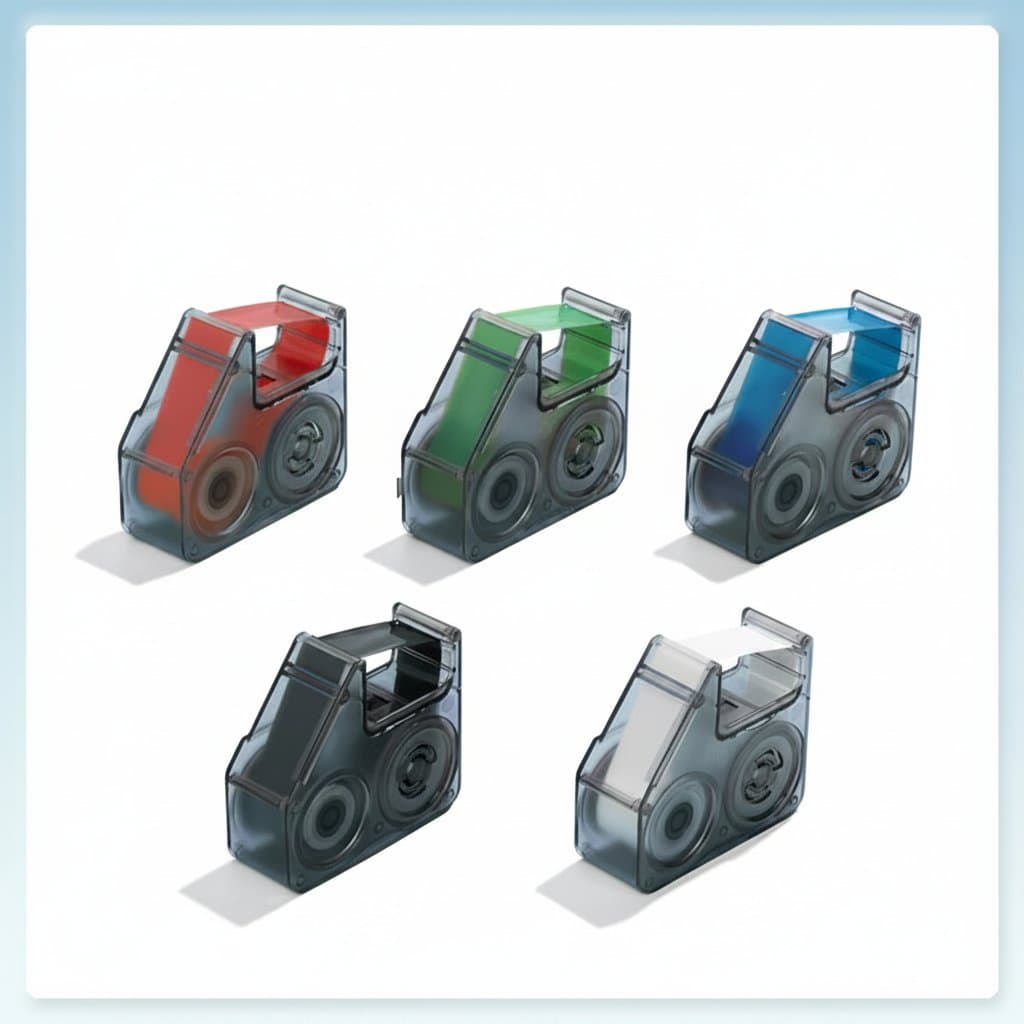
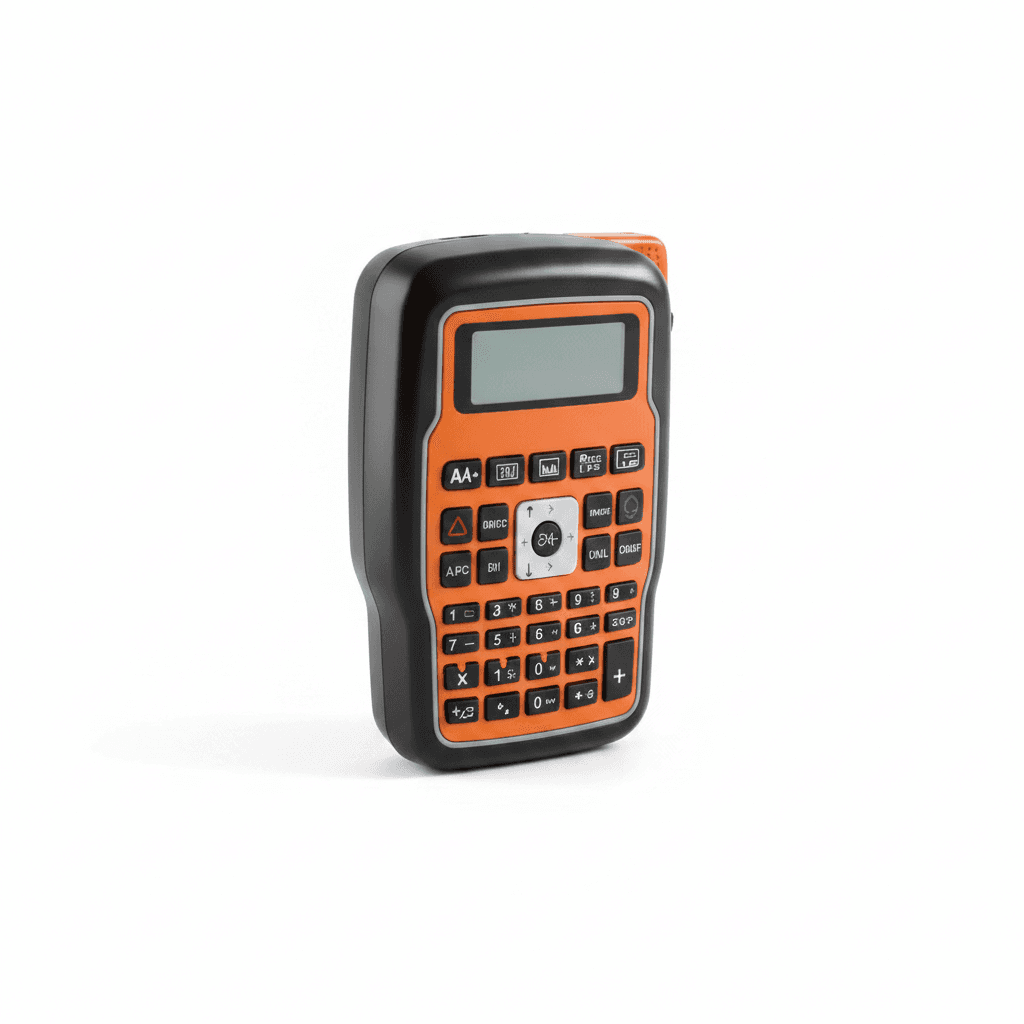
Handheld and portable machines are a different family. They print onto narrow cassette tape rather than roll labels, and their value is the specialist media: self laminating wraps for cable identification, and heat shrink sleeve that goes over a conductor before termination. Neither is possible on a desktop shipping printer.
Media is what actually limits the machine
Labels come as die cut rolls with gaps between them, as continuous rolls cut to length, and as black mark stock where a printed mark on the backing tells the printer where each label starts. A printer detects these differently, and a machine set to gap detection will feed roll after roll of continuous stock trying to find a gap that is not there.
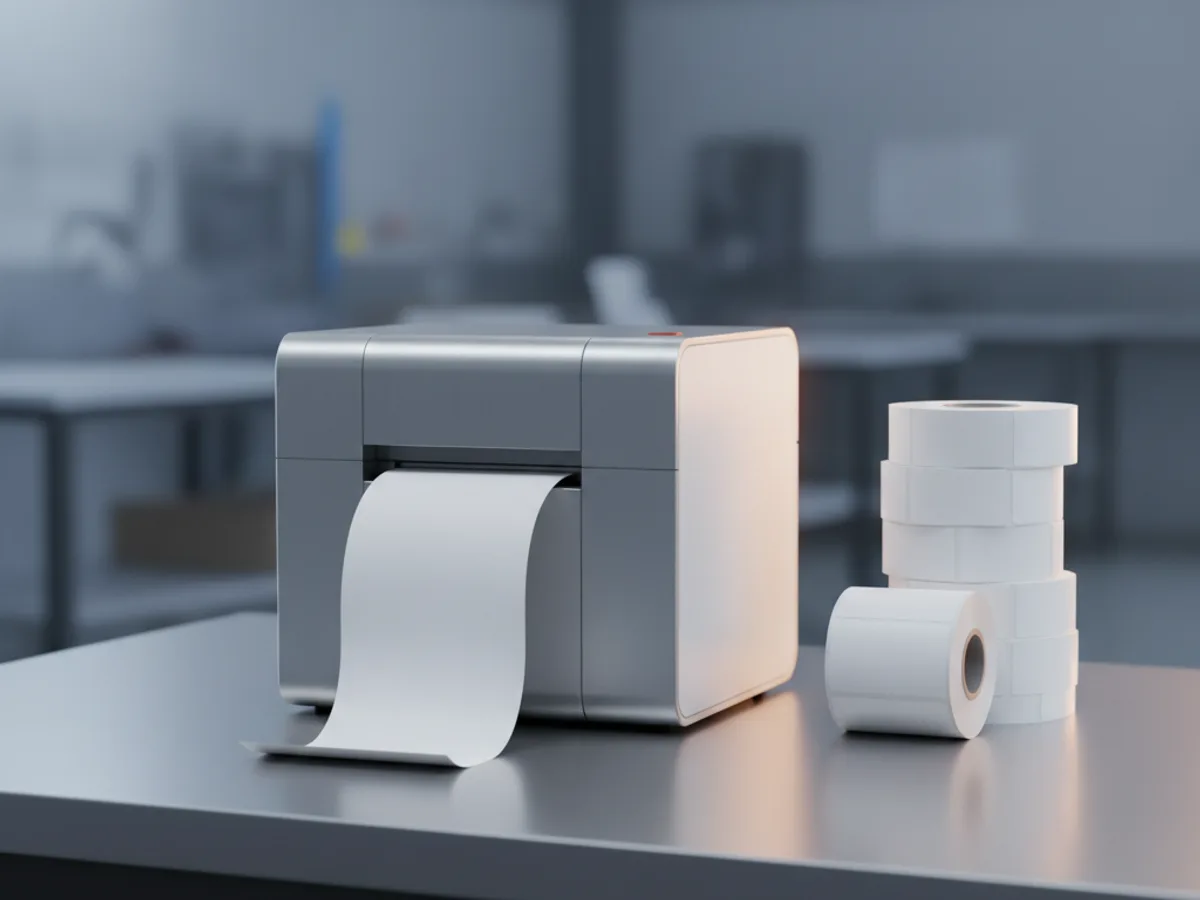
Roll geometry matters as much as label size. The core diameter and the maximum outside roll diameter decide what fits inside a desktop machine, which is why a cheap roll bought on size alone sometimes will not physically load. Larger rolls mean fewer changes, and they need a printer with the room to hold them.
Before choosing a printer, work out which media you will buy repeatedly and check the printer takes it. Media availability and price over a year usually matter more than the difference between two machines at purchase.
Connection, and how the printer is driven
USB is universal and ties the printer to one machine. Ethernet or wireless lets several people or a warehouse system print to it, which is usually what a shipping bench actually needs. Bluetooth suits handheld printers driven from a phone.
How the printer is driven matters more than the socket. A printer with a proper driver behaves like any other printer to your software. One that only works through the maker application is fine for hand typed labels and awkward the moment you want to print from an order system.
Where labels come out of an existing system, check what that system can send before buying. Many warehouse and courier tools expect a specific label language, and a printer that cannot accept it becomes a manual retyping job rather than an automation.