
Laser or 2D imager
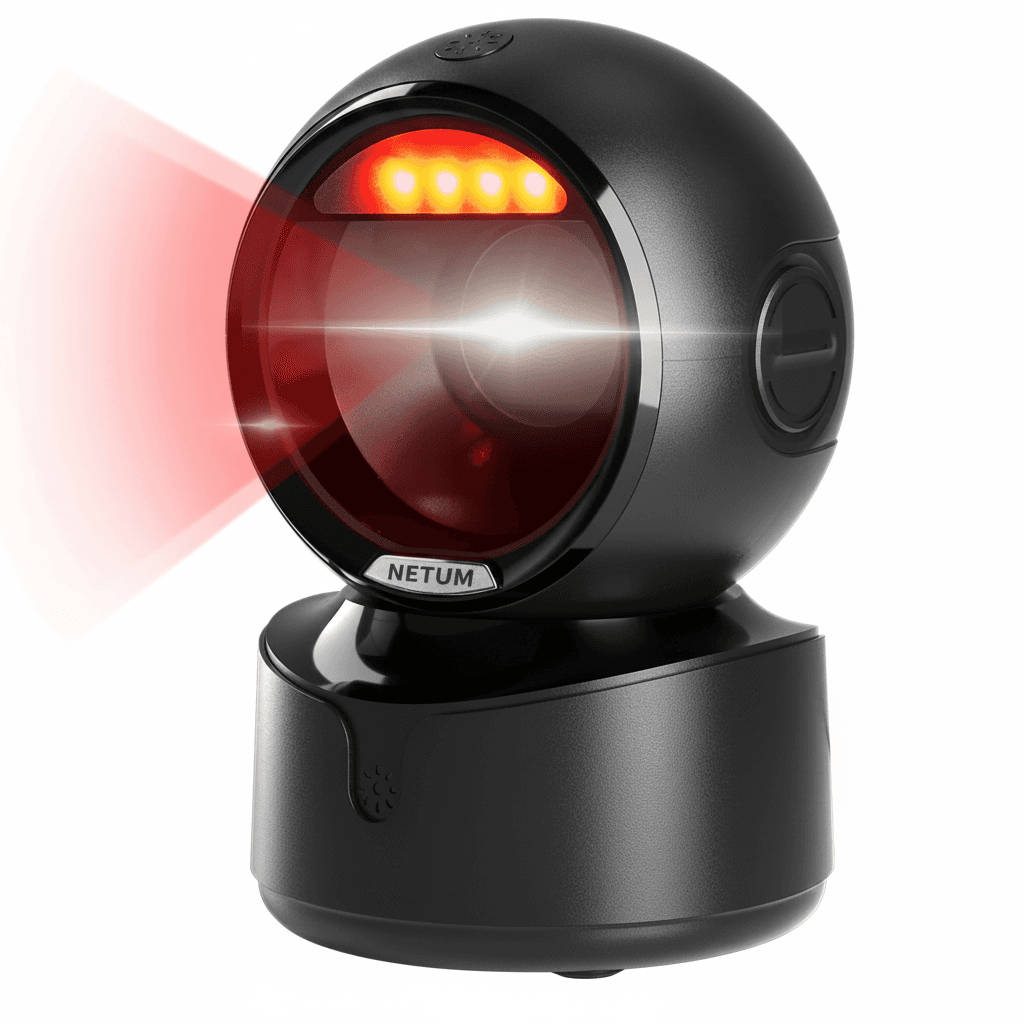
A laser scanner sweeps a line across the barcode and measures the reflected light. It is fast and cheap and it can only ever read a linear barcode, because a line sees nothing of a code that stores data in two dimensions.
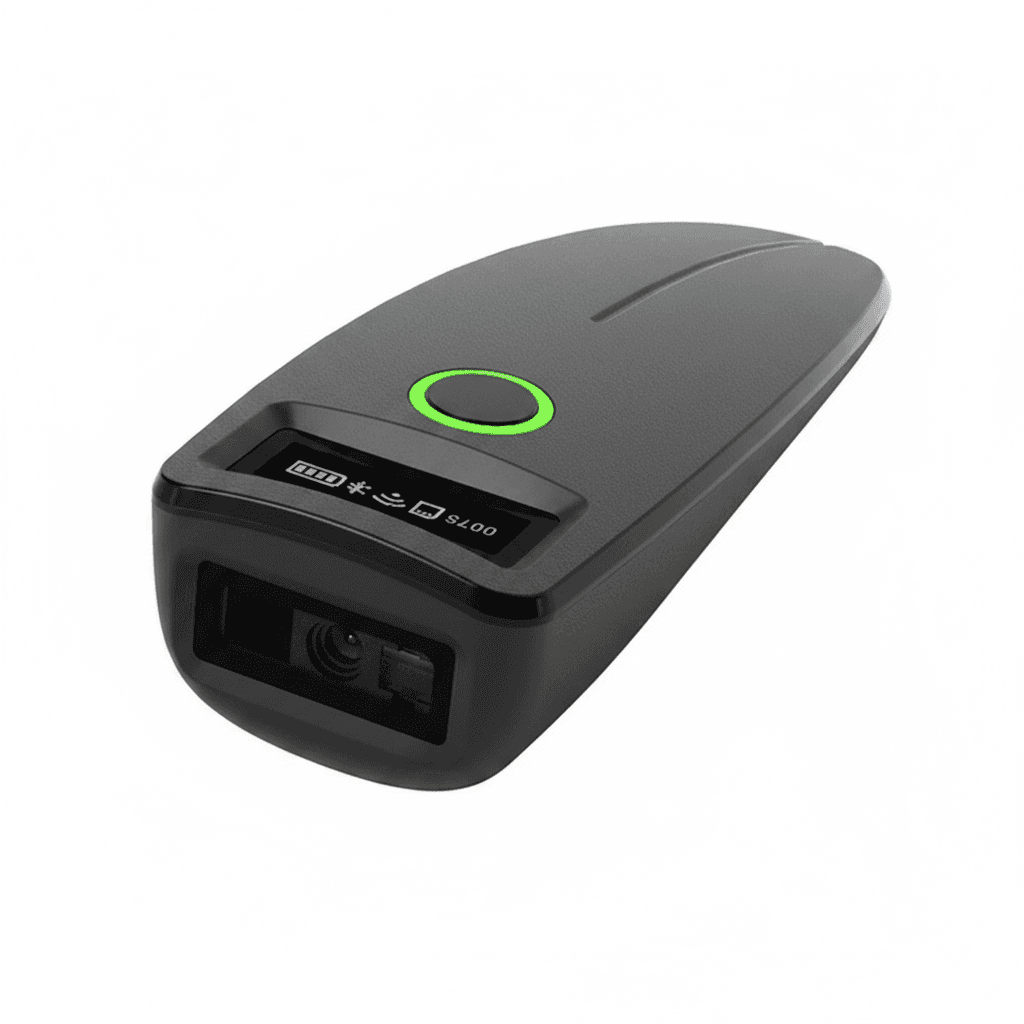
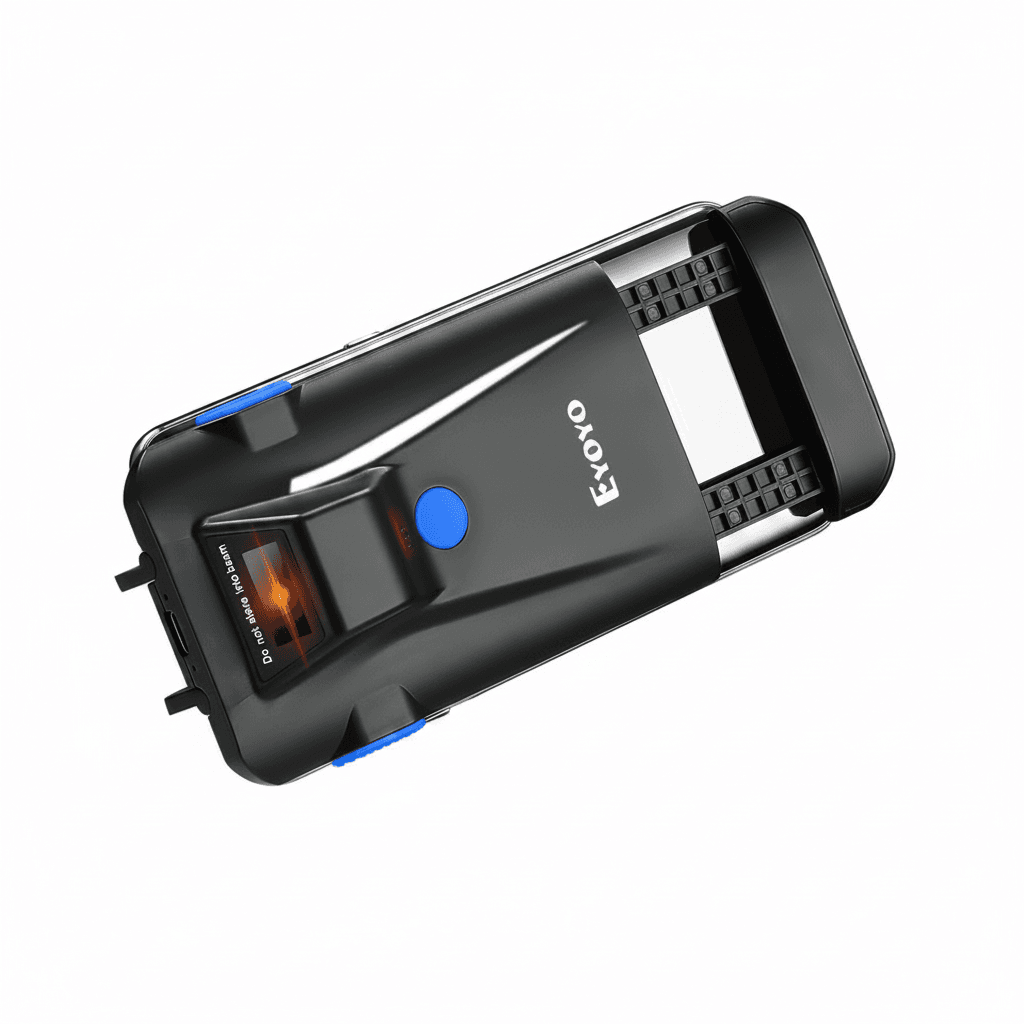
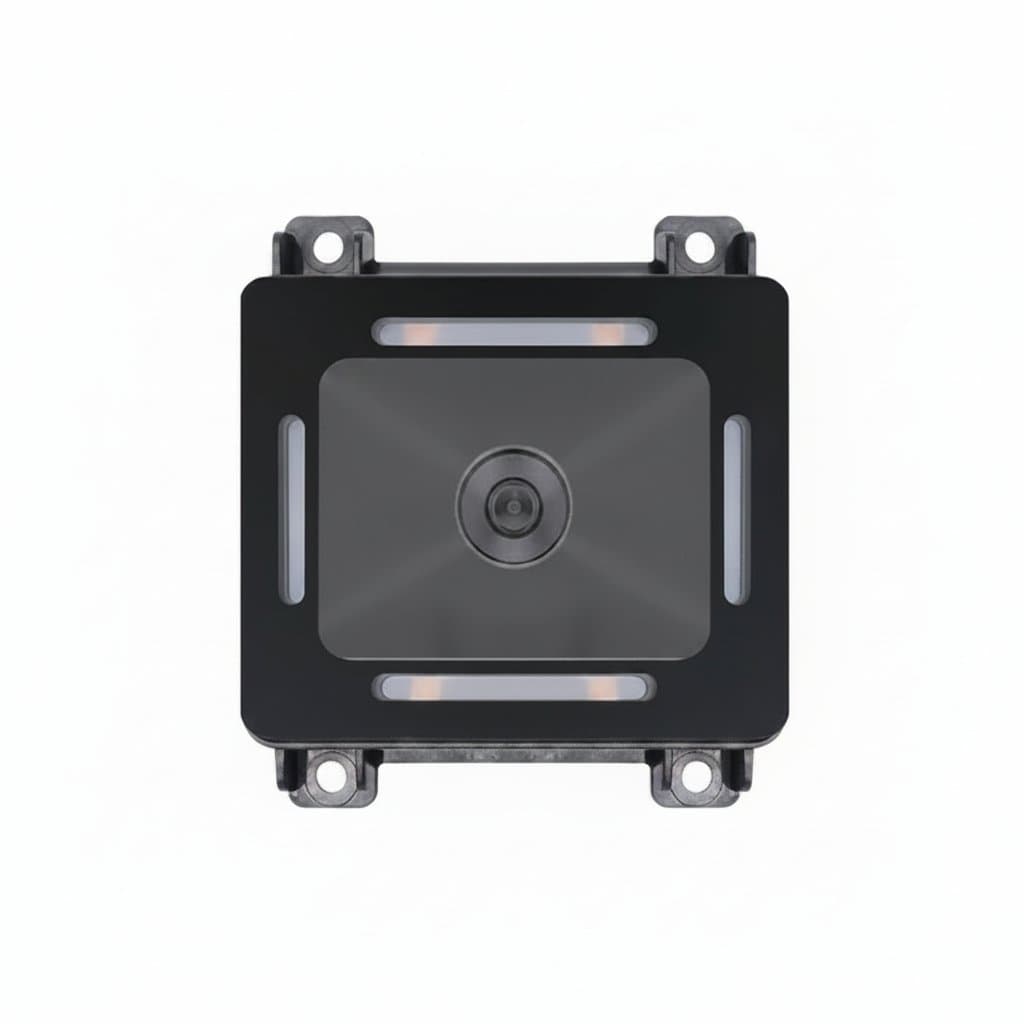
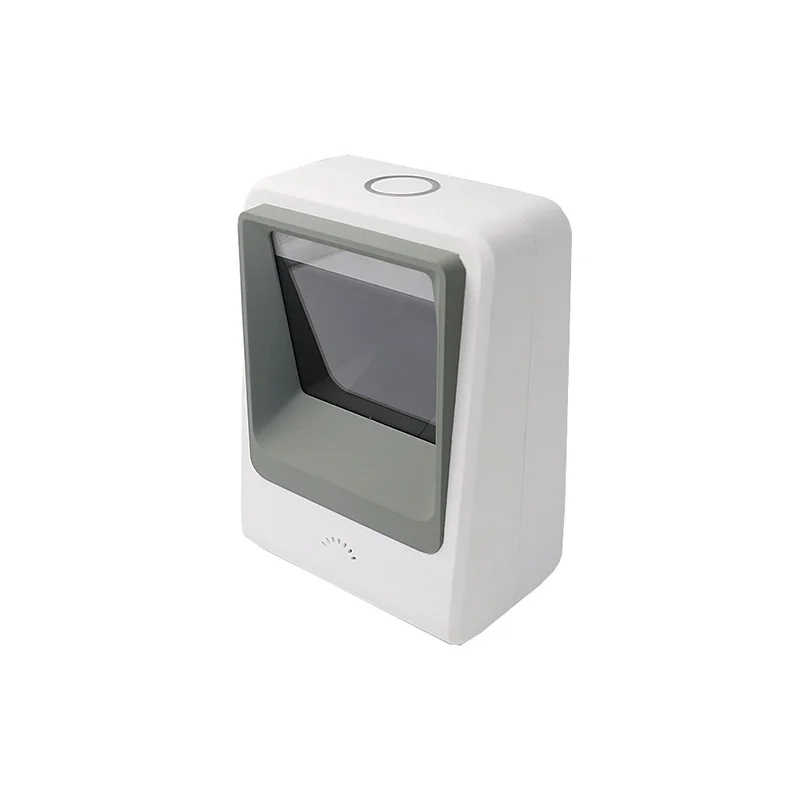
A 2D imager takes a picture and decodes it in software. That single difference brings several capabilities at once: it reads QR, DataMatrix and PDF417 as well as linear codes, it does not care which way up the code is presented, and it reads from a screen, which a laser cannot do because a screen does not reflect light the way print does.
It also copes better with damage. Two dimensional codes carry error correction, and an imager reading a linear code from a photograph can work around a scuff that would break a laser sweep. On a warehouse floor or a workshop where labels get handled, that is the practical difference rather than the format support.
| Laser | 2D imager | |
|---|---|---|
| Linear barcodes | Yes | Yes |
| QR and DataMatrix | No | Yes |
| Codes on a phone screen | No | Yes |
| Damaged or poorly printed codes | Poor | Much better |
| Orientation | Must align with the code | Any angle |
Corded, dongle or Bluetooth
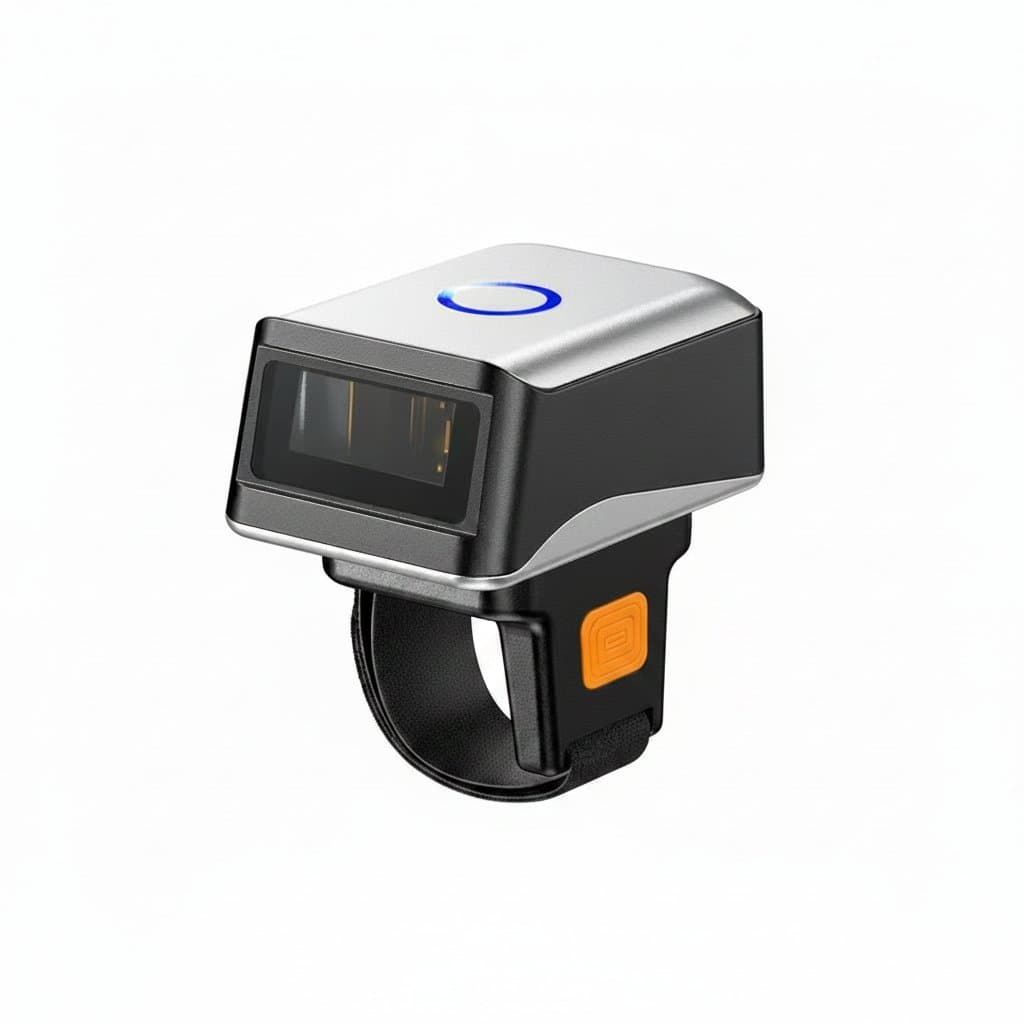
A corded scanner plugs in by USB and needs nothing else. It cannot be lost, cannot go flat, and ties the operator to the desk, which is exactly right for a till or a packing bench.
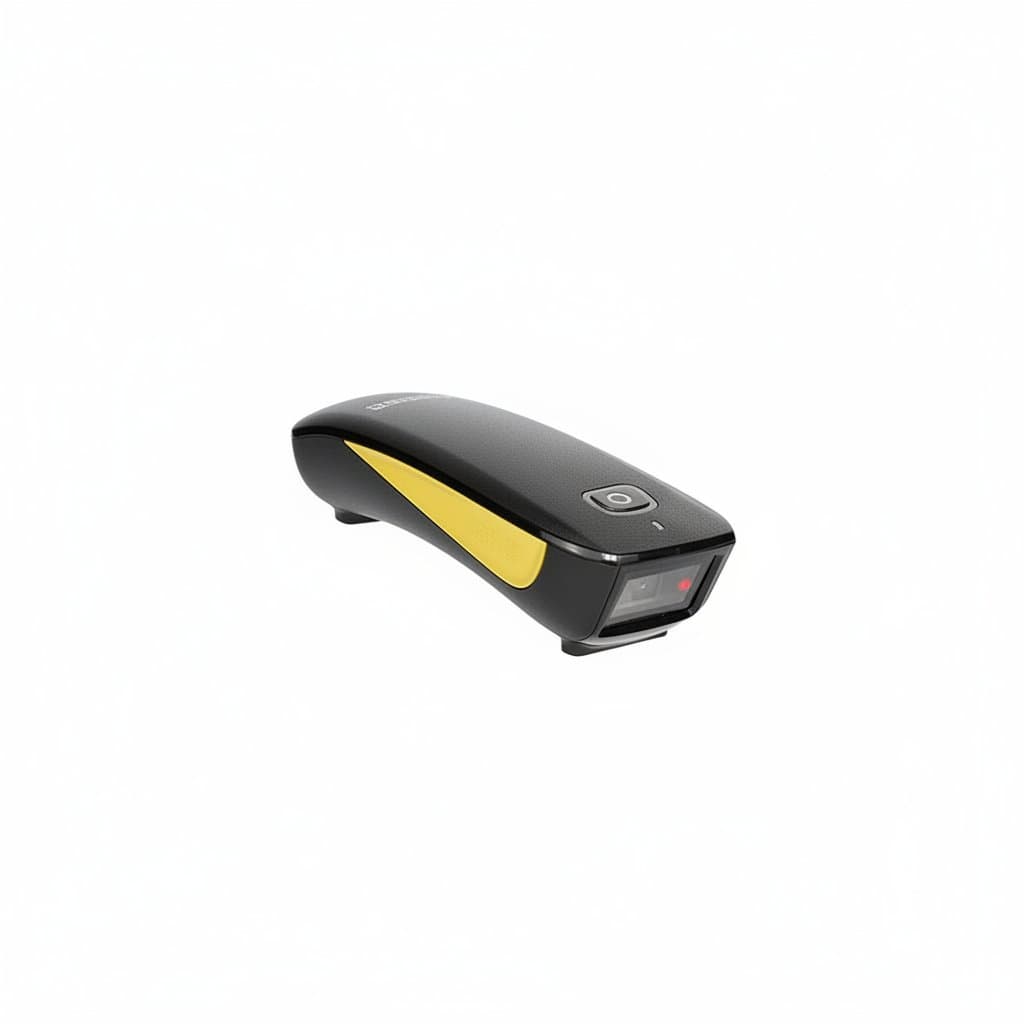
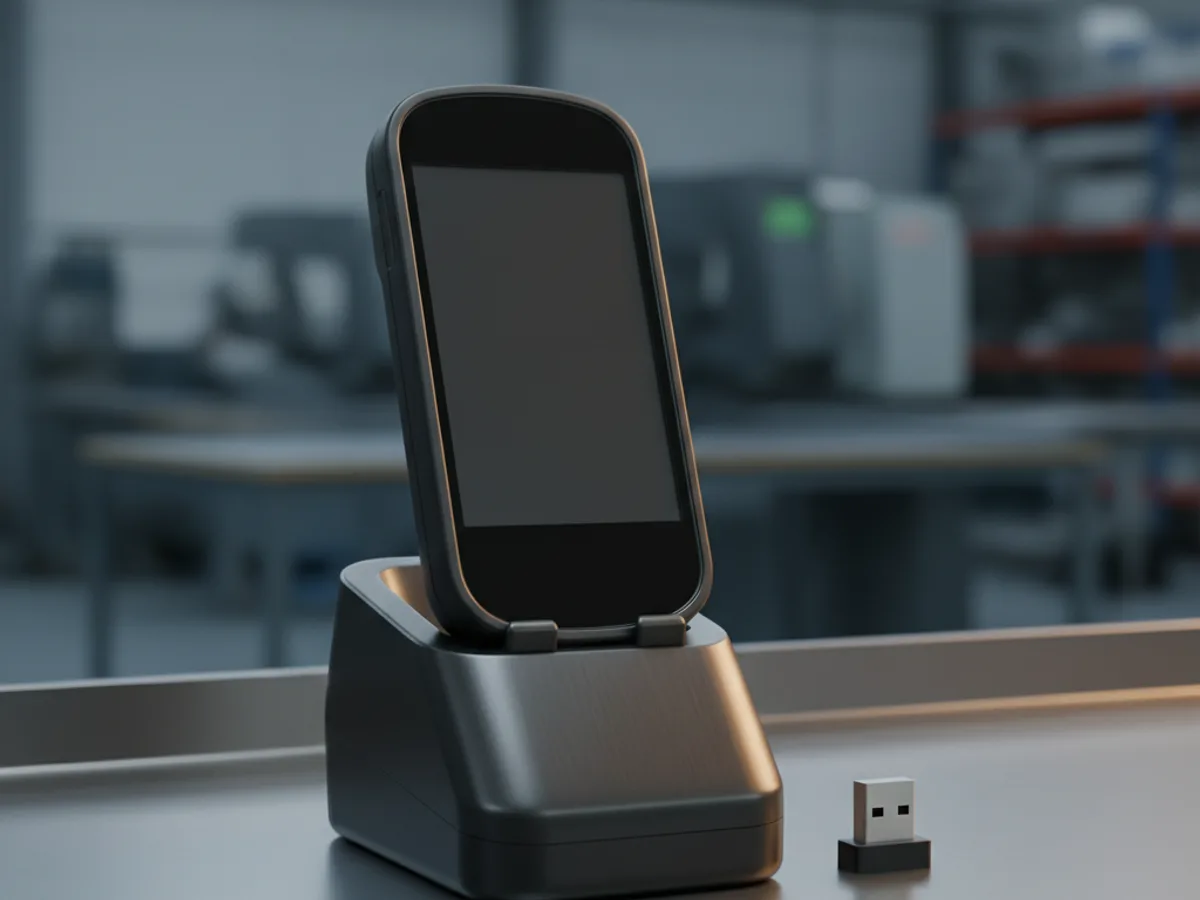
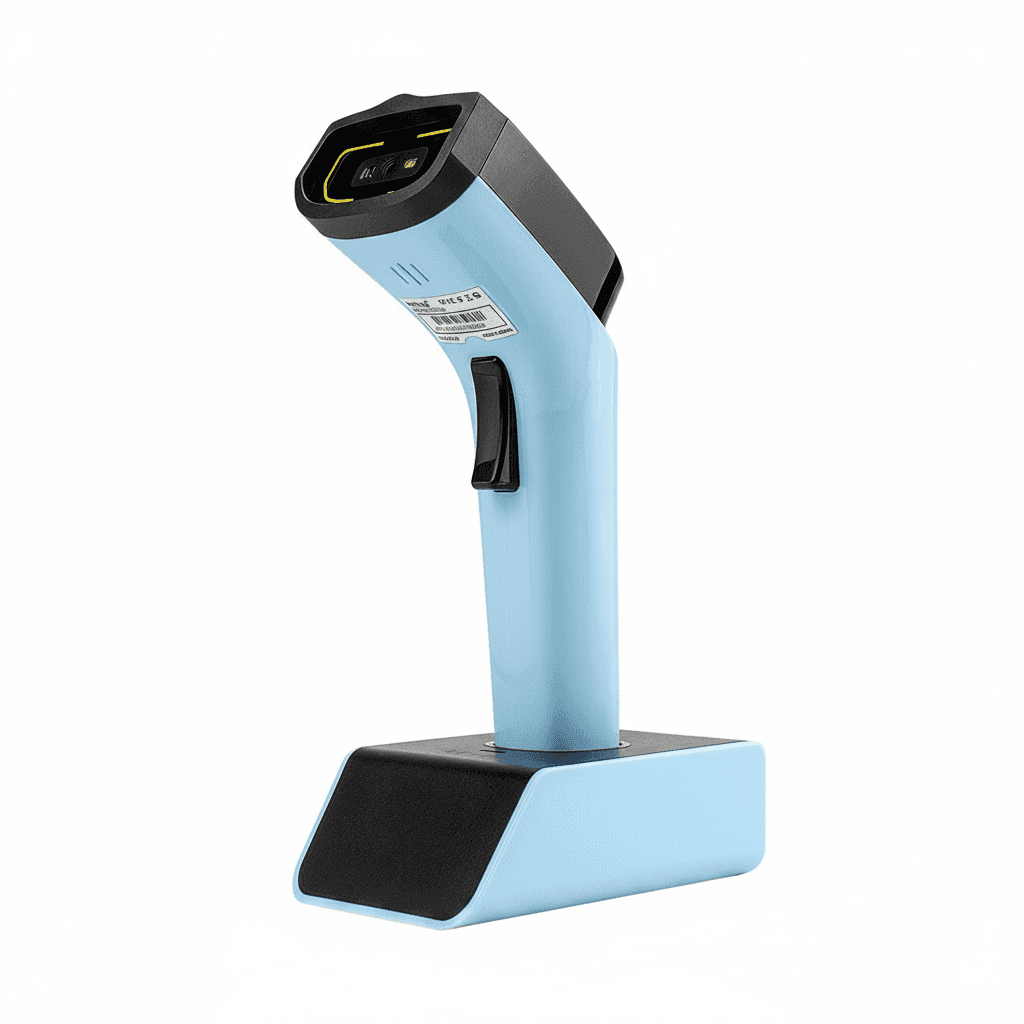
A 2.4 GHz dongle gives freedom to walk to the goods rather than carrying them to the scanner, with the receiver behaving like a wired scanner to the computer. Range is generous in open space and it occupies a USB port permanently.
Bluetooth pairs directly with a phone, tablet or laptop and needs no dongle, which suits stock taking on a tablet. It is slightly more setup and slightly more to go wrong, and pairing is the thing that annoys people when a device is shared between shifts.
Keyboard wedge mode, and why it needs no software
Most scanners default to acting as a keyboard. The computer sees a device typing characters, so a scan drops the code straight into whatever field the cursor is in, followed by a return. No driver, no integration, nothing to install.
That is why a scanner works immediately with a spreadsheet, a web form or an existing stock system without anyone writing code. It is also the limit: the scanner cannot read anything back from the application, so it types and hopes the cursor was in the right place.
Scanners are configured by scanning configuration barcodes from their manual, which is how you change the suffix character, add a prefix, or switch which symbologies are enabled. Keeping that manual with the scanner is worth doing, because a scanner someone has reconfigured and nobody can reset is a common small disaster.
Batch mode, range and how much abuse it takes
Batch or inventory mode stores scans in the scanner rather than sending them live, which is what lets someone walk a yard or a stockroom out of range and upload afterwards. If stock taking is the job, that feature decides the purchase.
Read range varies more than people expect. A standard scanner works within arm reach; long range models read a pallet label several metres up a racking bay. Buying a standard scanner for a warehouse means a ladder for every scan.
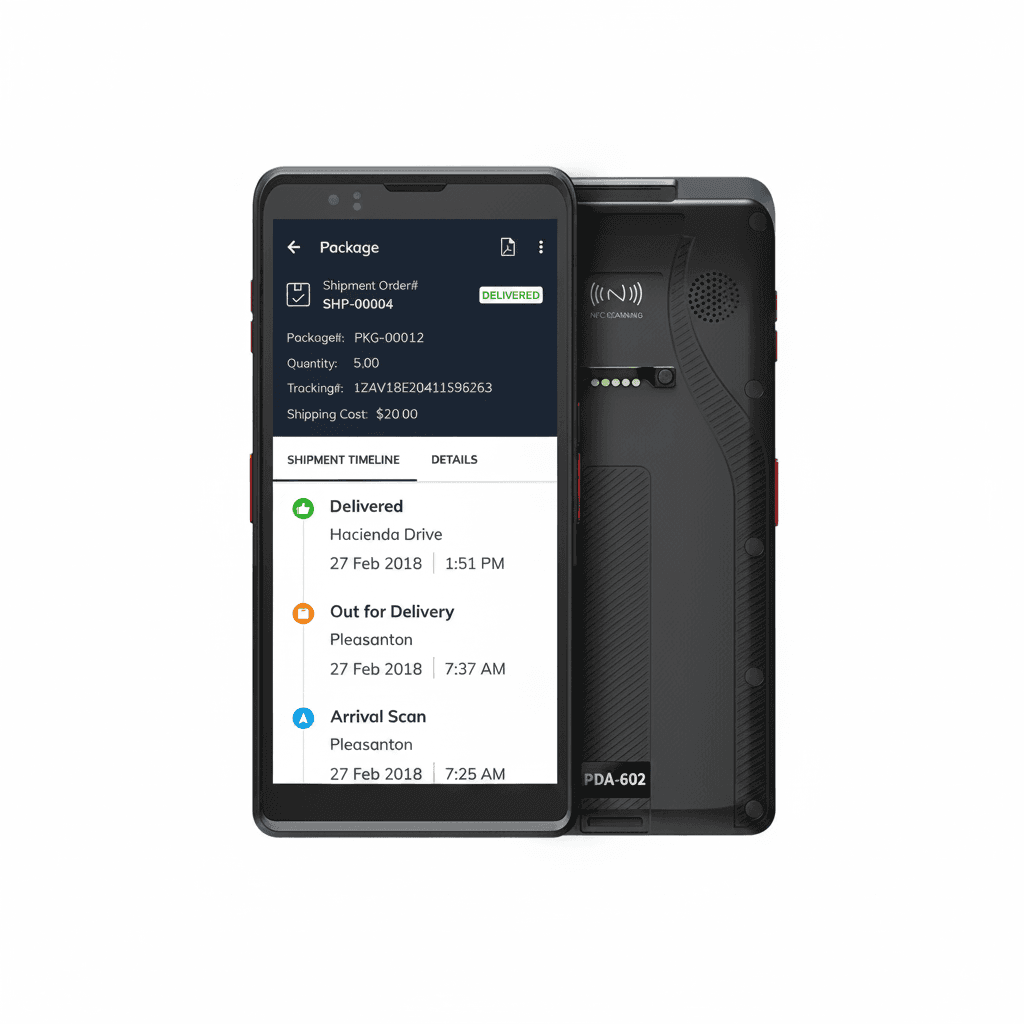
For industrial use, look at the drop rating and the IP rating rather than the styling. A scanner is dropped onto concrete regularly, and the difference between one rated for it and one not is measured in months of service. Rugged handheld terminals combine the scanner with an Android device, which suits picking and delivery where the operator also needs a screen.