The power budget, not the per port figure
Power over Ethernet comes in tiers. The original standard delivers around 15 watts at the port, PoE+ around 30, and the newer higher power standards considerably more. A device datasheet tells you which tier it needs, and a switch that only offers the lowest tier will not run a camera that expects the middle one.
The figure that constrains a real installation is the total budget. A switch with eight PoE ports and a 120 watt budget cannot give 30 watts to all eight at once, and what happens when you try is that the switch sheds ports, usually the highest numbered ones, often intermittently as devices draw more at night when infrared illuminators come on.
So add up what the devices actually draw, add headroom, and compare that against the budget rather than the per port figure. Cameras with heaters and pan units are the ones that catch people out, because their idle draw is a fraction of their peak.
| Figure | Means | Watch for |
|---|---|---|
| Per port watts | Maximum one port can deliver | Not available on all ports at once |
| Total power budget | What the switch can supply in total | This is the real limit |
| PoE standard | Which tier of powered device it runs | A device needing a higher tier will not start |
| Number of PoE ports | How many can deliver power | Often fewer than the total port count |
Unmanaged, or worth paying for management
An unmanaged switch has no configuration. Plug things in and they talk. For a small office, a workshop or a handful of cameras that is the right answer, because there is nothing to set up and nothing to misconfigure.
A managed switch adds the ability to separate traffic into VLANs, to prioritise some traffic over other traffic, to see which port is doing what, and to turn a PoE port off and on remotely. That last one is quietly the most useful feature in a camera installation, because it reboots a hung device without anyone climbing a ladder.
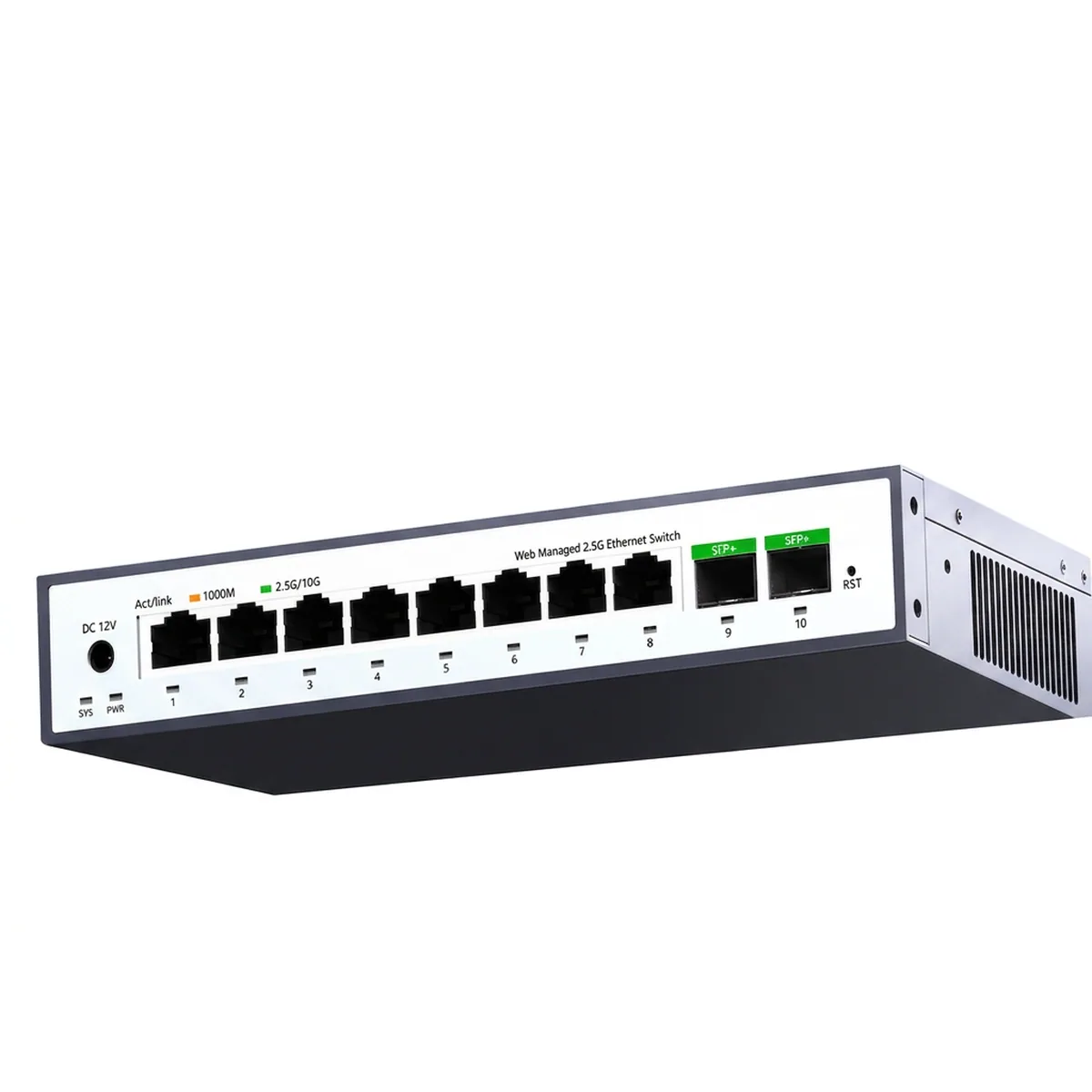
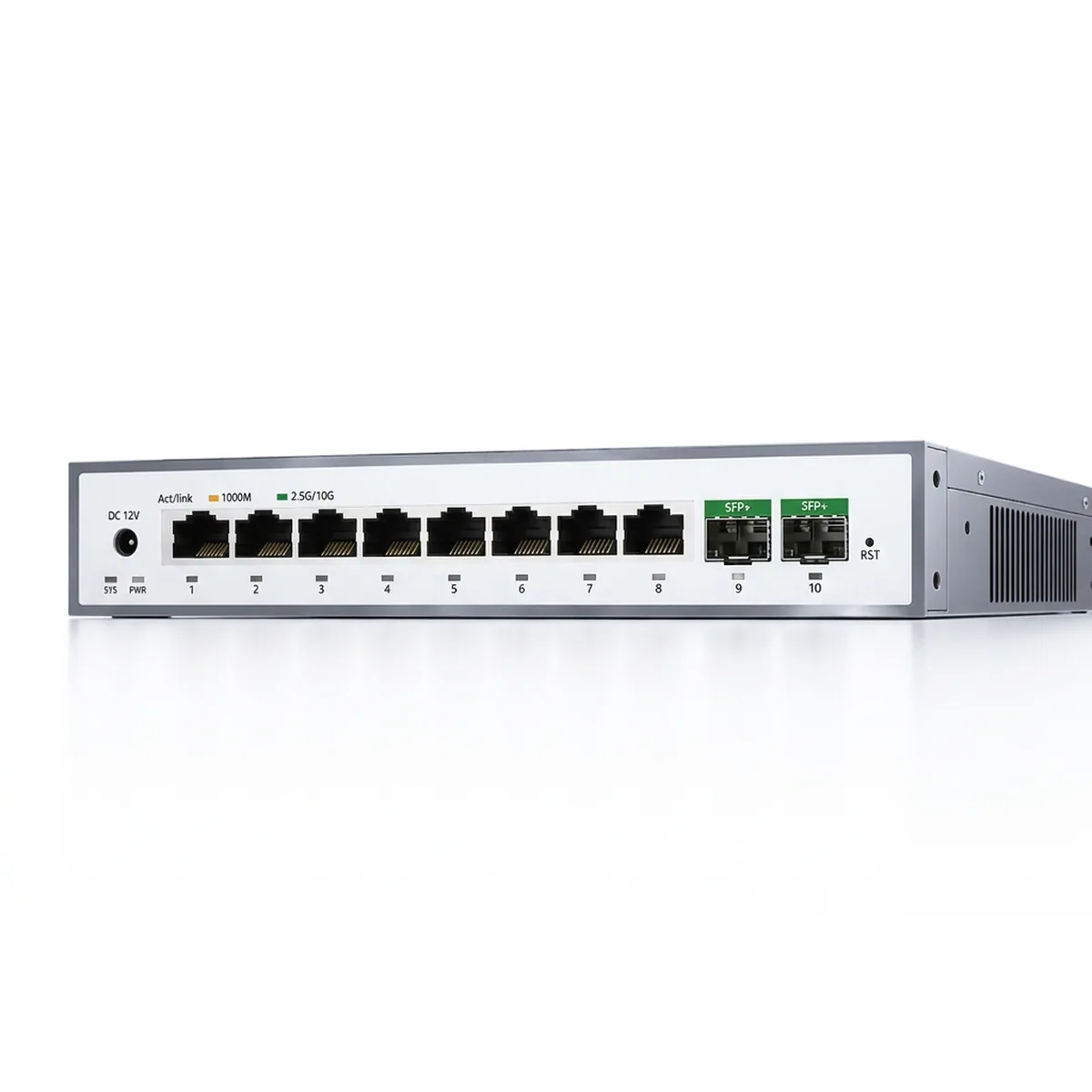
The middle ground, sometimes called smart or web managed, gives VLANs and basic monitoring through a browser without the depth of a full managed switch. For most small installations that is the sensible upgrade point: buy it when you need VLANs or remote port control, not before.
Port speed, uplinks and where the bottleneck sits
Gigabit on every port is the baseline now and is more than enough for cameras, terminals and general office traffic. The bottleneck in a real network is rarely the access port; it is the single link carrying everything back to the router or the next switch.
That is what uplink ports are for. A switch with 2.5 gigabit or 10 gigabit uplinks lets a stack of gigabit devices share a fatter pipe upstream, and it is worth having wherever one switch feeds another rather than sitting at the end of the chain.
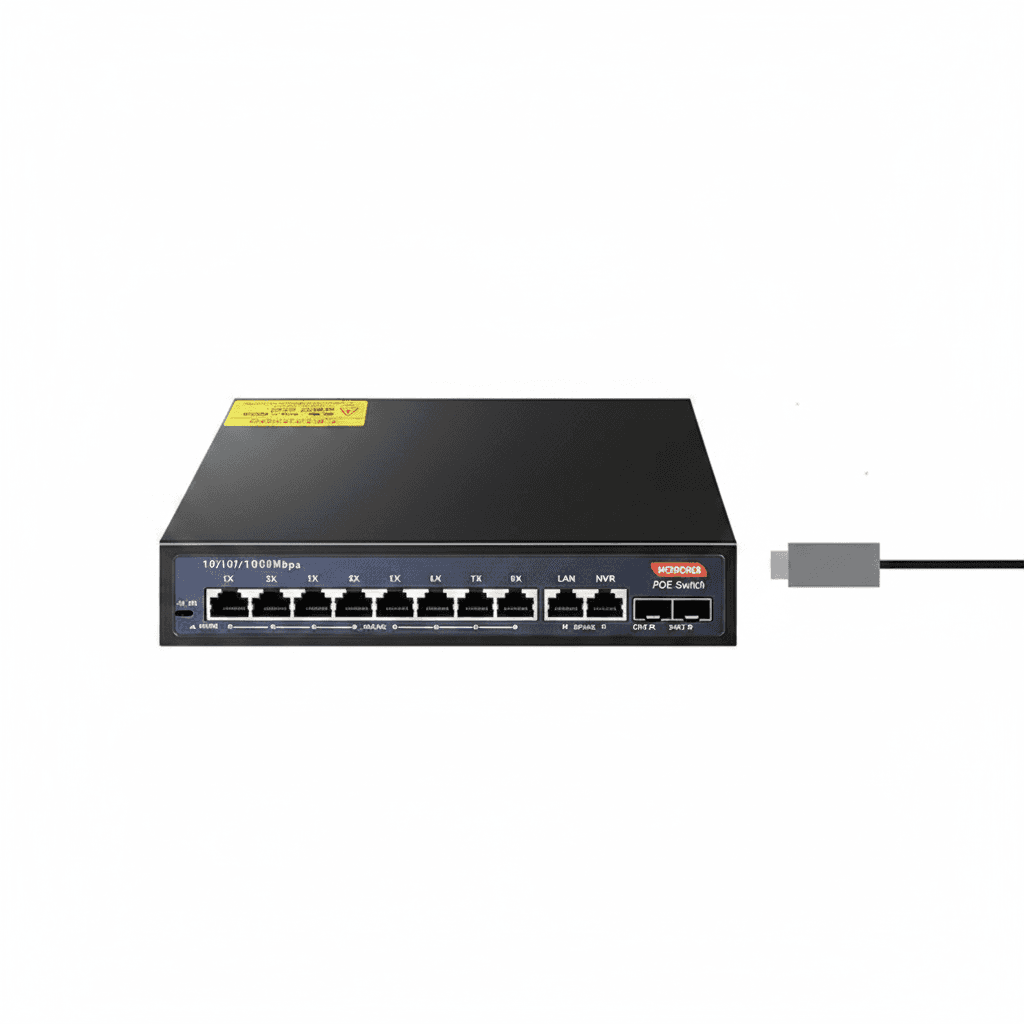
Fibre uplink cages appear on many switches and solve a different problem: distance. Copper Ethernet is limited to 100 metres, so a run between buildings or down a long yard needs fibre, and a switch with an SFP cage at each end is the straightforward way to do it.
Industrial switches and where they earn their price
An industrial switch looks expensive next to a desktop one until you read what it is built for. DIN rail mounting, a wide operating temperature range, dual redundant DC power inputs and no fan are the usual differences, and each of them addresses a way ordinary switches fail in a cabinet or outdoors.
Temperature is the common killer. A plastic desktop switch in a roadside cabinet or a plant room sees temperatures well outside what it was designed for, and it does not fail cleanly; it becomes intermittent, which is far harder to diagnose than a dead unit.
The fanless design matters for a second reason. A fan pulls dust and moisture through the housing, so in a workshop or a dusty plant a fanless switch simply lasts longer. Where a switch lives in a clean office, none of this is worth paying for.