

Optical Media
Blu-ray Disc Spindle | 50-Pack BD-R 25GB | 12X Write Speed for Archiving
TBS-06717MEDI-00007
£99.99
7 products available
Industrial optical media provides physical data isolation, write-once security, and unalterable storage for system backups, automated machine logs, and software distribution. Field engineers and enterprise IT teams rely on physical discs when data retention rules demand true offline protection. Compel stocks dependable media formats ranging from legacy blank cds and blank dvds to high-density recordable blu ray discs.
Our catalog supplies write-once and rewritable media designed for clean burning across standalone workstations and robotic duplicators. Whether your facility produces diagnostic records, machinery recovery sets, or regulatory archives, we provide blank blu ray discs in spindles and protective packaging suited for industrial workflows.
7 products in Optical Media
Optical Media
Optical Media

Optical Media

Optical Media

Optical Media

Optical Media

Optical Media
Choosing the right disc architecture depends entirely on your data retention policy. Write-once BD-R media locks burned data permanently, preventing deletion, overwriting, or accidental file corruption. This makes recordable blu ray media the standard choice for permanent machine records, tamper-evident logs, and legal documentation.
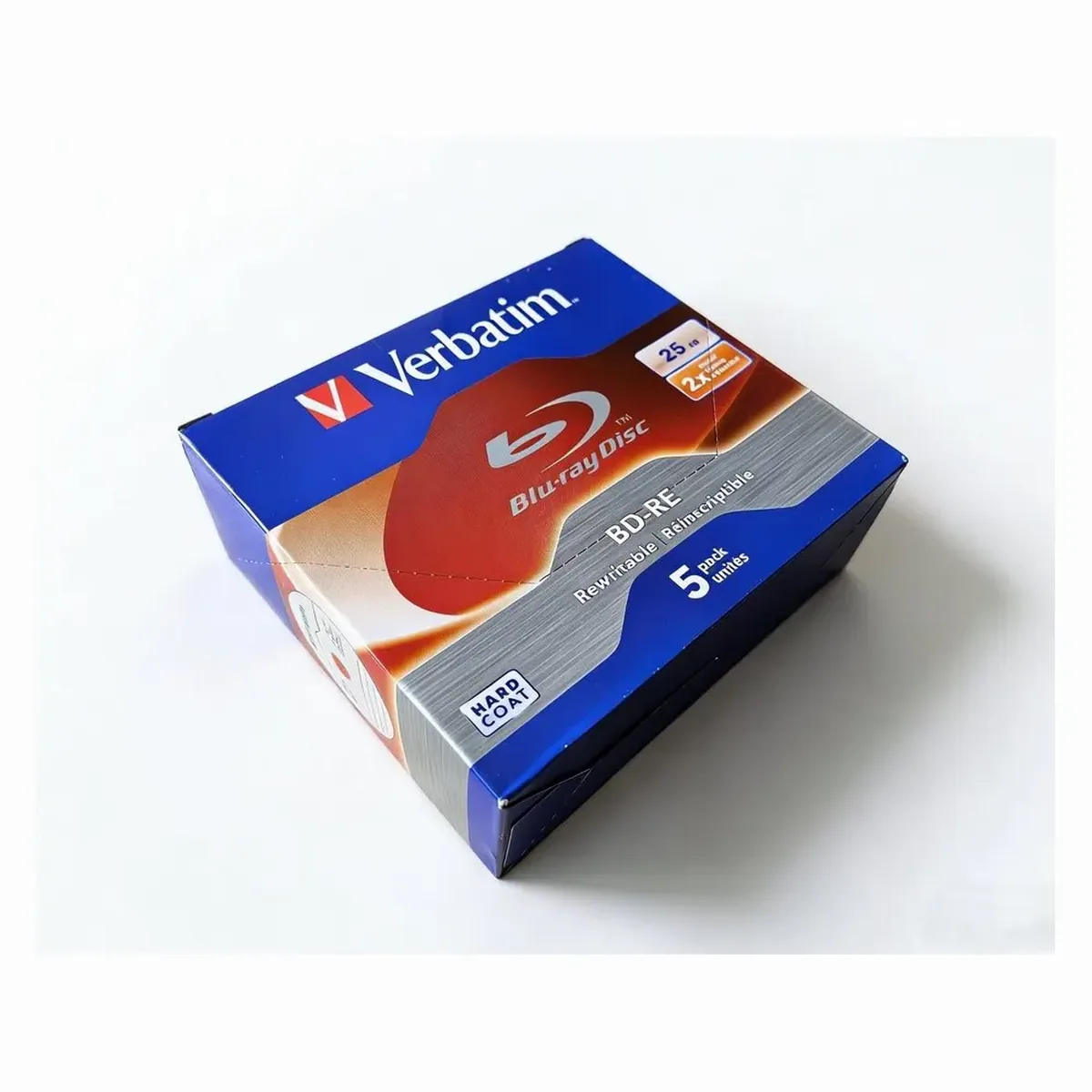
BD-RE media allows erasing and rewriting. If your workflow involves rotational backups, cyclical machine diagnostic snapshots, or recurring firmware deployments across maintenance depots, rewritable discs reduce waste and media overhead.
Optical storage capacity must align with system image sizes and file volumes to prevent unnecessary disc spanning. All standard discs share a uniform 12 cm diameter, but layer density dictates total storage volume.
Single-layer media provides 25 GB of storage, which handles most equipment partition images, machine control files, and discrete database archives. Dual-layer blank blu ray options increase this threshold to 50 GB on a single disc, accommodating operating system recovery images and consolidated historical telemetry without splitting datasets.
Media burn speeds must coordinate with your writer specifications. Higher write speeds, including 10x and 12X options, shorten burn cycles during high-volume duplication runs. Lower speeds, such as 2X and 6X, minimize vibration risks on portable field writers and older automated industrial drives.
Consider disc labeling requirements before purchasing. Standard top surfaces require manual permanent markers, while printable blu ray discs support high-resolution direct printing. Options such as Full Surface Printable or Golden surface finishes allow thermal or inkjet disc autoloader systems to apply clean barcodes, part numbers, and serial markings directly to the disc.
Buying guide
We use cookies. Some keep the store working, others show us what to fix. No third-party trackers, and we never sell your data. Learn more about cookies and your privacy