

Docks, Hubs & Adapters
USB 3.0 to SATA Adapter Cable | for 2.5"/3.5" SSD/HDD with PSU
TBS-06692DOCK-00008
£52.99
9 products available
Compel supplies docks hubs and adapters built for industrial IT environments, field test stations, and commercial workstations. Our hardware program provides technicians and maintenance crews with reliable data links between legacy interfaces, expansion cards, and modern computing ports. We stock interface converters, high-density hubs, video distribution splitters, and storage adapters designed to maintain uptime across testing racks and plant networks.
The catalog spans compact bridge units for specialized storage, including solid-state and magnetic drive links, alongside complete multiport solutions with Power Delivery fast charge capabilities. Each assembly meets the daily handling demands of technicians, automated machinery setups, and control terminals. Compel backs every listing with direct technical documentation, accurate hardware compatibility guidelines, and prompt dispatch for industrial operations worldwide.
9 products in Docks, Hubs & Adapters
Docks, Hubs & Adapters

Docks, Hubs & Adapters

Docks, Hubs & Adapters

Docks, Hubs & Adapters

Docks, Hubs & Adapters

Docks, Hubs & Adapters

Docks, Hubs & Adapters
Docks, Hubs & Adapters
 Out of stock
Docks, Hubs & Adapters
Deploying a usb c docking station or multi-port bridge requires matching your terminal input ports to required data and power loads. Industrial laptops and diagnostic tablets use USB-C 3.1 or USB 3.0 Type-C links to transfer network traffic, display streams, and drive data simultaneously. Check that your host terminal supports OTG functions if deploying hubs to phones or field tablets.
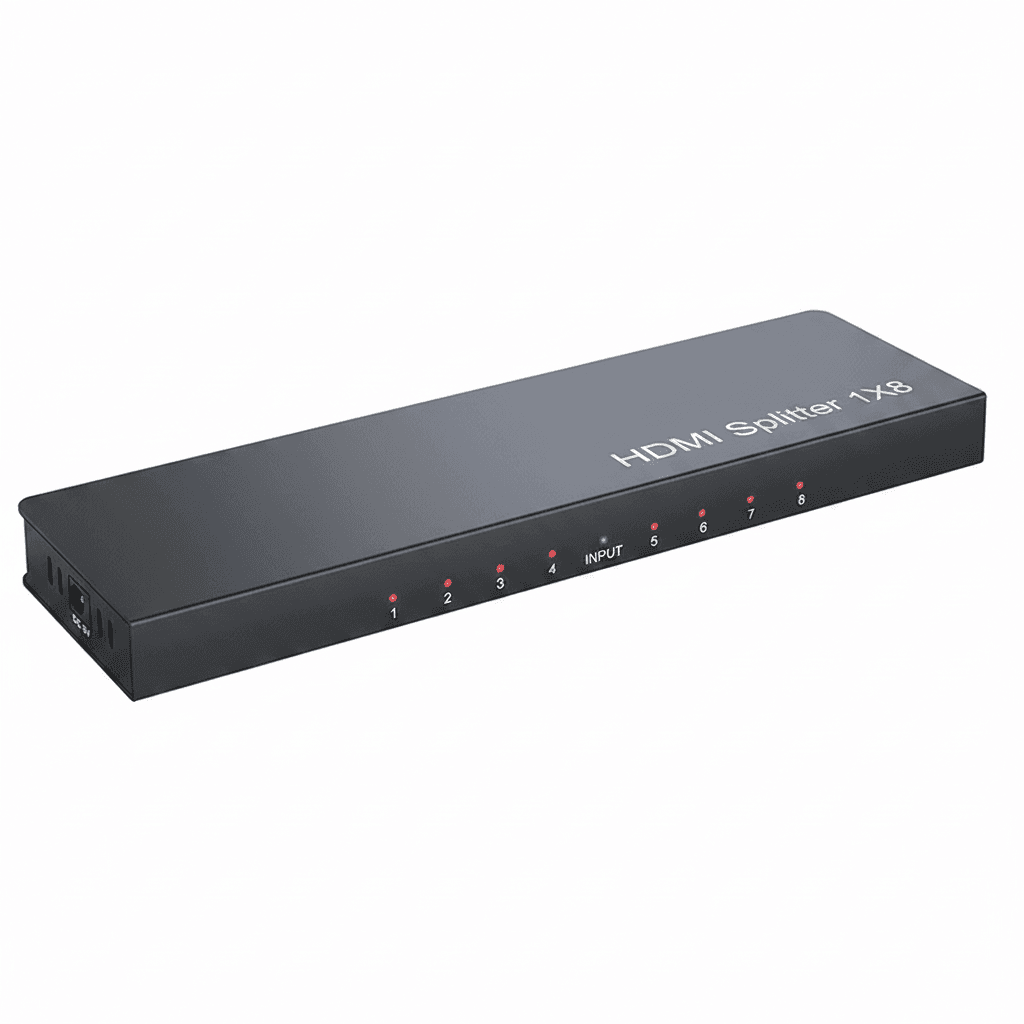
Where high-resolution monitor output is required at operator terminals, choose hardware supporting 4K HDMI resolution. Multi-display installations requiring duplicate visuals across control panels utilize dedicated splitters without internal amplifier circuitry, distributing a single source across multi-screen arrays.
Field service and test bench data retrieval demands precise matching between physical drive form factors and host buses. An nvme to pcie adapter solves board-level throughput limits by converting modern solid-state hardware into an add-in card format. These expansion cards install directly into PCIe 4.0 x1 interfaces while maintaining full mechanical seating across x1, x4, x8, or x16 motherboard slots, delivering up to 16 Gbps transfer rates.
For direct external drive recovery, a usb to sata adapter converts internal storage into hot-swappable drives. Technicians servicing 2.5" SSD units can run bus-powered connections through USB 3.2 or USB 3.0 to SATA converter leads. When maintenance calls for spinning magnetic platters, using a 3.5" HDD requires an external power supply to support the drive spin-up current.
High-speed flash transfers generate sustained heat during long backups and video firmware flashing. When configuring miniature M.2 2230 NVMe SSD modules for CFexpress Type-B slots, choose an enclosure built with a pure copper heatsink to dissipate thermal buildup rapidly. This preserves throughput across high-bitrate cameras like Nikon Z8, Nikon Z9, and Canon R5C gear.
Technicians pulling data logs on the factory floor rely on an sd card reader usb c unit with broad media acceptance. Integrated hubs incorporate multi-slot access for SD, TF, and legacy industrial CFast memory types. Dedicated OTG readers provide direct access on compatible mobile hardware without requiring separate drivers.
Buying guide
We use cookies. Some keep the store working, others show us what to fix. No third-party trackers, and we never sell your data. Learn more about cookies and your privacy